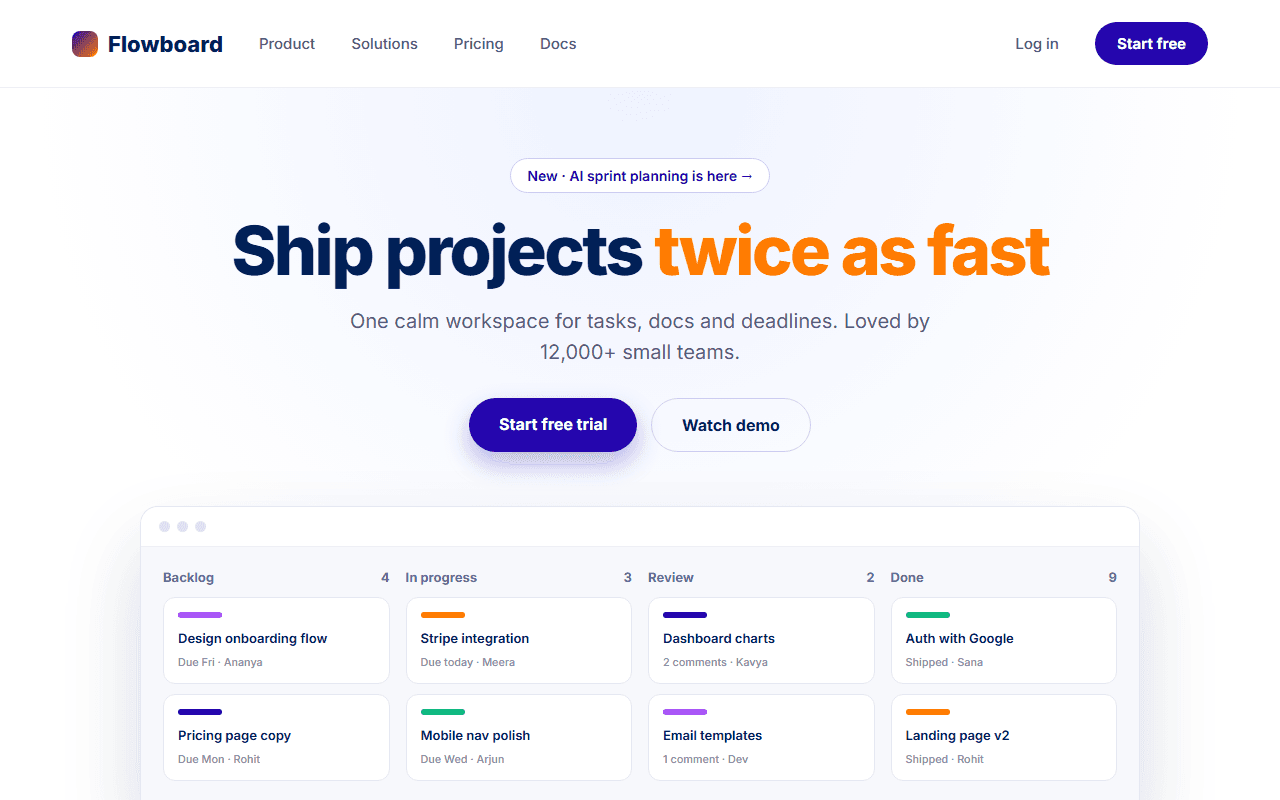
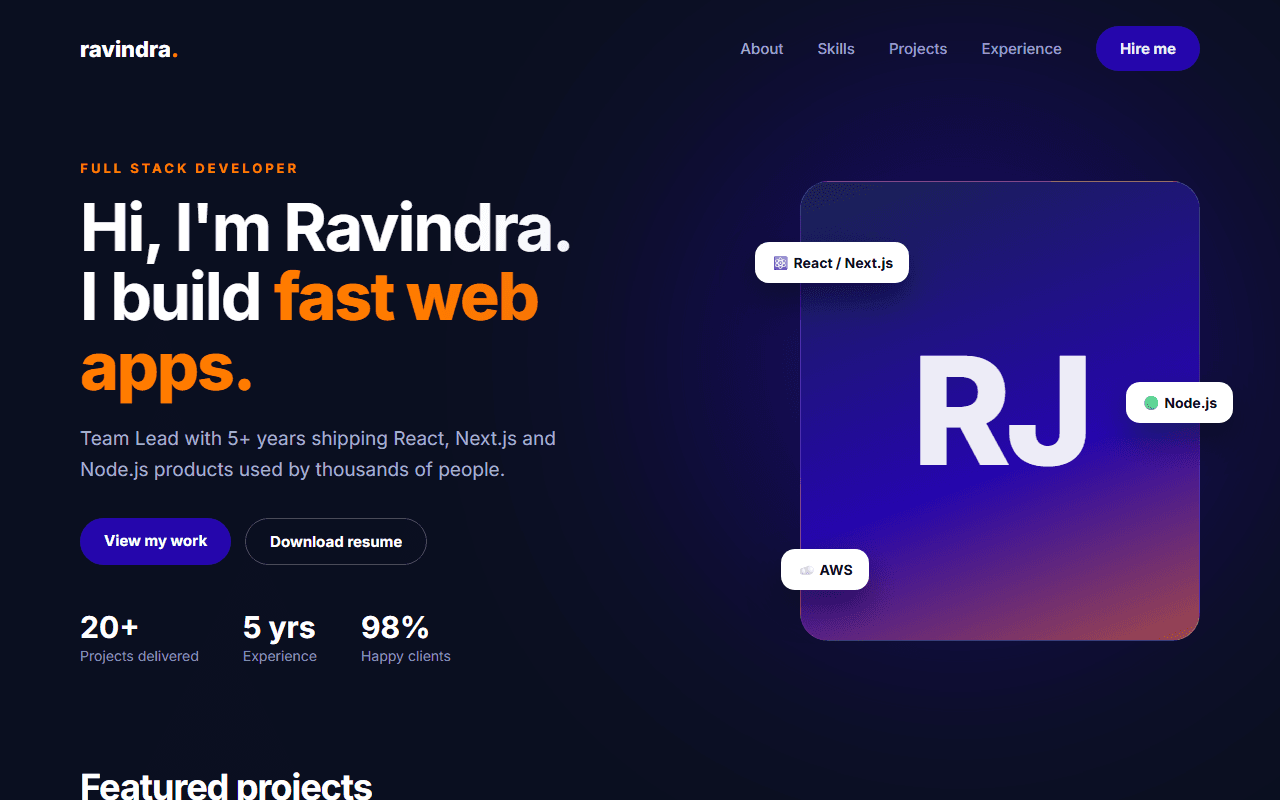
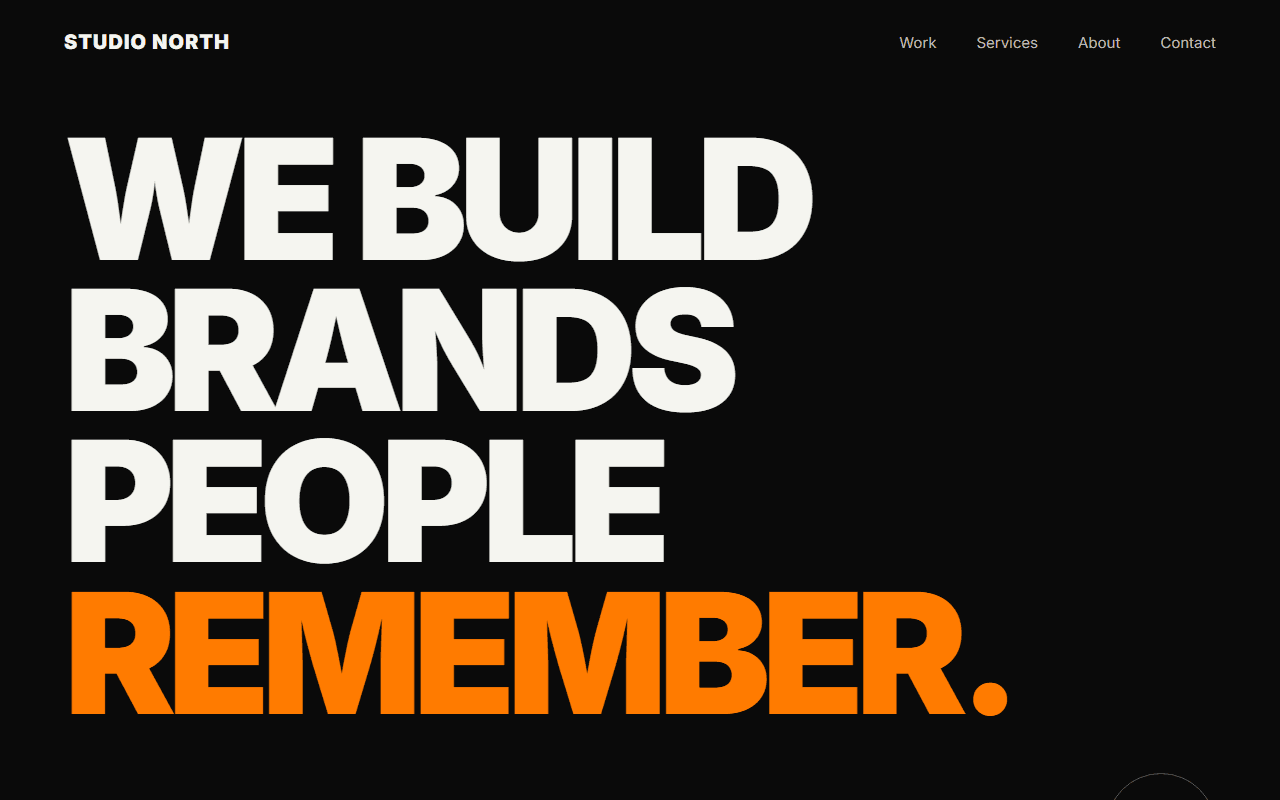
AI Startup Landing Page
A dark, cinematic landing page for an AI product or API, with an aurora background, an interactive demo area and a code sample for developers.
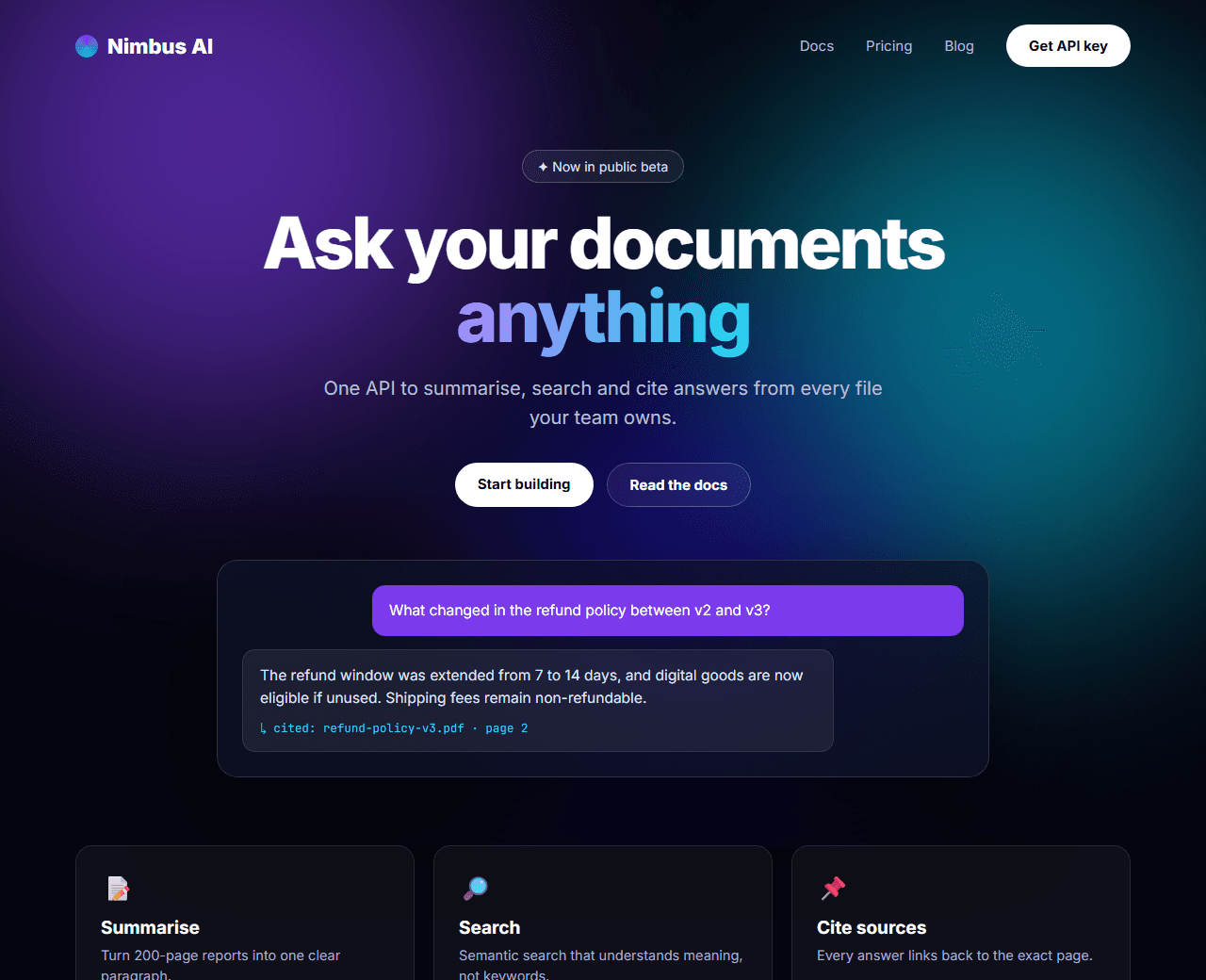
Example of the website this prompt builds. Your result will use your own name, text and images.
- Tech stack
- Next.js (App Router) + Tailwind CSS
- Colour palette
#05060f#ffffff#7c3aed#06b6d4
- What it builds
- Navbar
- Hero with animated gradient
- Live demo input
- Capabilities grid
- Code example
- Use cases
- Pricing
- CTA
- Footer
The prompt
Copy everything in the box. Text in quotes and the sample business details are meant to be replaced with your own.
Build a landing page for an AI developer product called "Nimbus AI", an API that summarises and answers questions about documents.

Tech stack: Next.js (App Router) with Tailwind CSS, components in a components/ folder.

Visual style: dark and cinematic. Background near-black (#05060f). Accent colours violet (#7c3aed) and cyan (#06b6d4), used as soft glows rather than flat fills. Thin 1px translucent borders, glassy cards with backdrop blur, a monospace font for code and a clean sans-serif for everything else.

Sections, in order:
1. Transparent navbar that gains a blurred background after scrolling: logo, Docs, Pricing, Blog, and a "Get API key" button.
2. Hero: an animated aurora background made from two or three large blurred colour blobs drifting slowly (pure CSS). On top: a small "Now in public beta" pill, a large headline with one phrase in a violet-to-cyan gradient, a supporting sentence, and two buttons.
3. Demo: a mock chat panel showing a user question about a document and a streamed-looking answer (static content is fine), inside a glass card.
4. Capabilities: six cards in a 3x2 grid (for example: Summarise, Extract, Classify, Translate, Search, Cite sources), each with an icon and one sentence.
5. Developer section: a two-column block with a short explanation on the left and a syntax-highlighted code sample on the right, with tabs for cURL, Python and JavaScript and a copy button.
6. Use cases: three larger cards for Support, Research and Legal teams.
7. Pricing: usage-based, three tiers, clearly stating what counts as a request.
8. CTA: "Start building in 5 minutes" with a button.
9. Footer.

Interactions: a spotlight glow that follows the cursor in the hero; cards get a brighter border on hover; the code tabs switch without a page reload.

Quality bar:
- Fully responsive: design mobile-first, then tablet (768px) and desktop (1200px).
- Accessible: semantic HTML landmarks, one h1, alt text on images, visible keyboard focus, colour contrast of at least 4.5:1 for body text.
- Fast: no heavy libraries, lazy-load images below the fold, system or two web fonts at most.
- Use placeholder images from a neutral source and realistic sample copy (no lorem ipsum).
- Respect prefers-reduced-motion for every animation.
- Keep the code clean and commented so I can edit it by hand.
How to use this prompt
- 1
Open an AI coding tool. Use any capable assistant: Claude, ChatGPT, Cursor, v0, Bolt, Gemini. Tools that can create files (Cursor, Claude Code, v0, Bolt) are the most convenient because they write the project for you.
- 2
Replace the sample details. Copy the prompt and change the business name, location, colours and any section you do not need. The more specific your details, the better the result.
- 3
Paste the prompt and generate. Send the whole prompt in one message. If the reply is cut off, say “continue from where you stopped”, or ask for one section at a time.
- 4
Run it on your computer. Create a project with “npx create-next-app@latest”, add the generated files, then run “npm run dev” and open http://localhost:3000.
- 5
Review and refine. Check it on a phone-width screen, fix anything that looks off by describing it in plain words, then use the follow-up prompts below to add features one at a time.
- 6
Replace placeholders and publish. Swap in your real text and images, then deploy. Vercel and Netlify both host this kind of site for free.
Follow-up prompts
Send these one at a time after the first version is working. Small, specific requests give much better results than one giant prompt.
Make the demo panel functional: send the question to a Route Handler that calls an LLM API and streams the reply.
Add a /docs page layout with a left sidebar, content area and 'on this page' table of contents.
Add a status badge in the footer that shows 'All systems operational'.
Tips for a better result
- Do not invent benchmark numbers or customer logos; use neutral placeholders until you have real ones.
- Heavy blur effects are GPU-intensive; ask for a simpler static gradient on small screens.
- Want to hand-build a section instead? The Templates library has heroes, pricing tables, FAQs and more with full code.