AI Prompt Library · 14 free prompts

Build a full website from one prompt

Detailed prompts for complete websites. Each one sets the tech stack, every section, the visual style and the interactions, so your AI tool produces something usable the first time.

Works with
  • Claude
  • ChatGPT
  • Cursor
  • v0
  • Bolt
  • Gemini
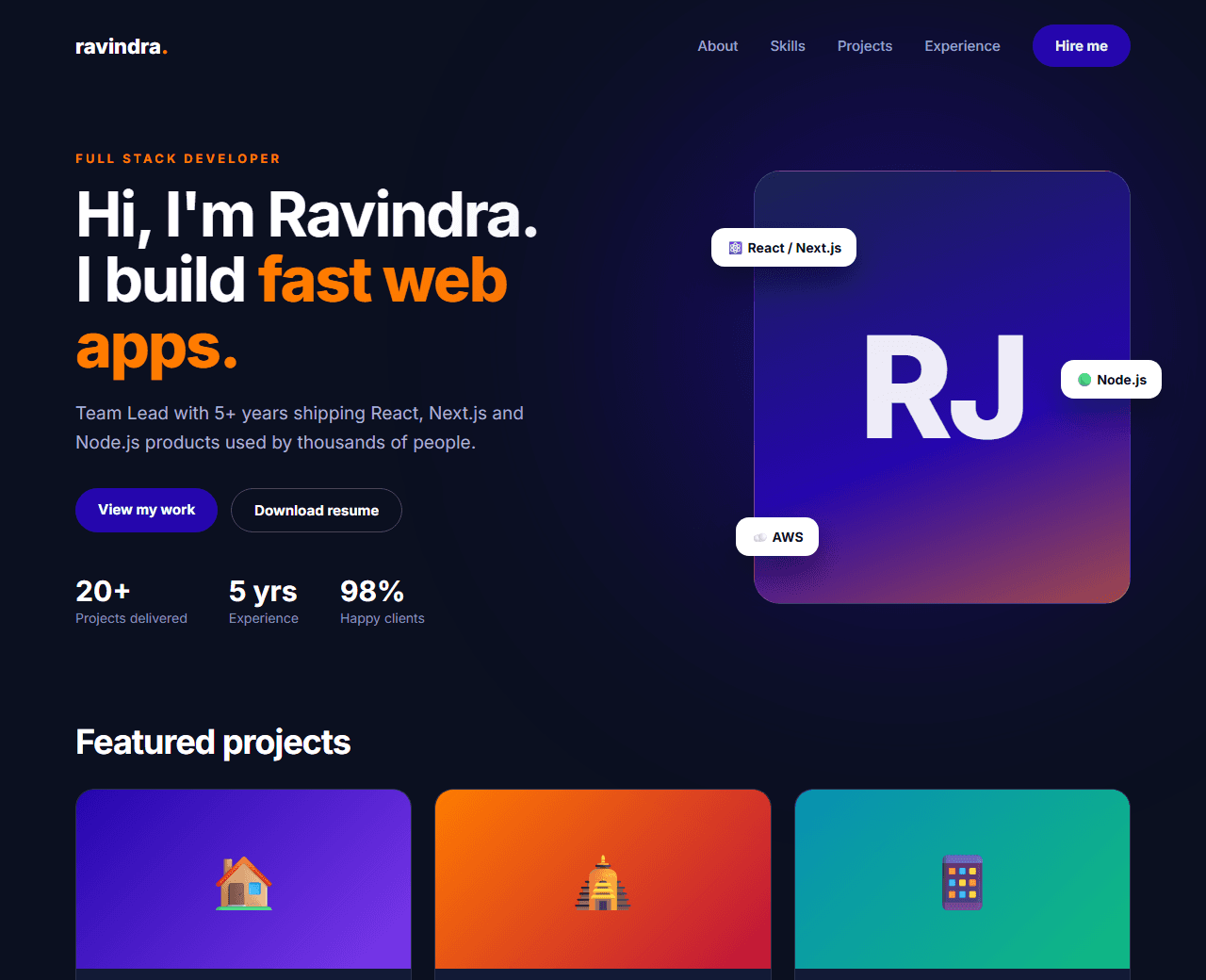
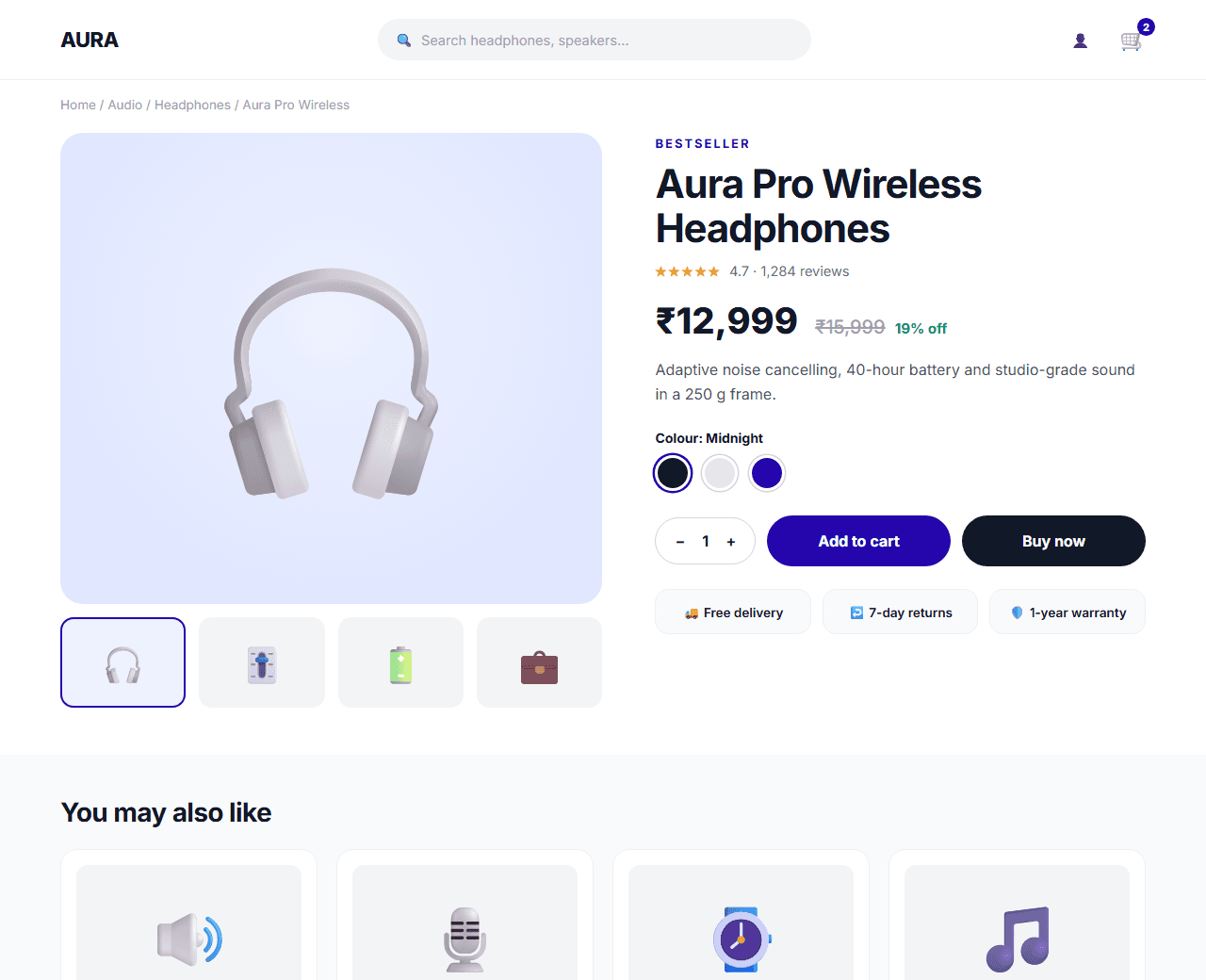
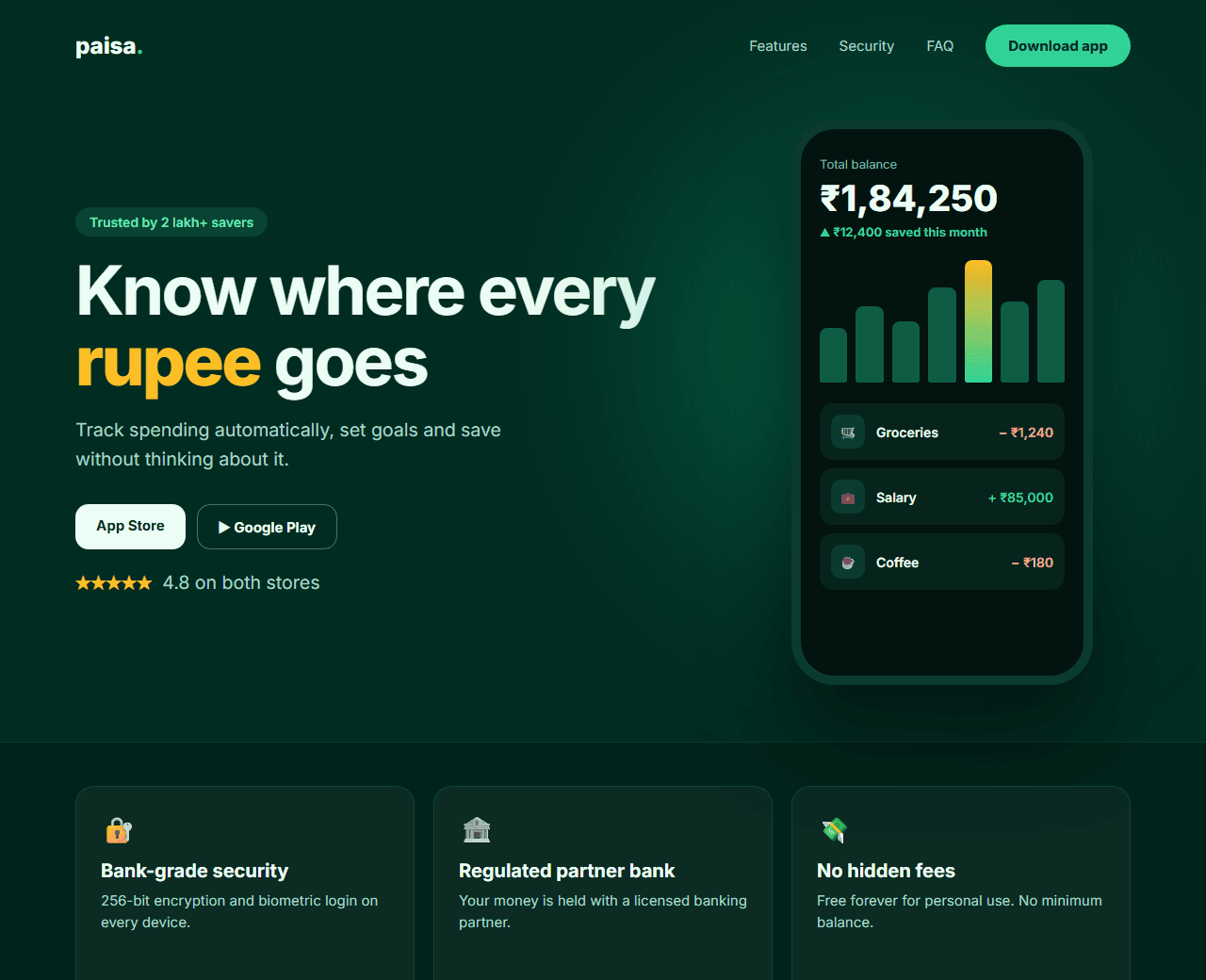
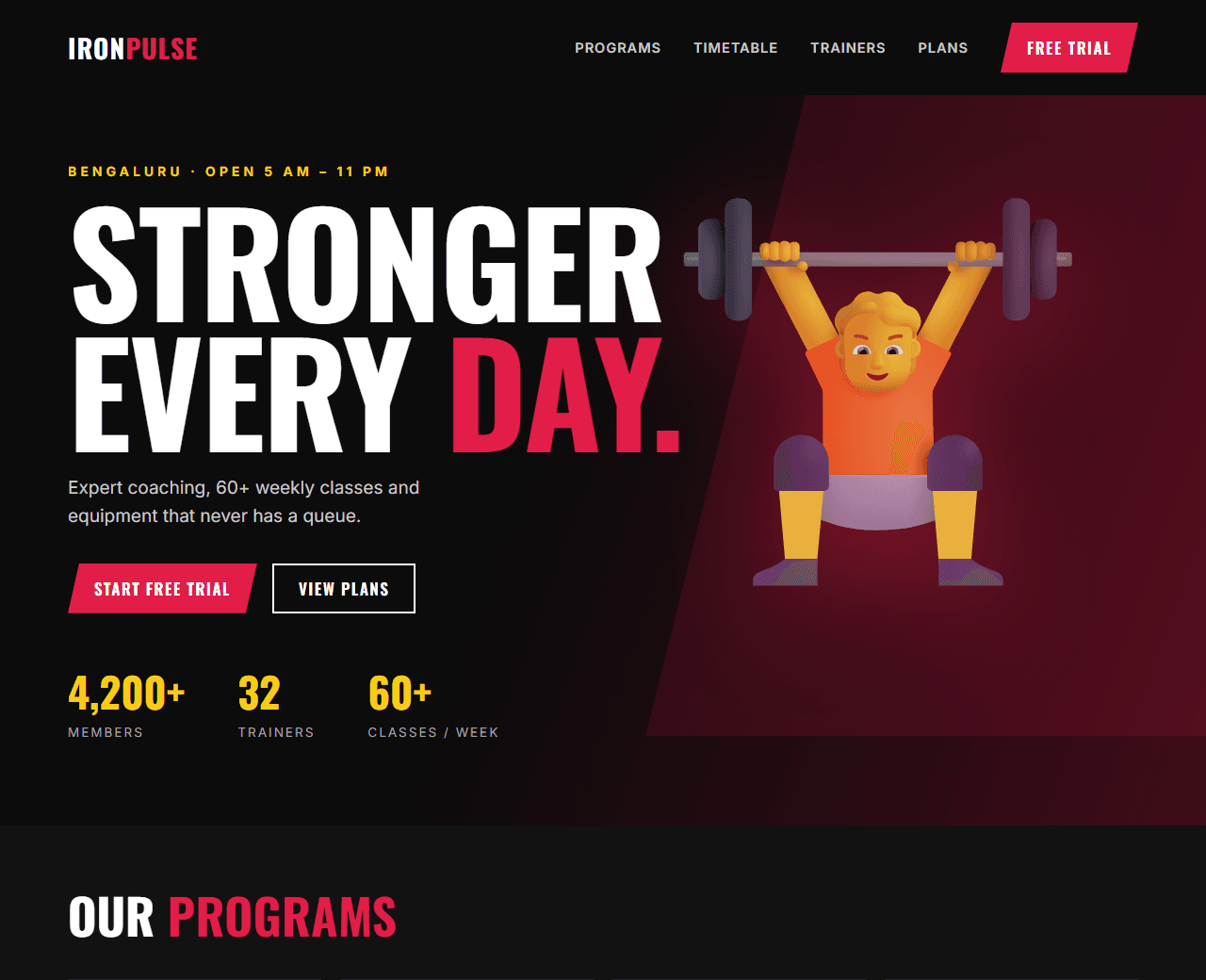
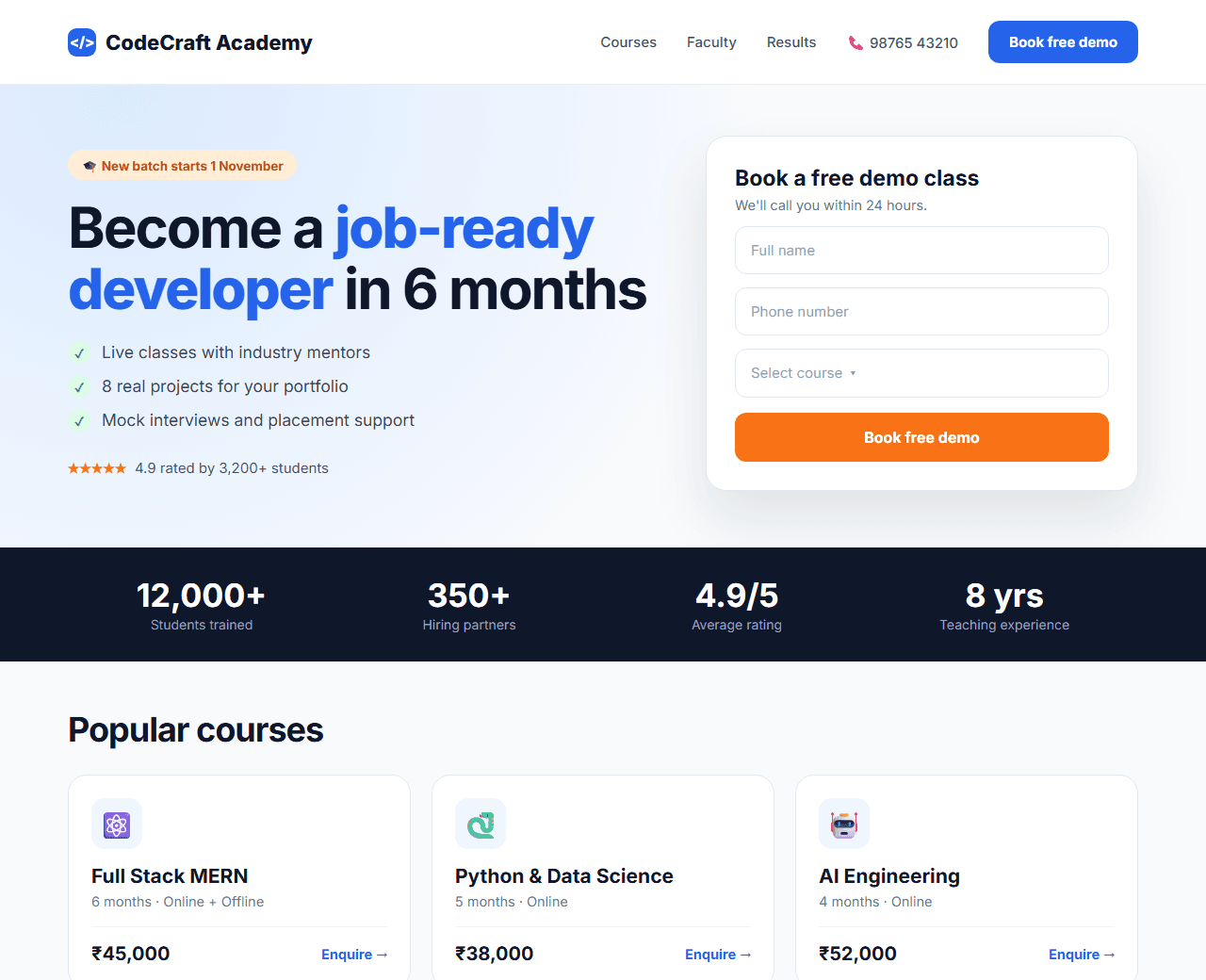
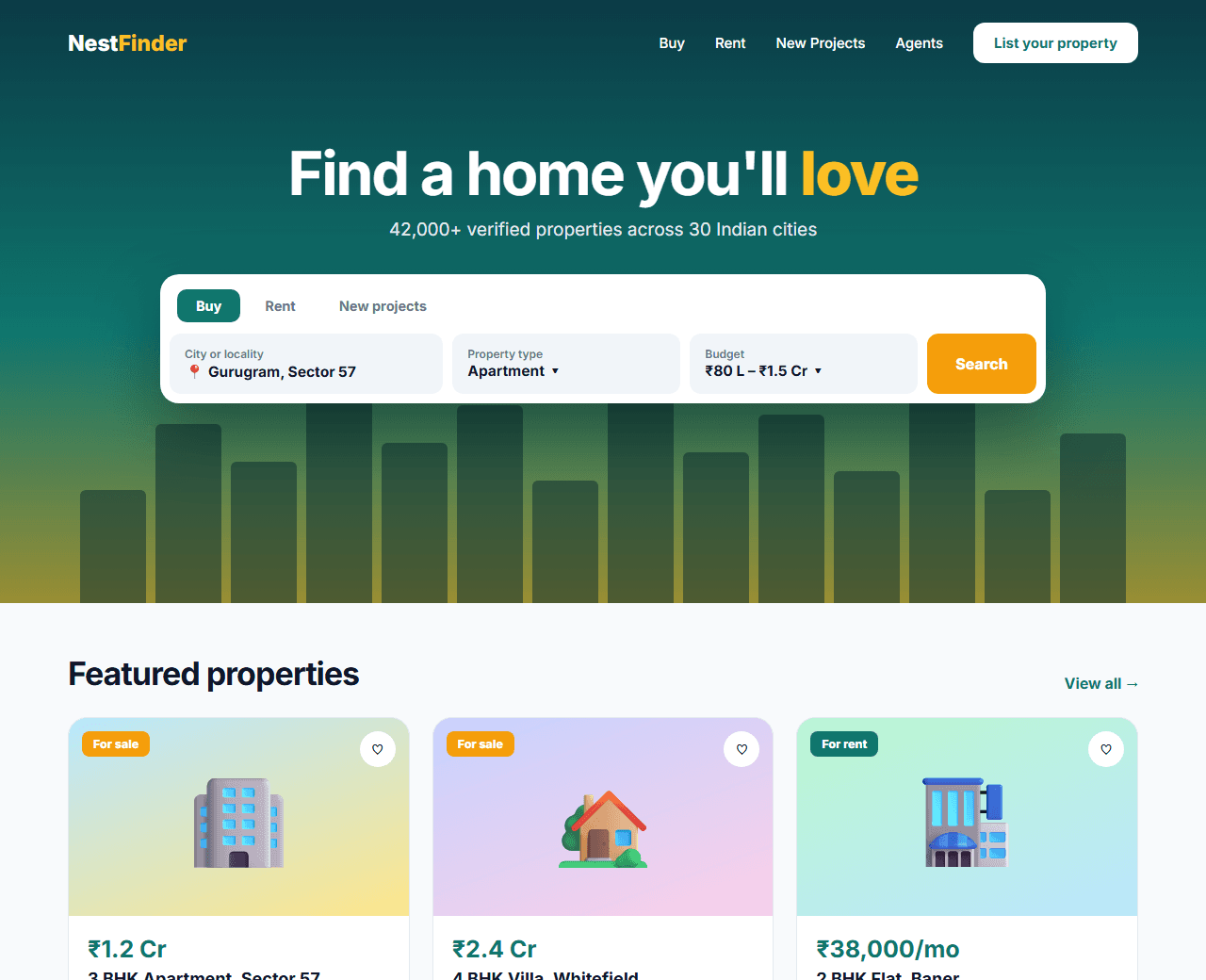
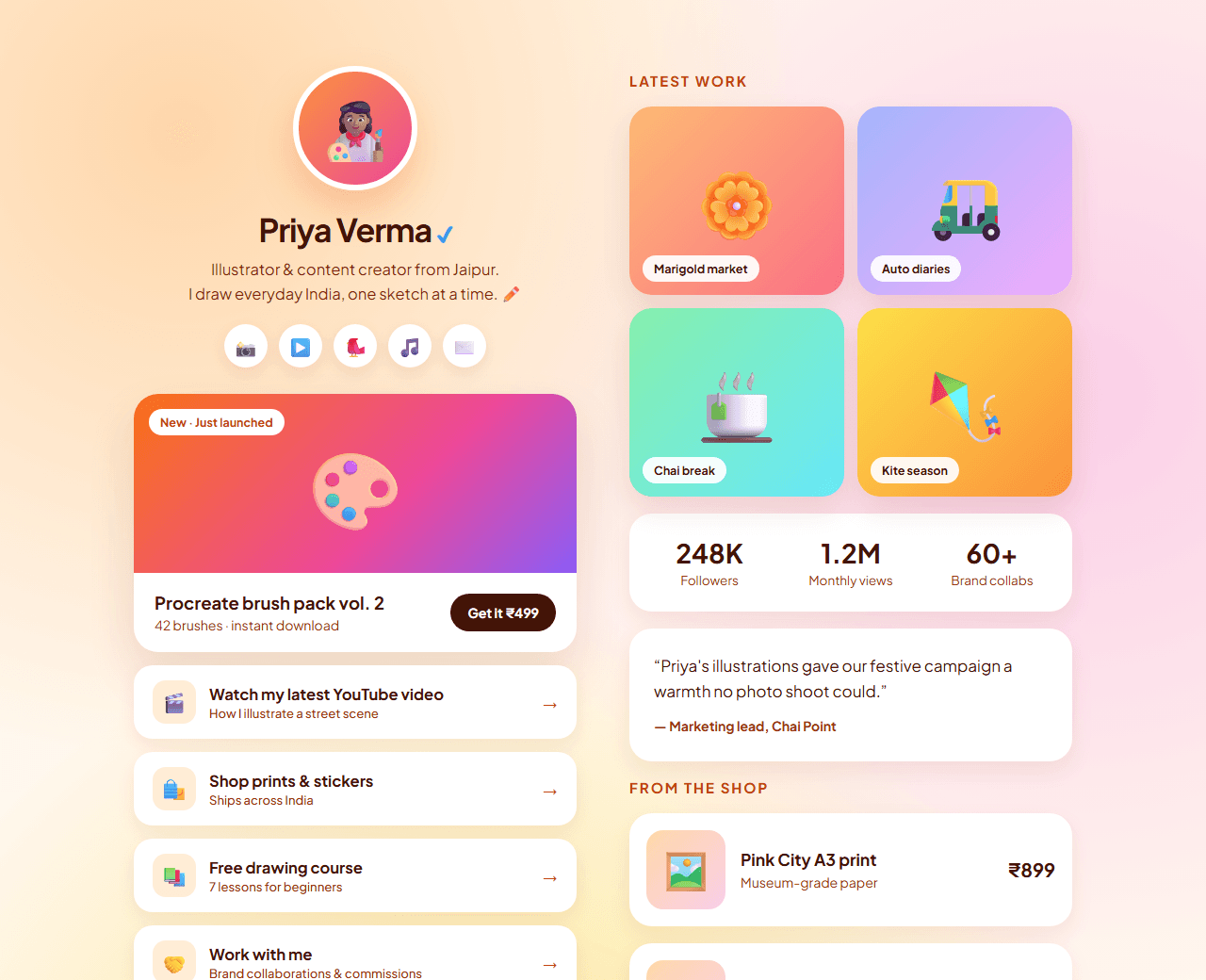
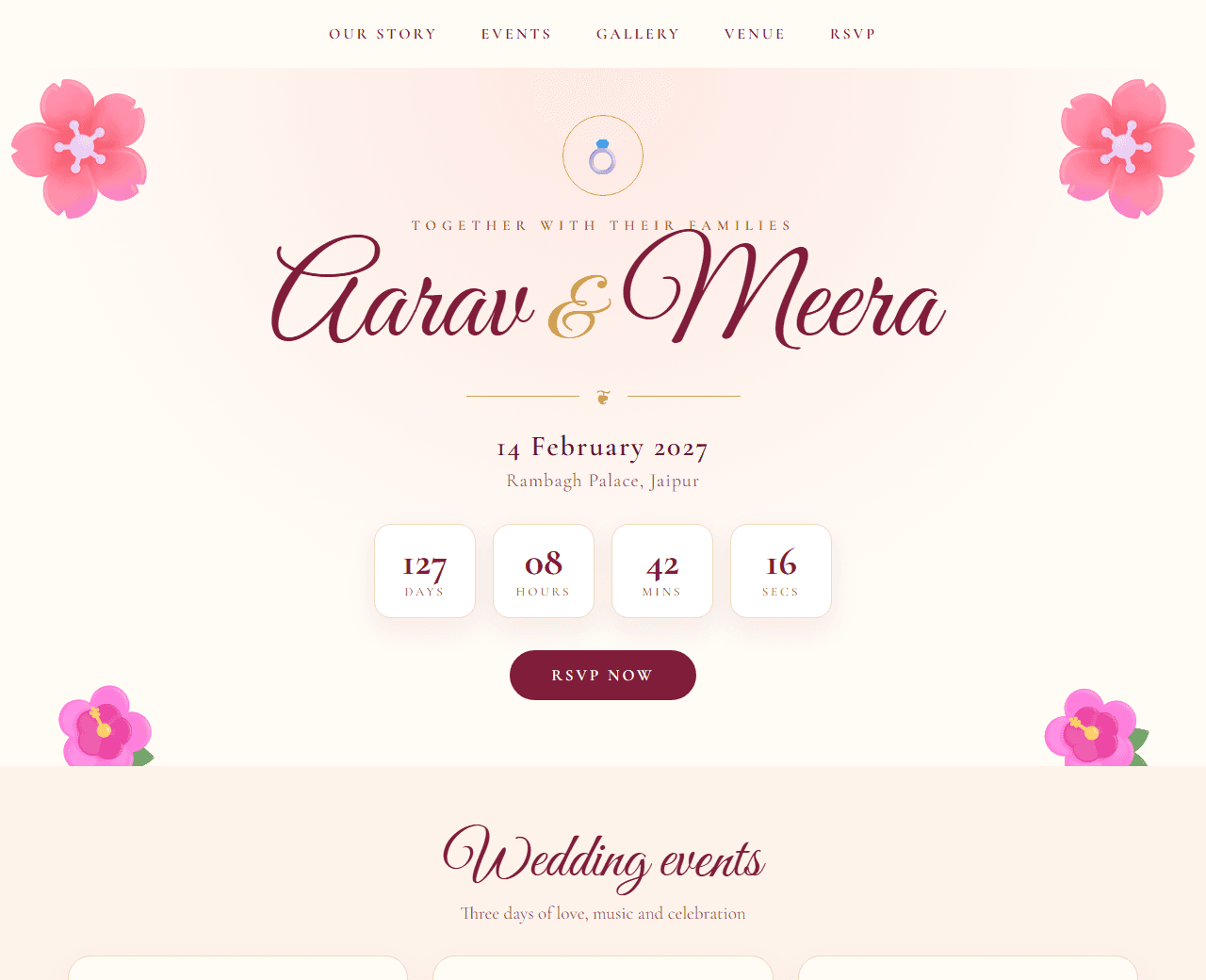
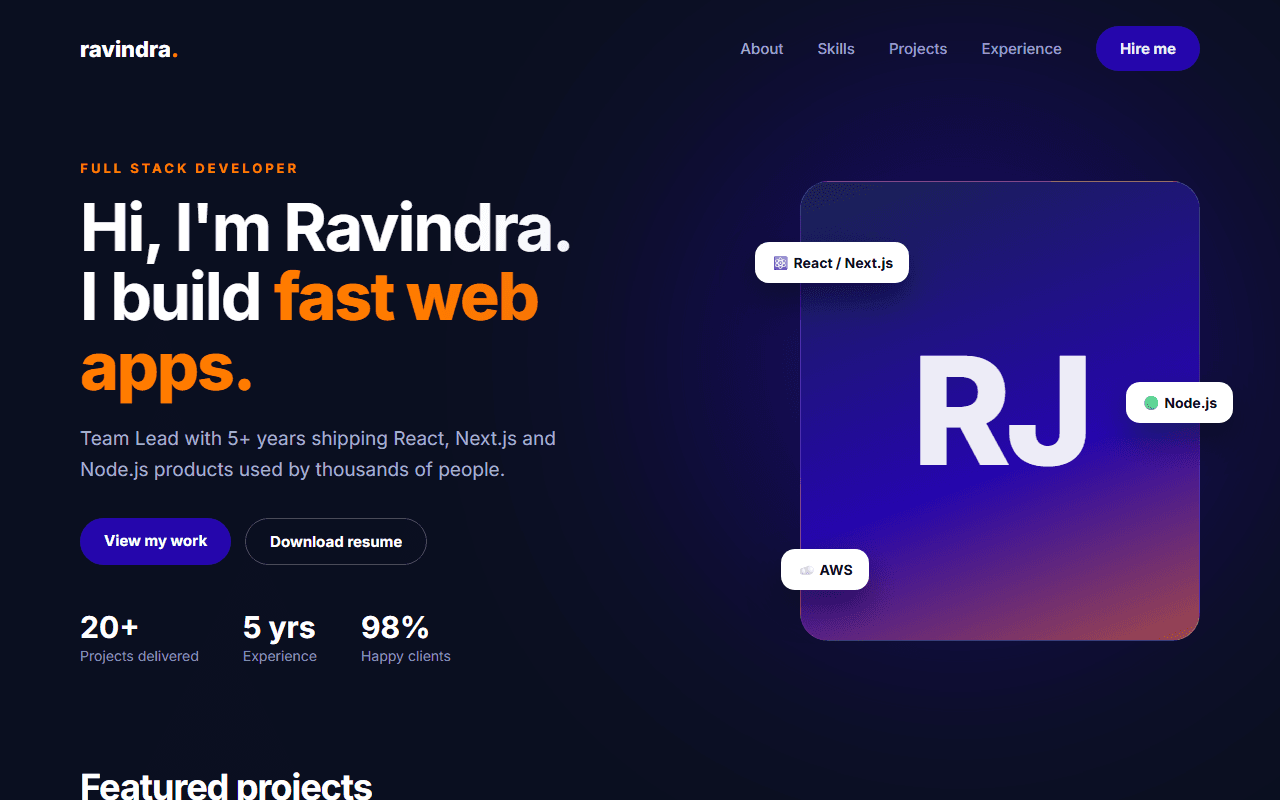
Developer portfolio website generated from an AI prompt
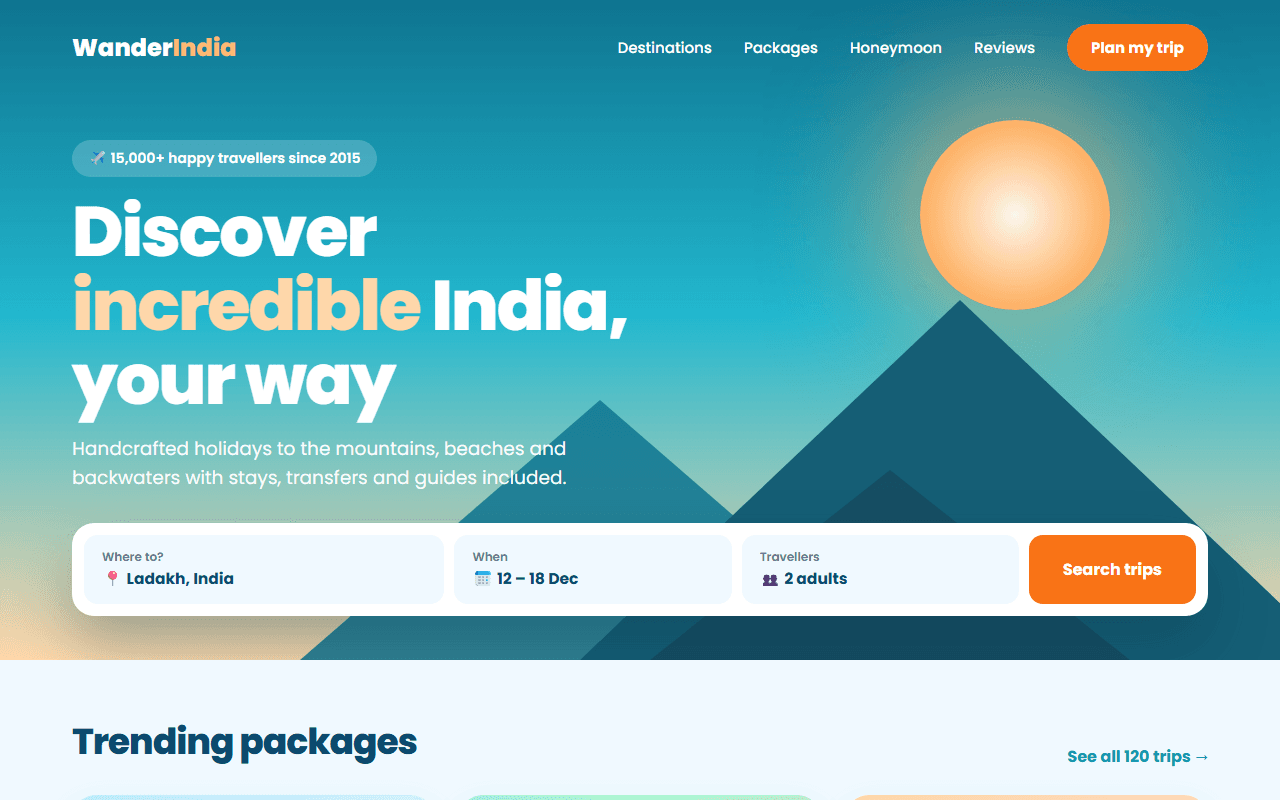
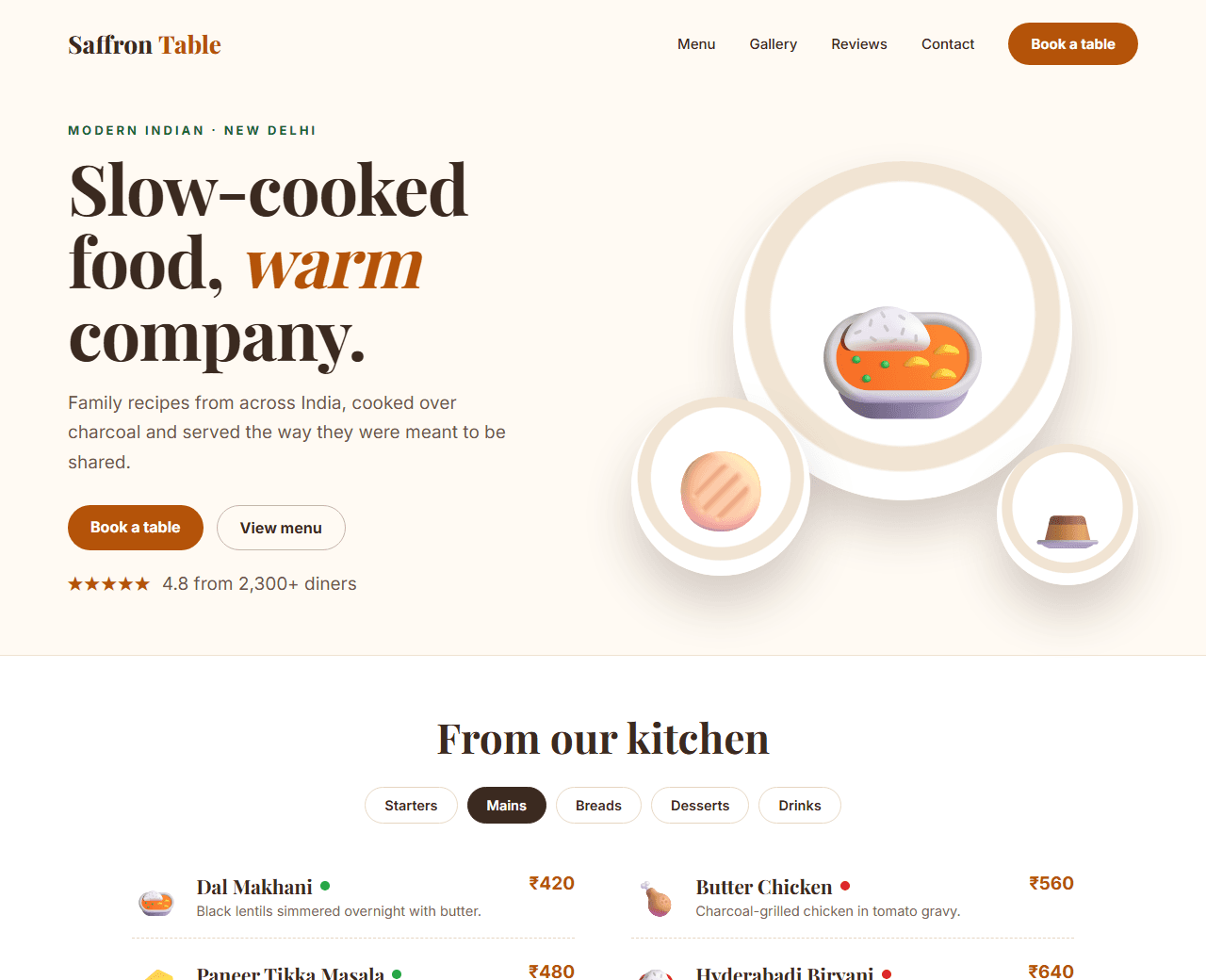
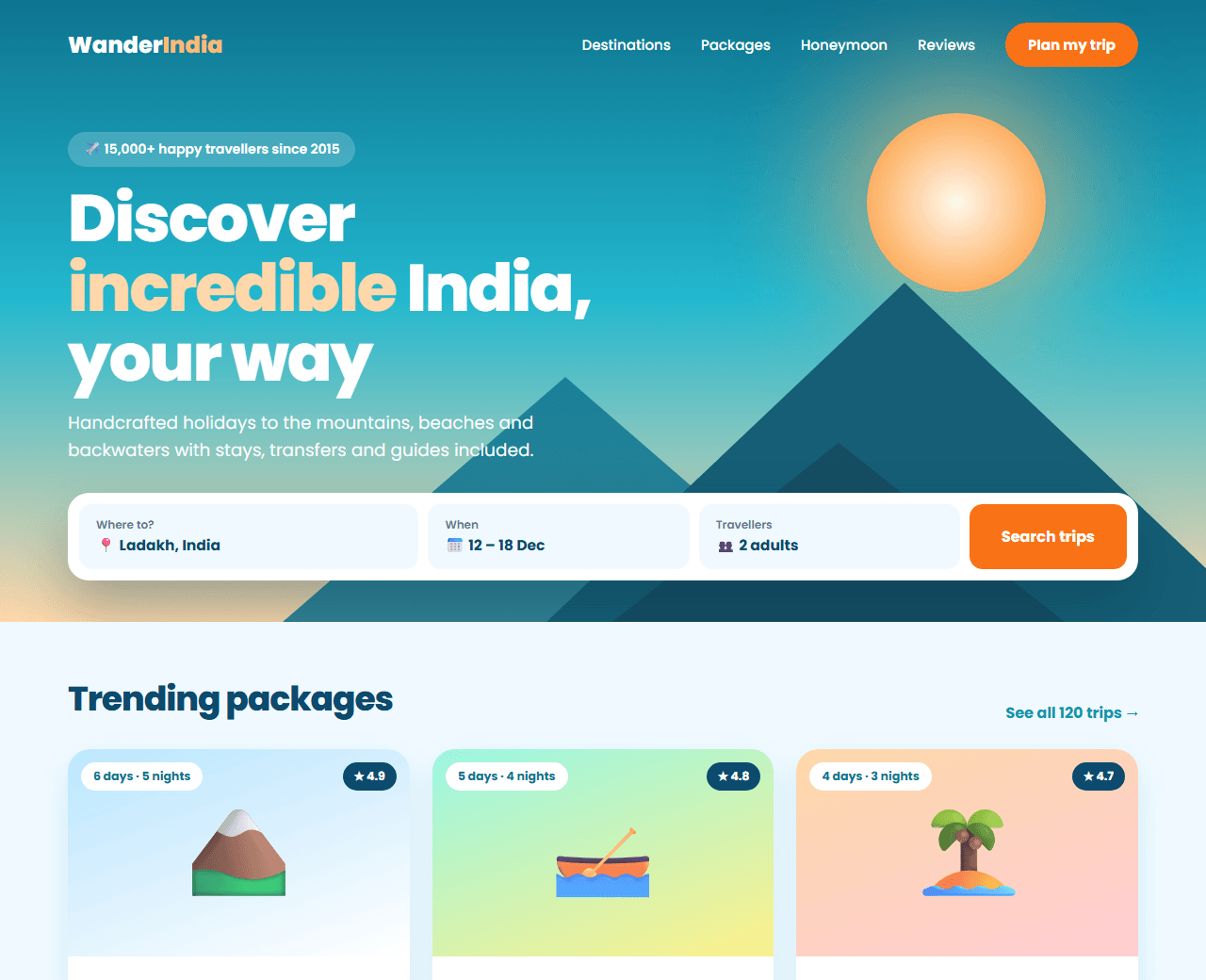
Travel agency website generated from an AI prompt
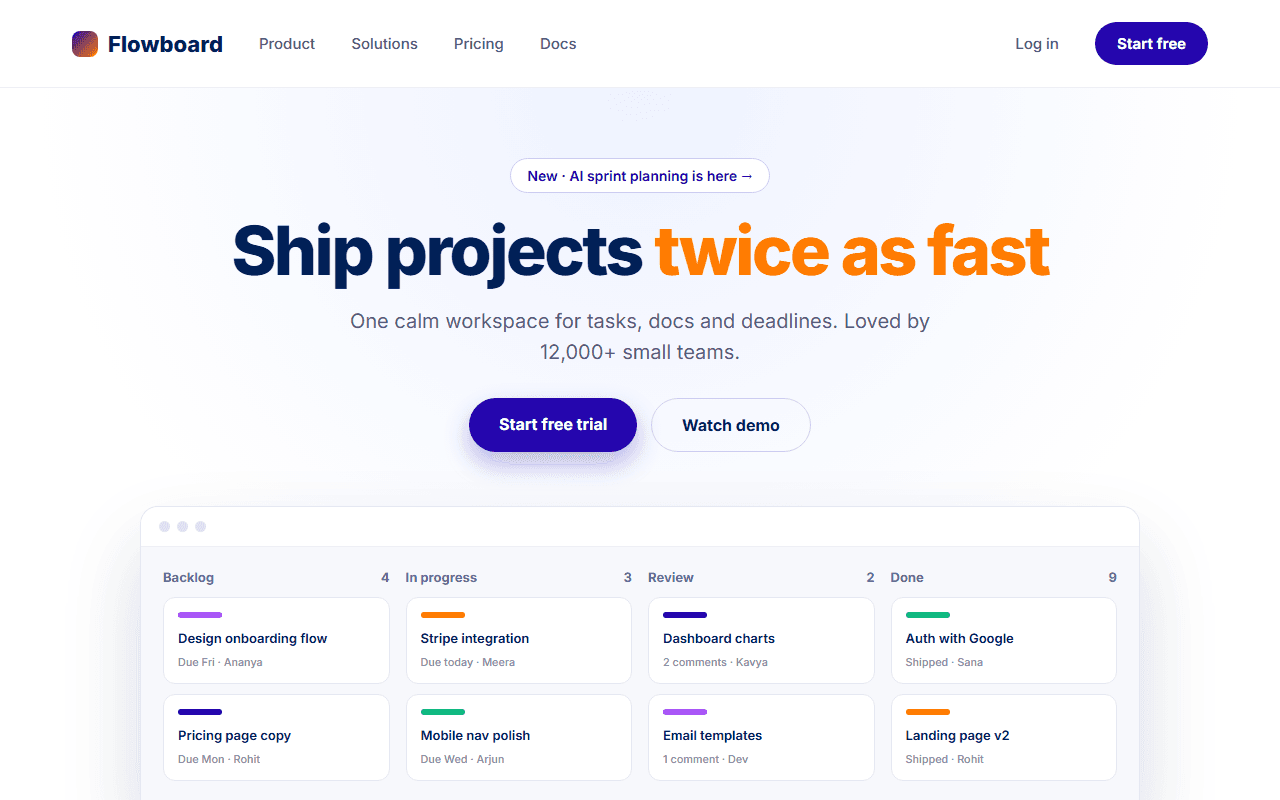
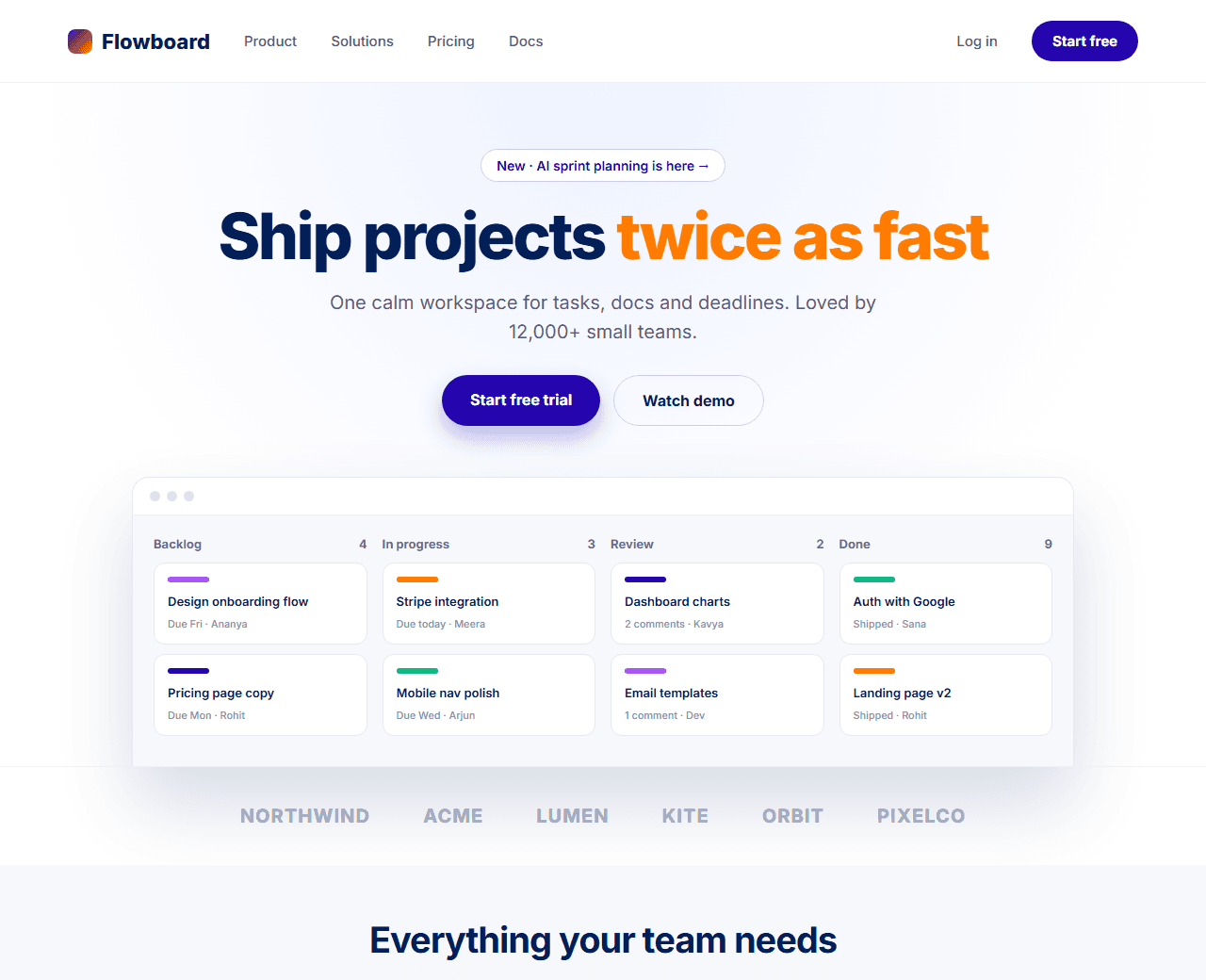
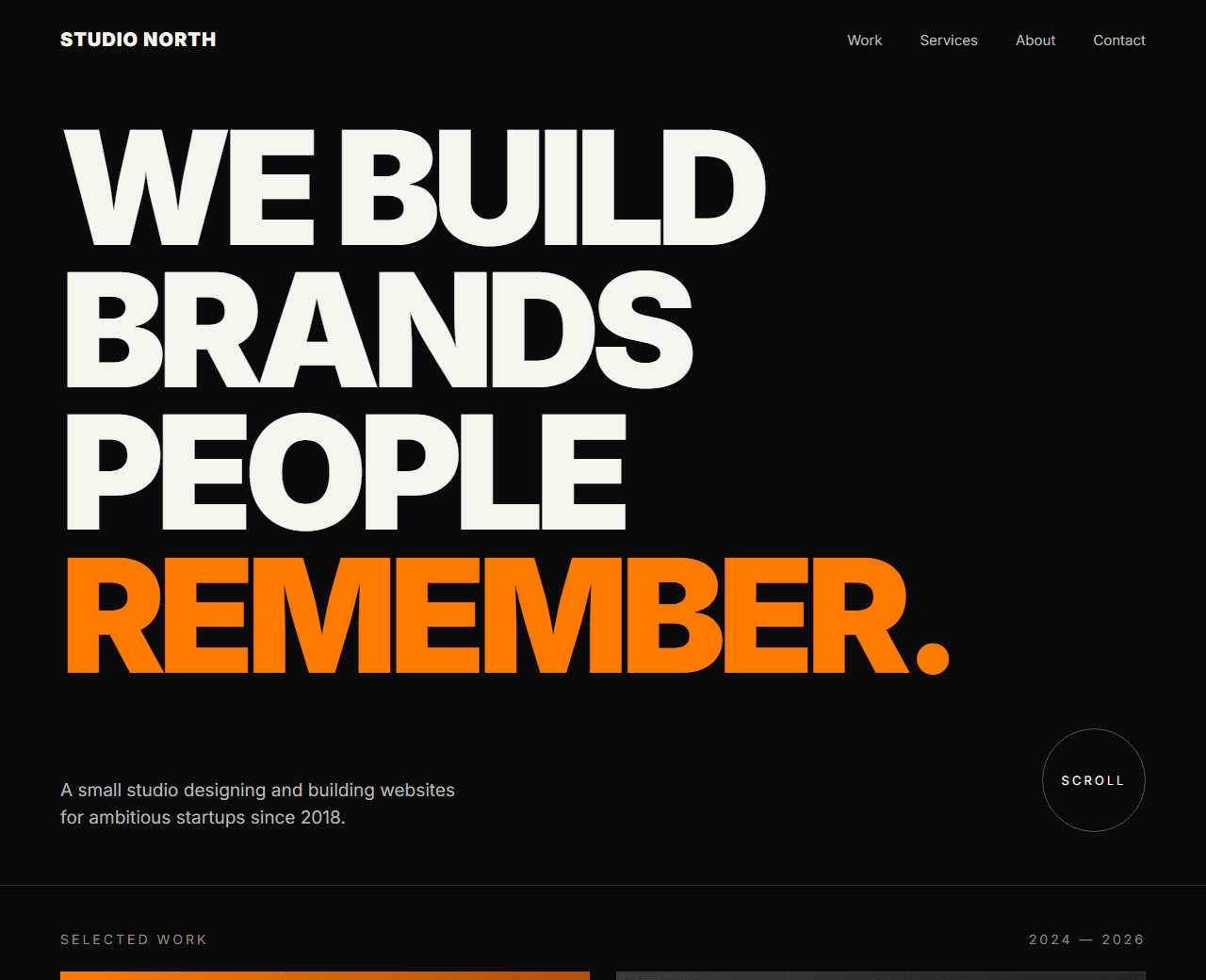
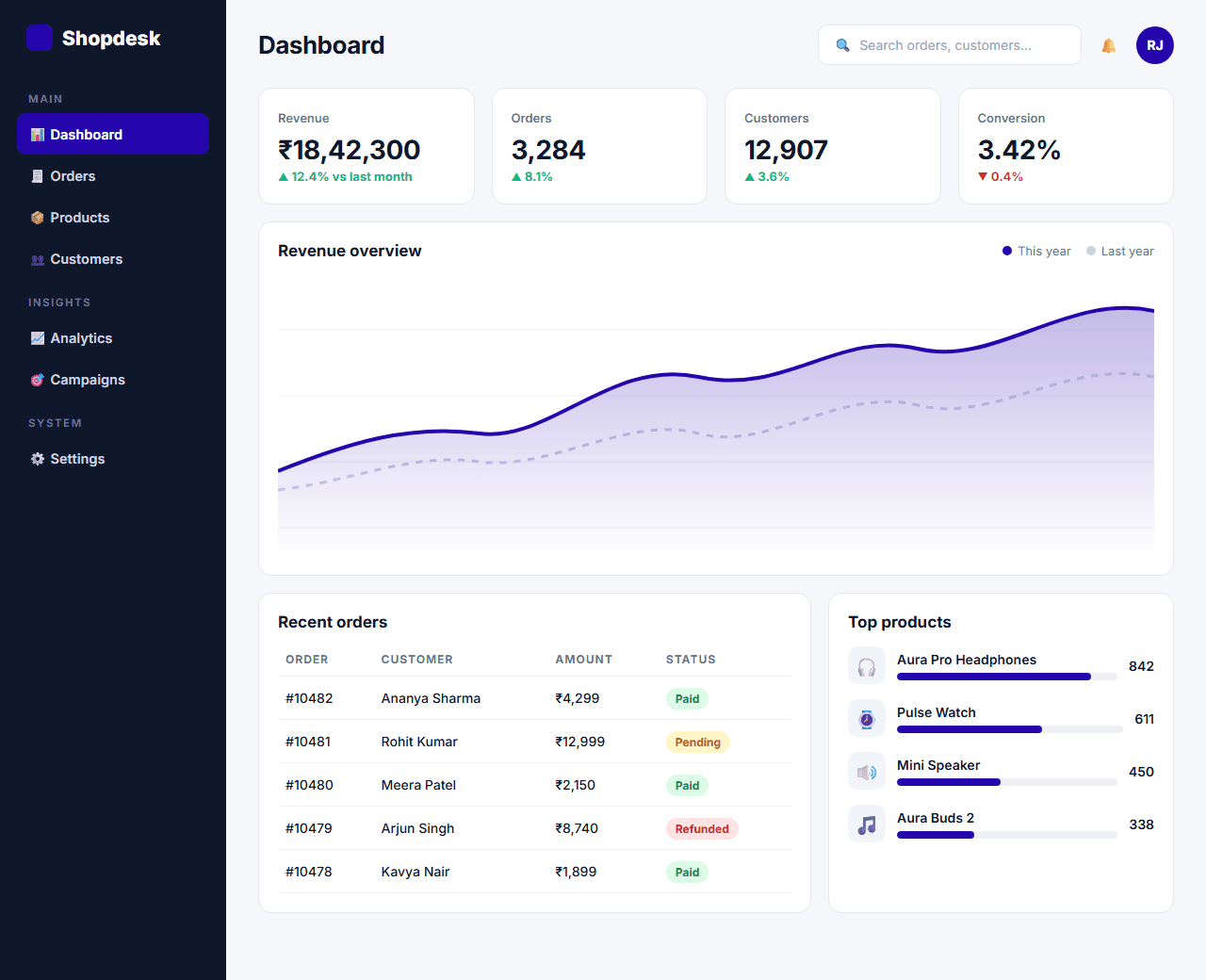
SaaS landing page generated from an AI prompt
  • 14Website prompts
  • 120Sections specified
  • 6AI tools supported
  • FreeNo sign-up
How it works

From idea to live website in four steps

  1. Choose a prompt

    Pick the kind of website you want and open its page.

  2. Make it yours

    Swap the sample business name, colours and details for your own.

  3. Paste and generate

    Run it in Claude, ChatGPT, Cursor, v0 or any AI coding tool.

  4. Refine and publish

    Add features with the follow-up prompts, then deploy for free.

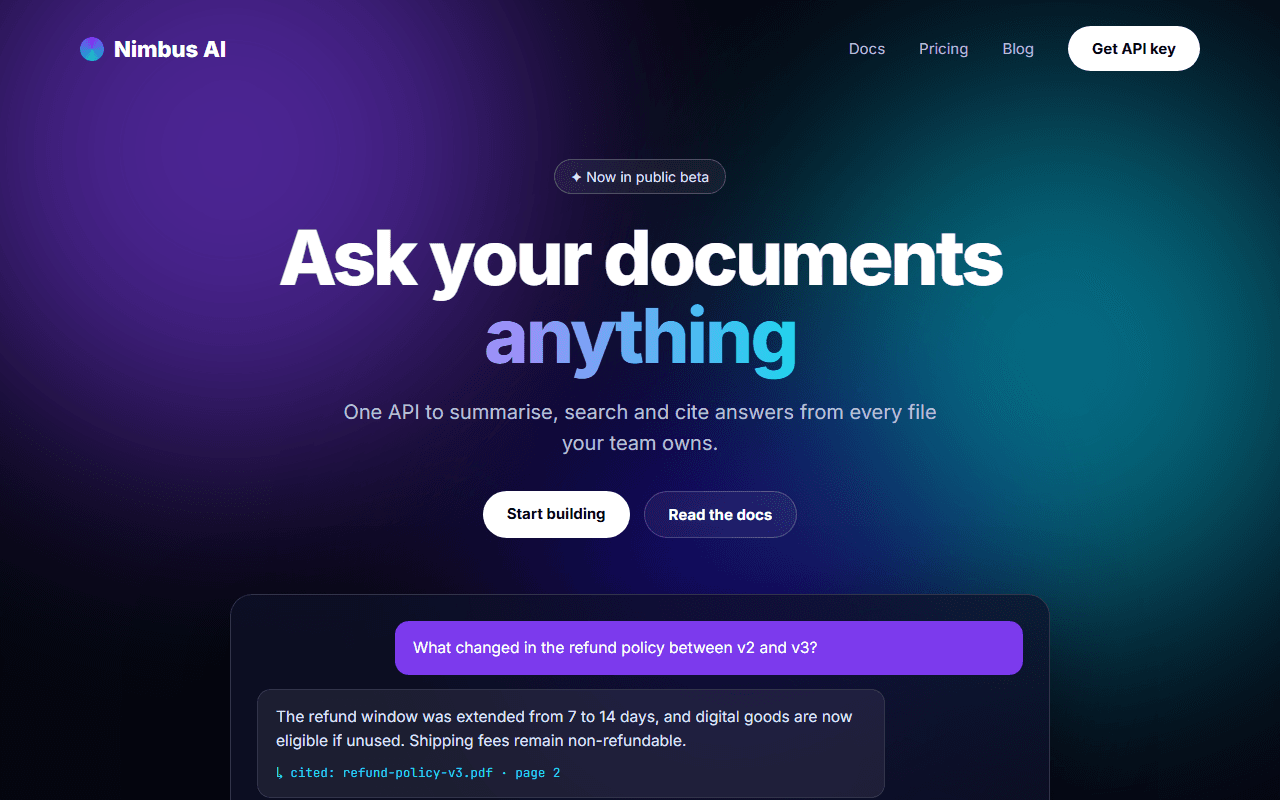
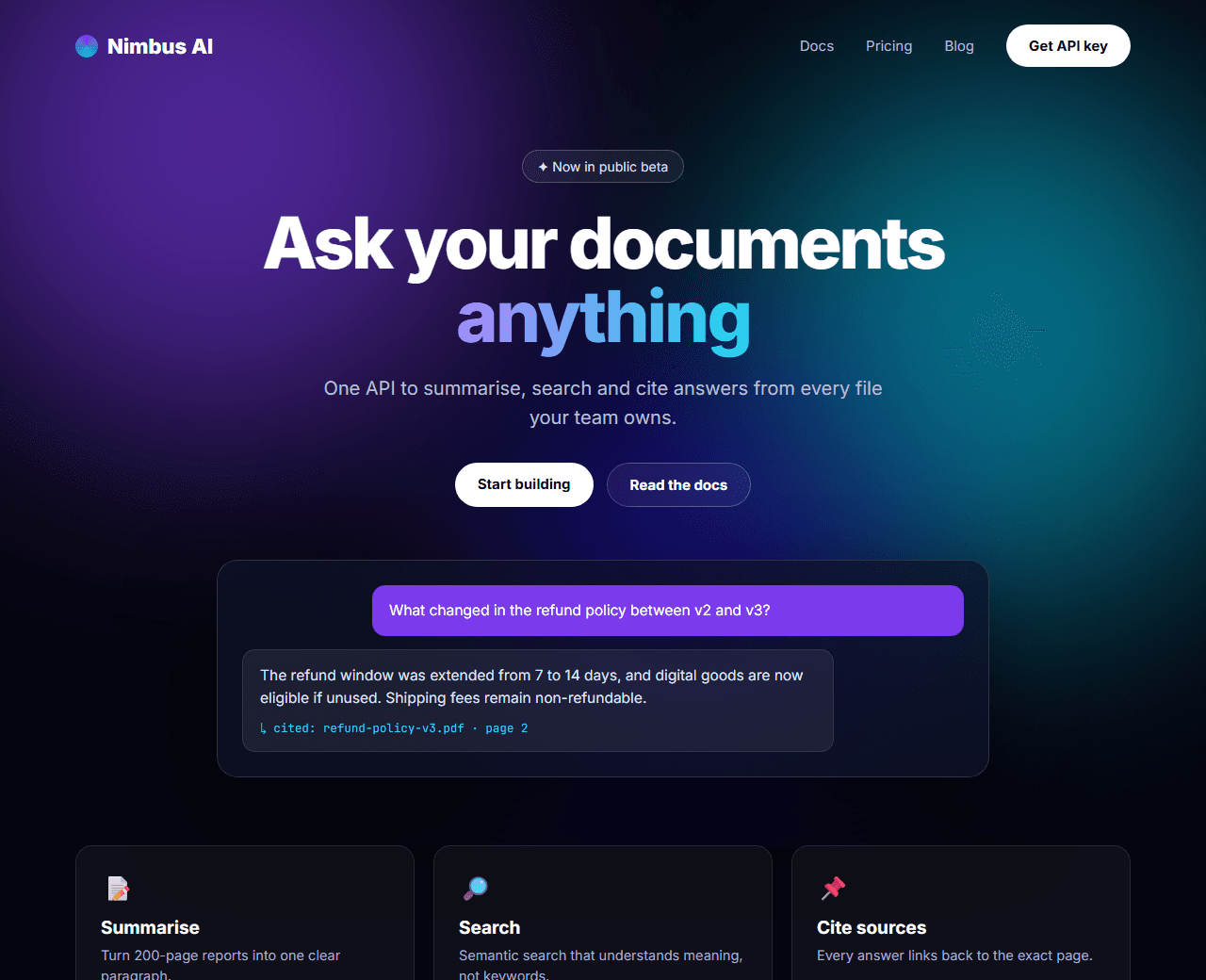
AI Startup Landing Page generated from an AI prompt
Featured prompt

AI Startup Landing Page

A dark, cinematic landing page for an AI product or API, with an aurora background, an interactive demo area and a code sample for developers.

prompt.txt
Build a landing page for an AI developer product called "Nimbus AI", an API that summarises and answers questions about documents.

Tech stack: Next.js (App Router) with Tailwind CSS, components in a components/ folder.

Visual style: dark and cinematic. Background near-black (#05060f). Accent colours violet (#7c3aed) and cyan (#06b6d4), used as soft glows rather than flat fills. Thin 1px translucent borders, glassy cards with backdrop blur, a monospace font for code and a clean sans-serif for everything else.

Sec
  • Next.js (App Router) + Tailwind CSS
  • 9 sections
Open full prompt
Questions

Good to know before you start

Are these website prompts free to use?

Yes. Every prompt is free to copy and use for personal projects and client work. There is no sign-up and nothing to download.

Which AI tools do the prompts work with?

They work with Claude, ChatGPT, Gemini, Cursor, v0 and Bolt. Tools that can create files, such as Cursor, Claude Code, v0 and Bolt, are the most convenient because they write the whole project for you.

Do I need to know how to code?

No coding is needed to generate the website. Basic knowledge helps when you run and publish it, and every prompt page has step-by-step instructions for that part.

Will my website look exactly like the preview image?

The previews are examples of what each prompt describes. Results vary a little between AI tools, so use the follow-up prompts on each page to adjust the design until it matches what you want.

Can I change the tech stack or the colours?

Yes. Each prompt has a clear tech stack line and a visual style line with colour codes. Edit those lines before you paste the prompt and the AI will follow your choices.

Building it by hand instead?

The Templates library has ready-made sections, backgrounds, gradients and 3D scenes with full code.

Browse templates