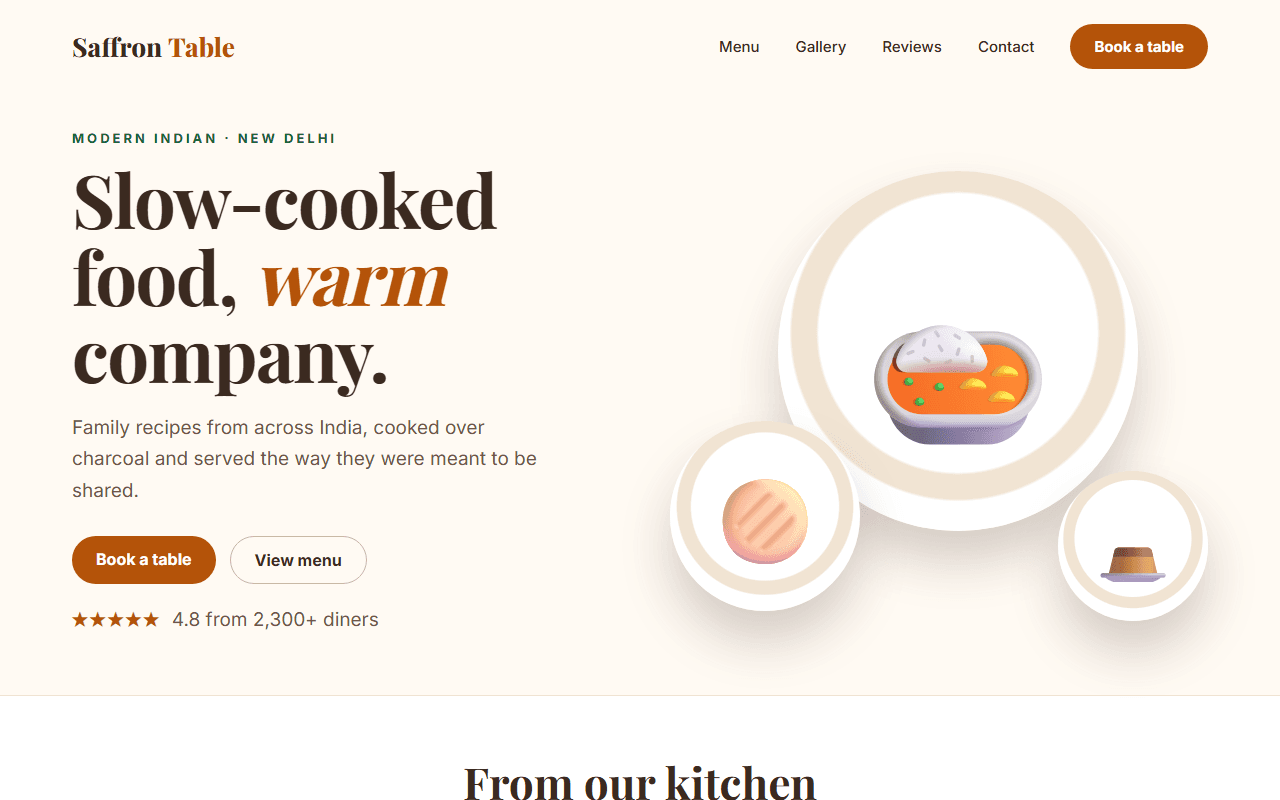
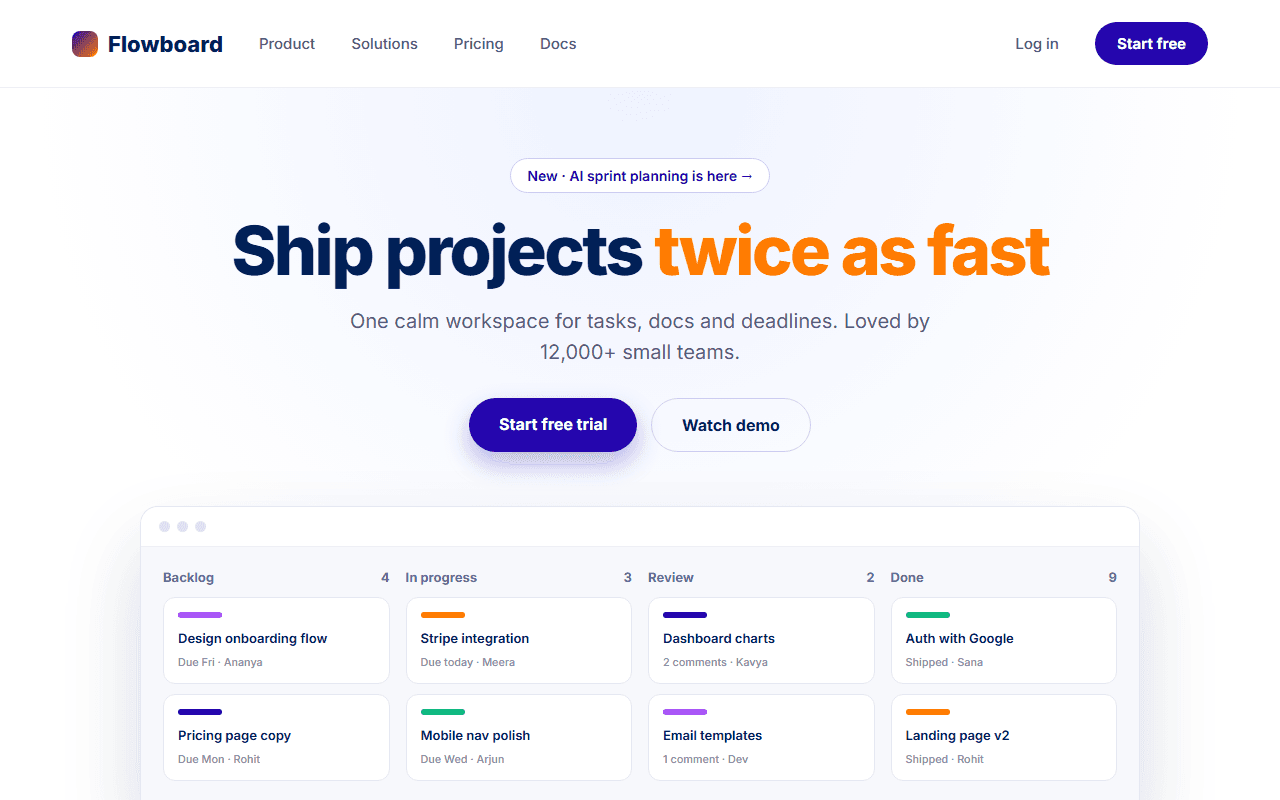
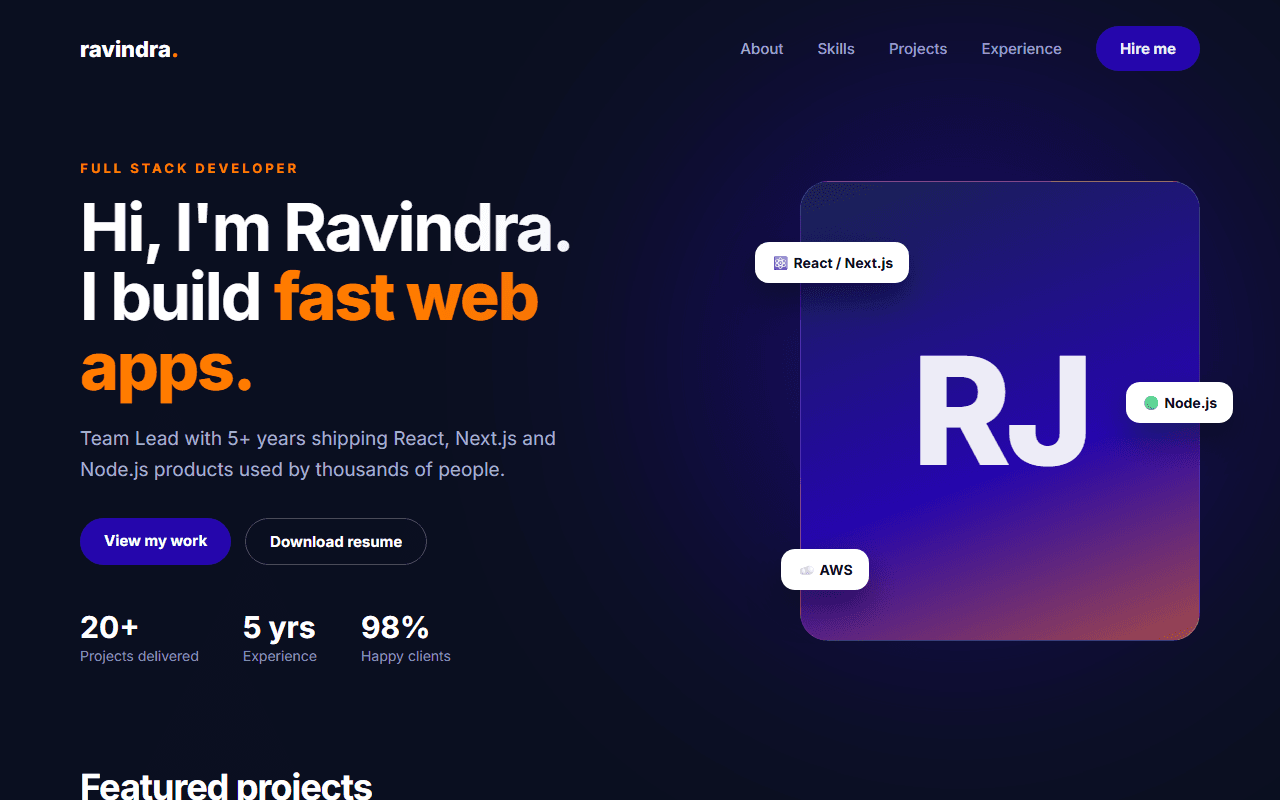
Travel Agency Website
An inspiring travel website with a trip search bar, destination cards, tour packages with pricing and traveller reviews.
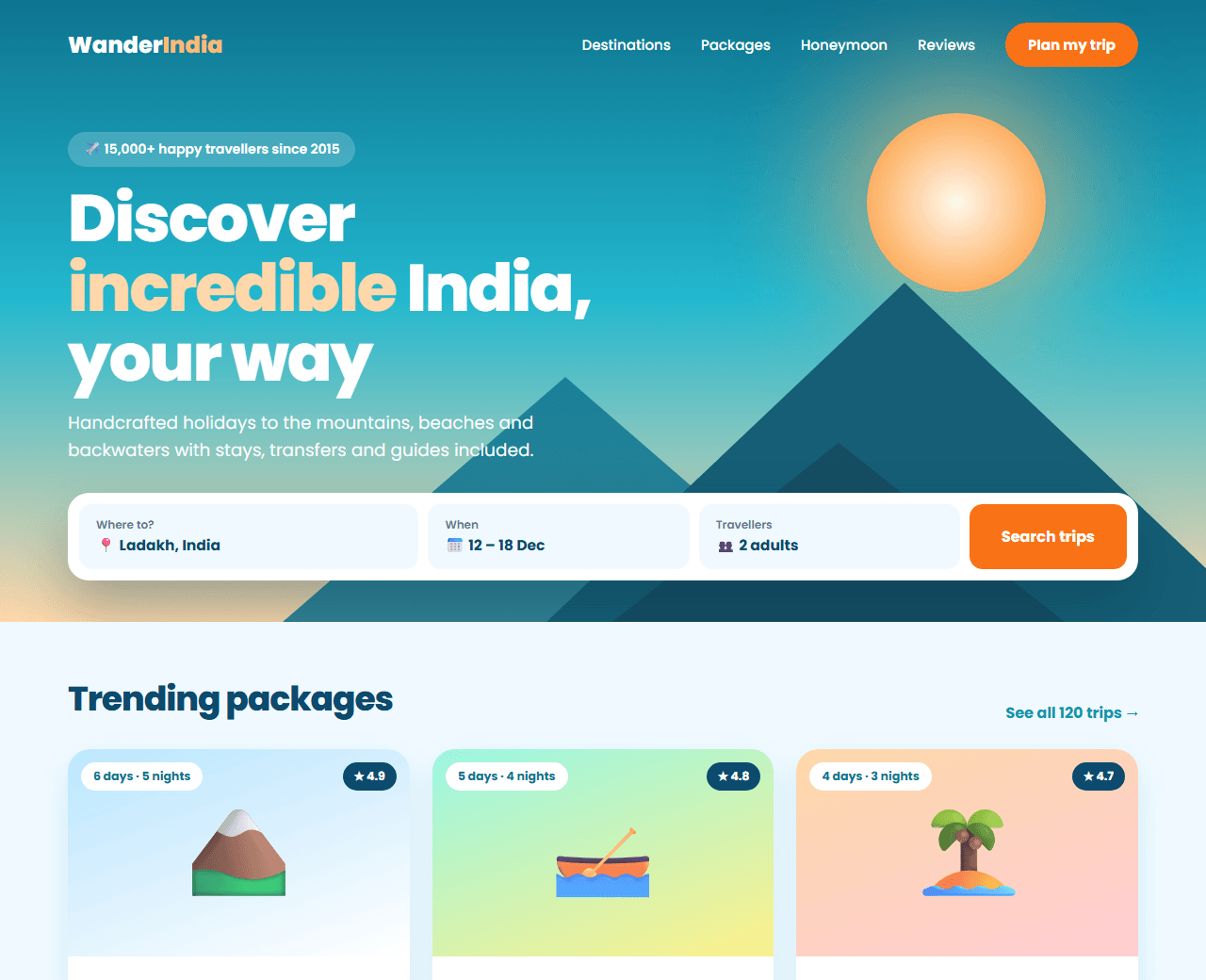
Example of the website this prompt builds. Your result will use your own name, text and images.
- Tech stack
- Next.js (App Router) + Tailwind CSS
- Colour palette
#f0f9ff#0c4a6e#0891b2#f97316
- What it builds
- Navbar
- Hero with trip search
- Popular destinations
- Tour packages
- Why book with us
- Traveller stories
- Newsletter
- Footer
The prompt
Copy everything in the box. Text in quotes and the sample business details are meant to be replaced with your own.
Build a home page for a travel agency called "Wander India" that sells holiday packages within India and to nearby countries.

Tech stack: Next.js (App Router) with Tailwind CSS.

Visual style: bright, airy and aspirational. Sky-tinted background (#f0f9ff), deep blue text (#0c4a6e), teal (#0891b2) for actions and orange (#f97316) for offers. Large landscape photography, rounded 20px image cards, friendly sans-serif type.

Sections, in order:
1. Transparent navbar over the hero: logo, Destinations, Packages, About, Contact, and a phone number.
2. Hero: a full-width landscape photo, a headline ("Find your next escape"), and a search card with destination, travel month, number of travellers and a Search button.
3. Popular destinations: a horizontally scrollable row of eight destination cards (Goa, Kerala, Ladakh, Rajasthan, Kashmir, Andaman, Bali, Dubai), each with a photo, name and "from ₹X".
4. Tour packages: six package cards with photo, title, duration (for example 5 days / 4 nights), a list of three inclusions with icons, rating, price per person in rupees with the original price struck through, and a "View details" button.
5. Why book with us: four benefits (best price, 24x7 support, verified hotels, easy cancellation).
6. Traveller stories: three reviews with a photo, destination and rating.
7. Newsletter: "Get travel deals in your inbox" with an email field.
8. Footer with destination links, policies and contact details.

Interactions: destination cards zoom the photo slightly on hover; the destinations row can be scrolled with arrow buttons on desktop and by swiping on mobile.

Quality bar:
- Fully responsive: design mobile-first, then tablet (768px) and desktop (1200px).
- Accessible: semantic HTML landmarks, one h1, alt text on images, visible keyboard focus, colour contrast of at least 4.5:1 for body text.
- Fast: no heavy libraries, lazy-load images below the fold, system or two web fonts at most.
- Use placeholder images from a neutral source and realistic sample copy (no lorem ipsum).
- Respect prefers-reduced-motion for every animation.
- Keep the code clean and commented so I can edit it by hand.
How to use this prompt
- 1
Open an AI coding tool. Use any capable assistant: Claude, ChatGPT, Cursor, v0, Bolt, Gemini. Tools that can create files (Cursor, Claude Code, v0, Bolt) are the most convenient because they write the project for you.
- 2
Replace the sample details. Copy the prompt and change the business name, location, colours and any section you do not need. The more specific your details, the better the result.
- 3
Paste the prompt and generate. Send the whole prompt in one message. If the reply is cut off, say “continue from where you stopped”, or ask for one section at a time.
- 4
Run it on your computer. Create a project with “npx create-next-app@latest”, add the generated files, then run “npm run dev” and open http://localhost:3000.
- 5
Review and refine. Check it on a phone-width screen, fix anything that looks off by describing it in plain words, then use the follow-up prompts below to add features one at a time.
- 6
Replace placeholders and publish. Swap in your real text and images, then deploy. Vercel and Netlify both host this kind of site for free.
Follow-up prompts
Send these one at a time after the first version is working. Small, specific requests give much better results than one giant prompt.
Build a /packages/[slug] page with a day-by-day itinerary accordion, inclusions and exclusions, a photo gallery and a booking enquiry form.
Add a 'Plan my trip' multi-step form (destination, dates, budget, contact).
Add TouristTrip JSON-LD structured data for each package.
Tips for a better result
- Show what is included and excluded clearly; surprises damage trust.
- Use photos you are licensed to use, ideally your own.
- Want to hand-build a section instead? The Templates library has heroes, pricing tables, FAQs and more with full code.