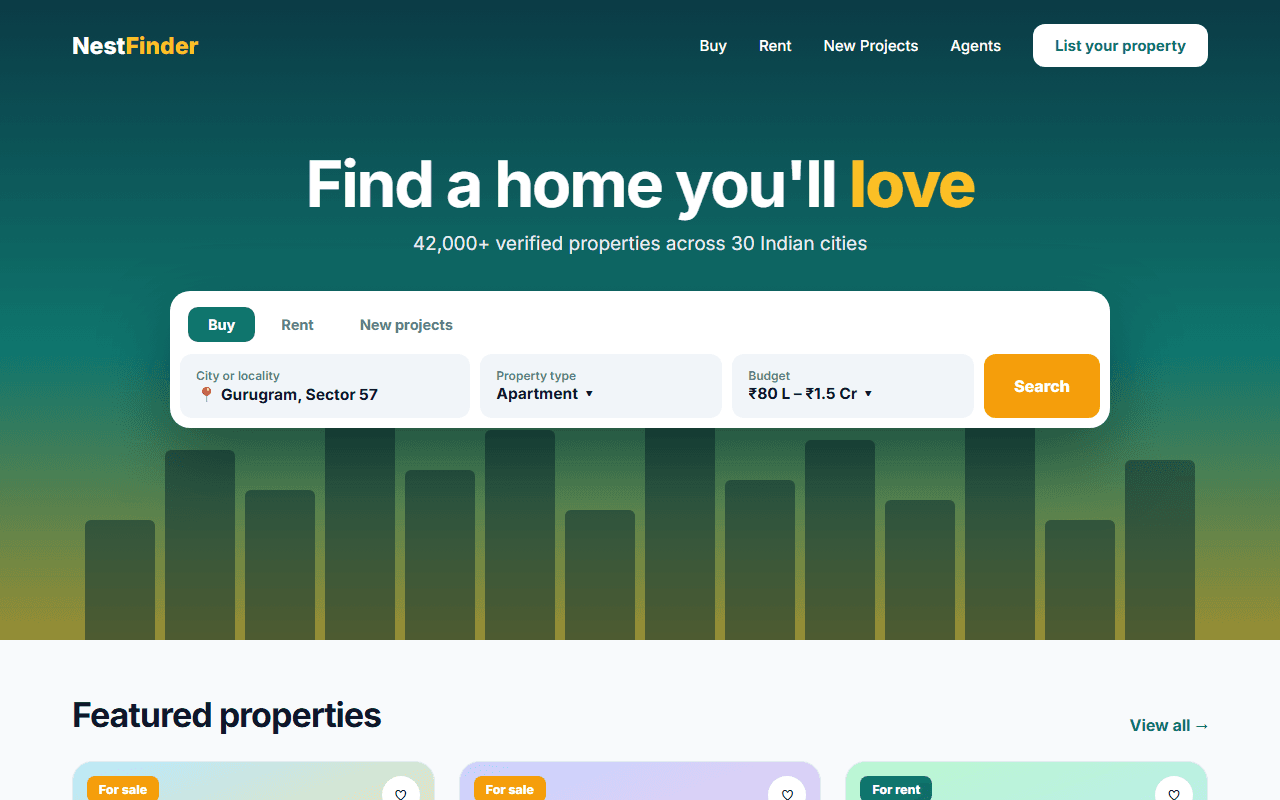
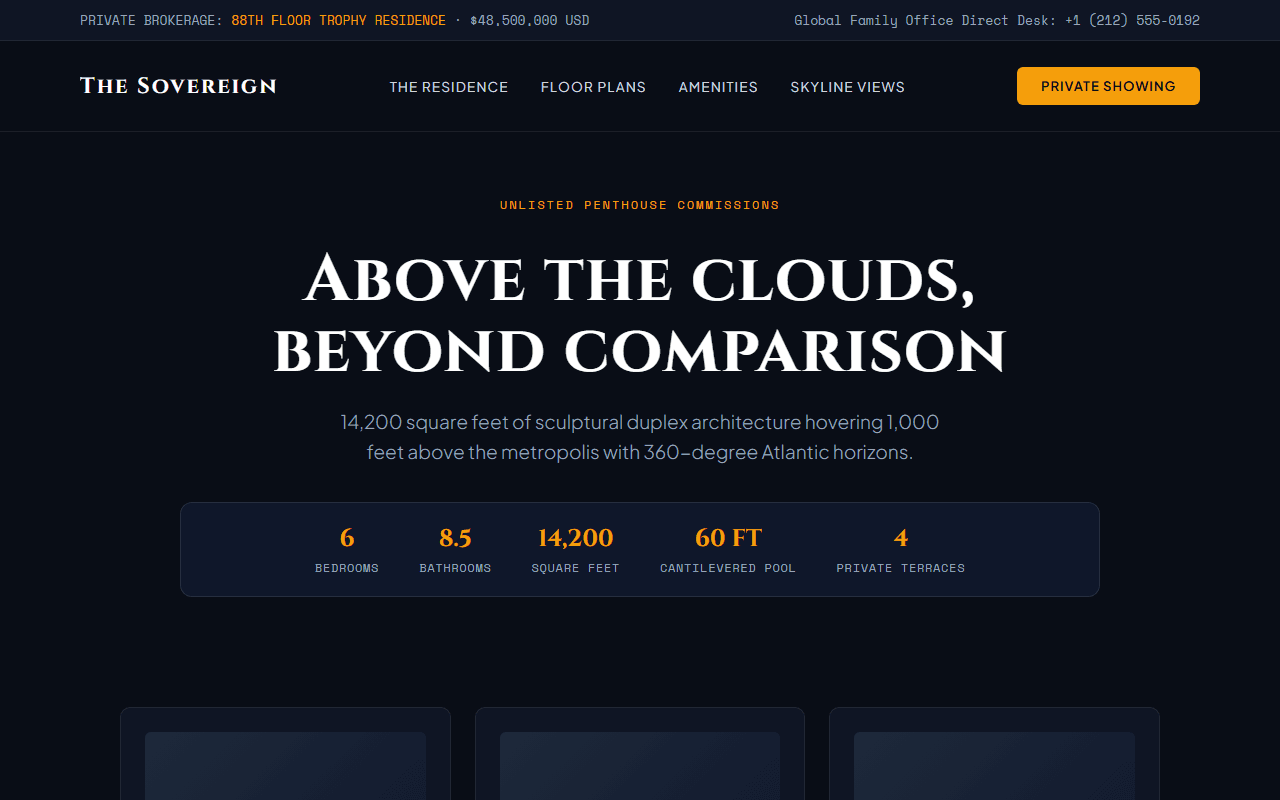
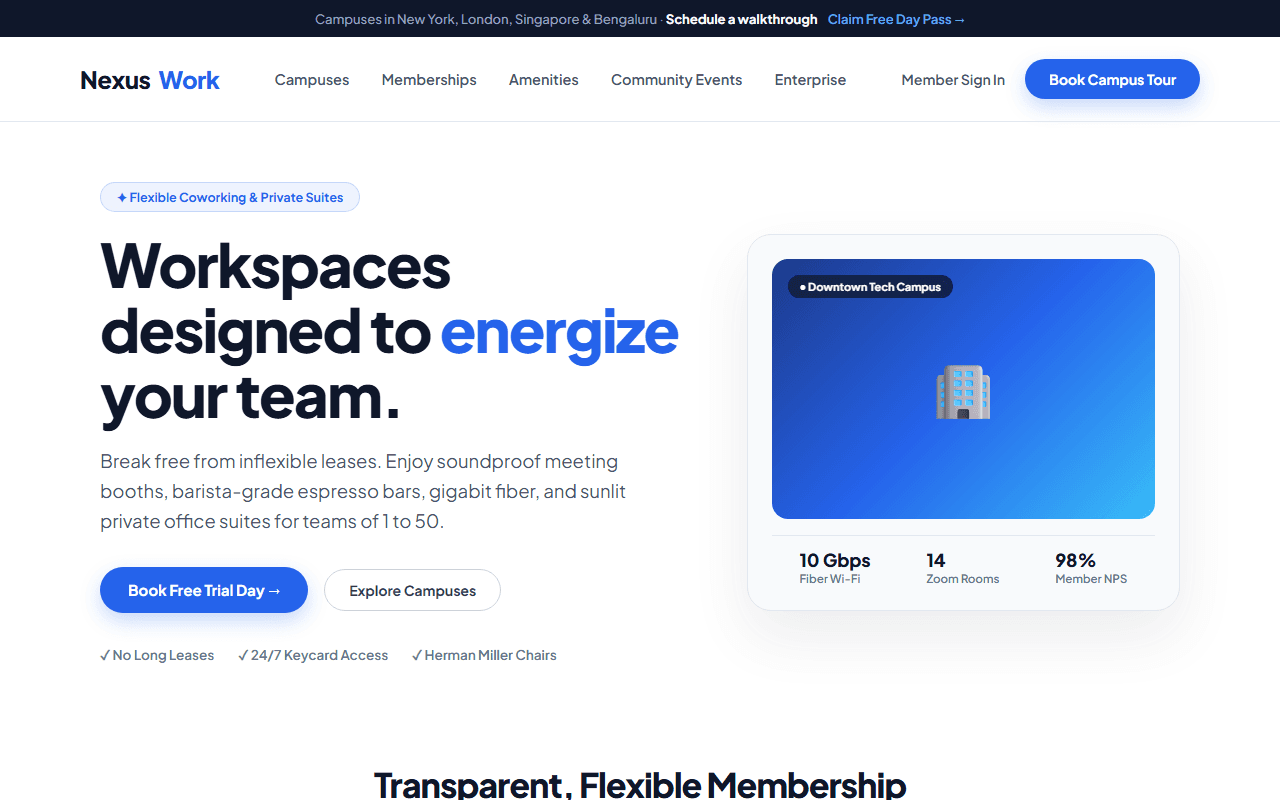
Architecture & Interior Studio
A minimalist, editorial portfolio website for luxury architects and interior design practices with full-bleed imagery and project studies.
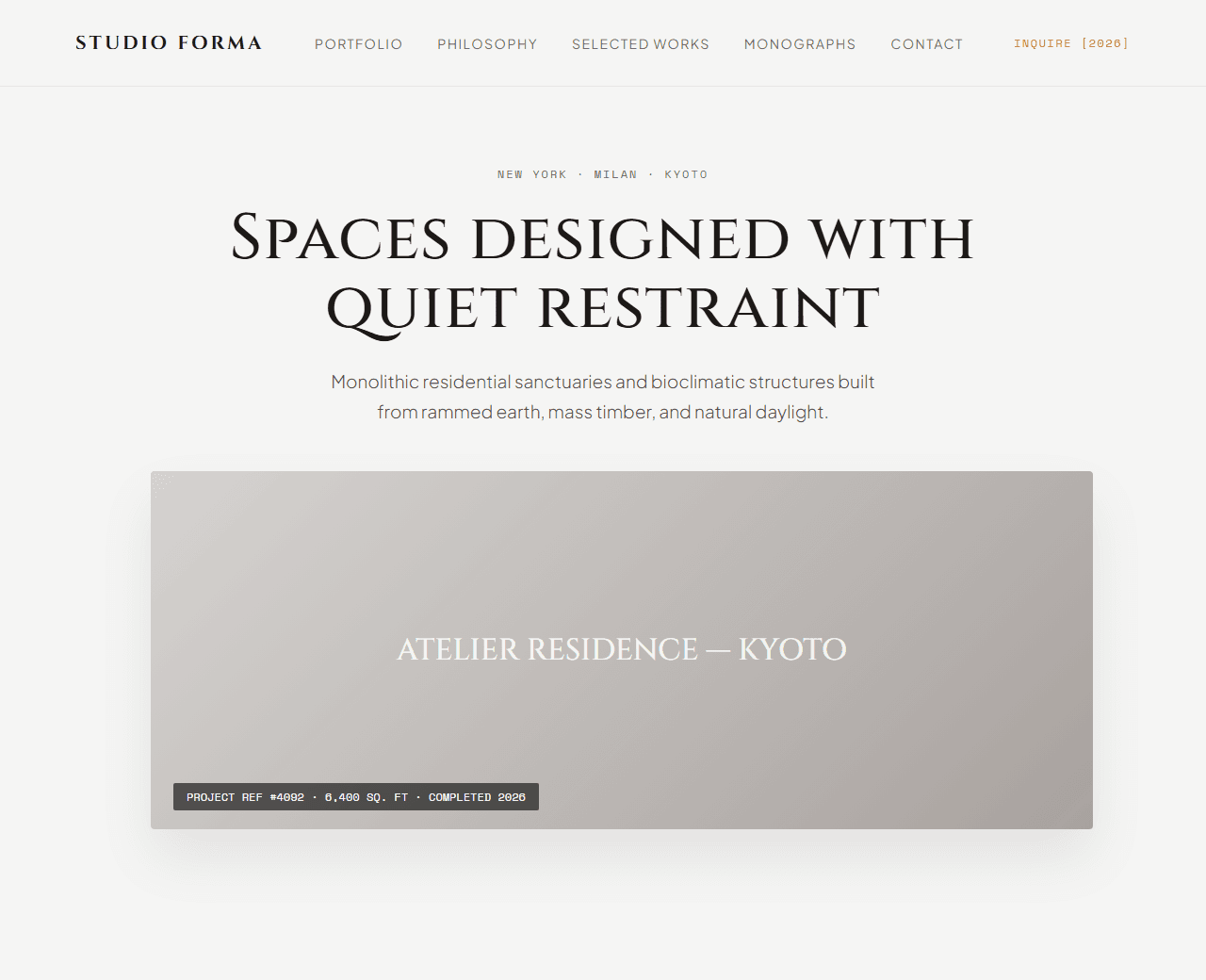
Example of the website this prompt builds. Your result will use your own name, text and images.
- Tech stack
- Next.js (App Router) + Tailwind CSS
- Colour palette
#f5f5f4#1c1917#78716c#d97706
- What it builds
- Minimalist transparent floating navigation bar
- Full-bleed editorial hero with architectural photography
- Studio design manifesto and sustainable building philosophy
- Featured portfolio projects gallery with filter (Residential, Commercial, Cultural)
- Project detail preview card with square footage, year, and location specs
- Architectural process (Discovery, 3D Spatial Modeling, Fabrication, Handover)
- International design accolades and architectural monographs
- Client private consultation questionnaire form
- Global studio addresses (New York, Milan, Kyoto)
- Footer with architectural license credentials
The prompt
Copy everything in the box. Text in quotes and the sample business details are meant to be replaced with your own.
Build a breathtaking, minimalist editorial portfolio website for an architectural and interior design studio called "Studio Atelier Forma".

Tech stack: Next.js (App Router) with Tailwind CSS.

Visual style: Scandinavian/Japanese minimalist aesthetic. Warm stone background (#f5f5f4), charcoal typography (#1c1917), muted warm-grey (#78716c) for descriptions, and subtle ochre (#d97706) for award highlights. Monospaced coordinates and metadata tags, generous white space, and sharp editorial layout without clutter.

Sections, in order:
1. Floating Navbar: understated wordmark logo, links ("Portfolio", "Philosophy", "Selected Works", "Publications", "Contact"), and "Inquire" button.
2. Hero: full-bleed visual aesthetic. Large headline "Spaces designed with quiet restraint", subtitle exploring residential sanctuaries and sustainable mass-timber structures, with location indicator "New York · Milan · Kyoto".
3. Philosophy Statement: an expansive typography block exploring how natural light, raw textures, and bioclimatic ventilation define every commission.
4. Selected Works Gallery: 4 featured project showcases with photography placeholders, project title (e.g., "The Glass Pavilions — Aspen", "Casa Minori — Kyoto"), category tags (Residential, 6,200 sq.ft, Completed 2026), and "View Project Monograph" link.
5. The Architectural Process: 4 chronological stages: 1) Topographic Analysis, 2) Light & Shadow Modeling, 3) Artisanal Material Procurement, 4) Master Craft Execution.
6. Recognition & Press: architectural awards (AIA Honor Award 2026, Architectural Digest Top 100), accompanied by quote excerpts from Domus and Wallpaper*.
7. Private Commission Inquiries: a restrained, elegant form requesting Project Location, Estimated Scale, Timeline, and Concept Vision.
8. Studio Locations: 3 columns with address, local phone, and coordinates for Manhattan, Brera Milan, and Kamigyo Kyoto studios.
9. Footer: copyright, architectural registration numbers, and newsletter field for biannual monograph release.

Quality bar:
- Fully responsive: design mobile-first, then tablet (768px) and desktop (1200px).
- Accessible: semantic HTML landmarks, one h1, alt text on images, visible keyboard focus, colour contrast of at least 4.5:1 for body text.
- Fast: no heavy libraries, lazy-load images below the fold, system or two web fonts at most.
- Use placeholder images from a neutral source and realistic sample copy (no lorem ipsum).
- Respect prefers-reduced-motion for every animation.
- Keep the code clean and commented so I can edit it by hand.
How to use this prompt
- 1
Open an AI coding tool. Use any capable assistant: Claude, ChatGPT, Cursor, v0, Bolt, Gemini. Tools that can create files (Cursor, Claude Code, v0, Bolt) are the most convenient because they write the project for you.
- 2
Replace the sample details. Copy the prompt and change the business name, location, colours and any section you do not need. The more specific your details, the better the result.
- 3
Paste the prompt and generate. Send the whole prompt in one message. If the reply is cut off, say “continue from where you stopped”, or ask for one section at a time.
- 4
Run it on your computer. Create a project with “npx create-next-app@latest”, add the generated files, then run “npm run dev” and open http://localhost:3000.
- 5
Review and refine. Check it on a phone-width screen, fix anything that looks off by describing it in plain words, then use the follow-up prompts below to add features one at a time.
- 6
Replace placeholders and publish. Swap in your real text and images, then deploy. Vercel and Netlify both host this kind of site for free.
Follow-up prompts
Send these one at a time after the first version is working. Small, specific requests give much better results than one giant prompt.
Add full-screen image lightbox modal for high-resolution project renders.
Add interactive before/after renovation slider for selected interior projects.
Add architectural blueprint wireframe toggle overlay on project images.
Include Schema.org LocalBusiness and RealEstateAgent metadata.
Tips for a better result
- Use ample white space (padding of 120px+ between sections) to evoke understated luxury.
- Ensure typography uses elegant letter-spacing and refined font hierarchy.
- Want to hand-build a section instead? The Templates library has heroes, pricing tables, FAQs and more with full code.