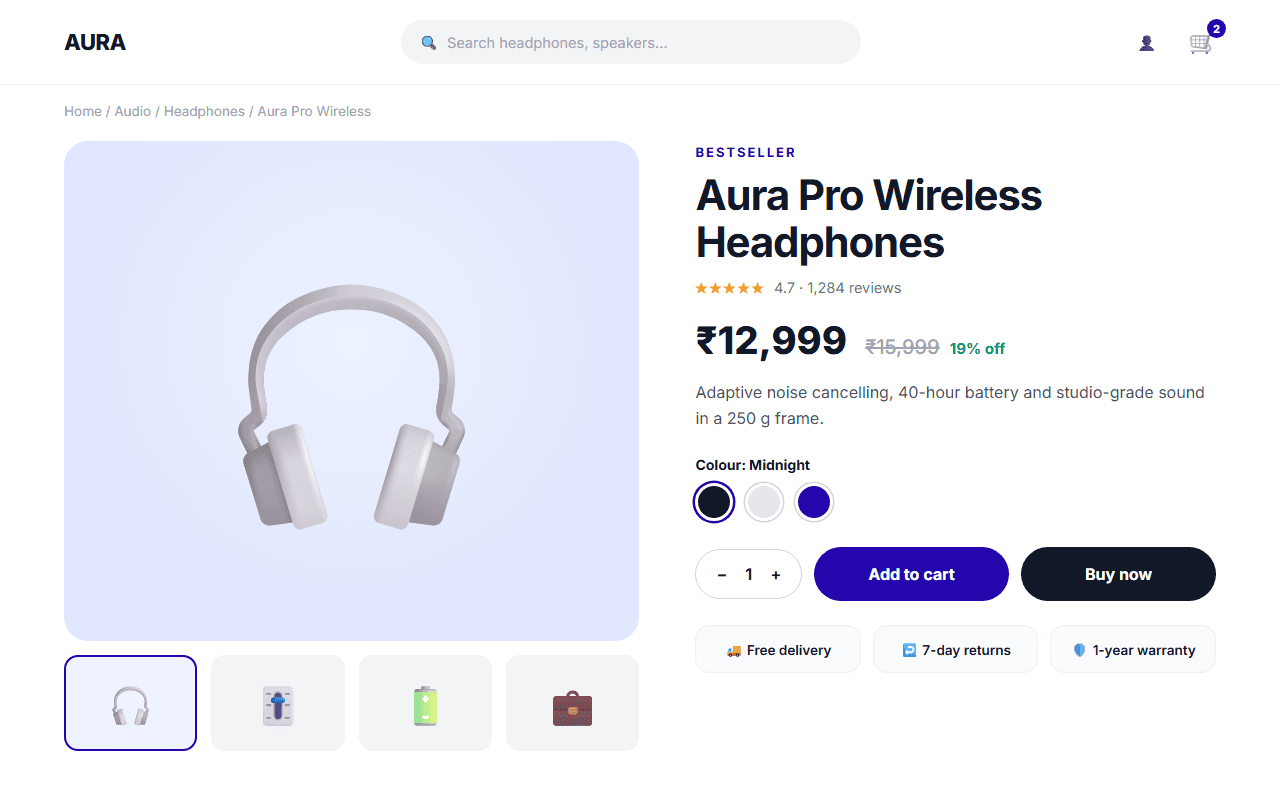
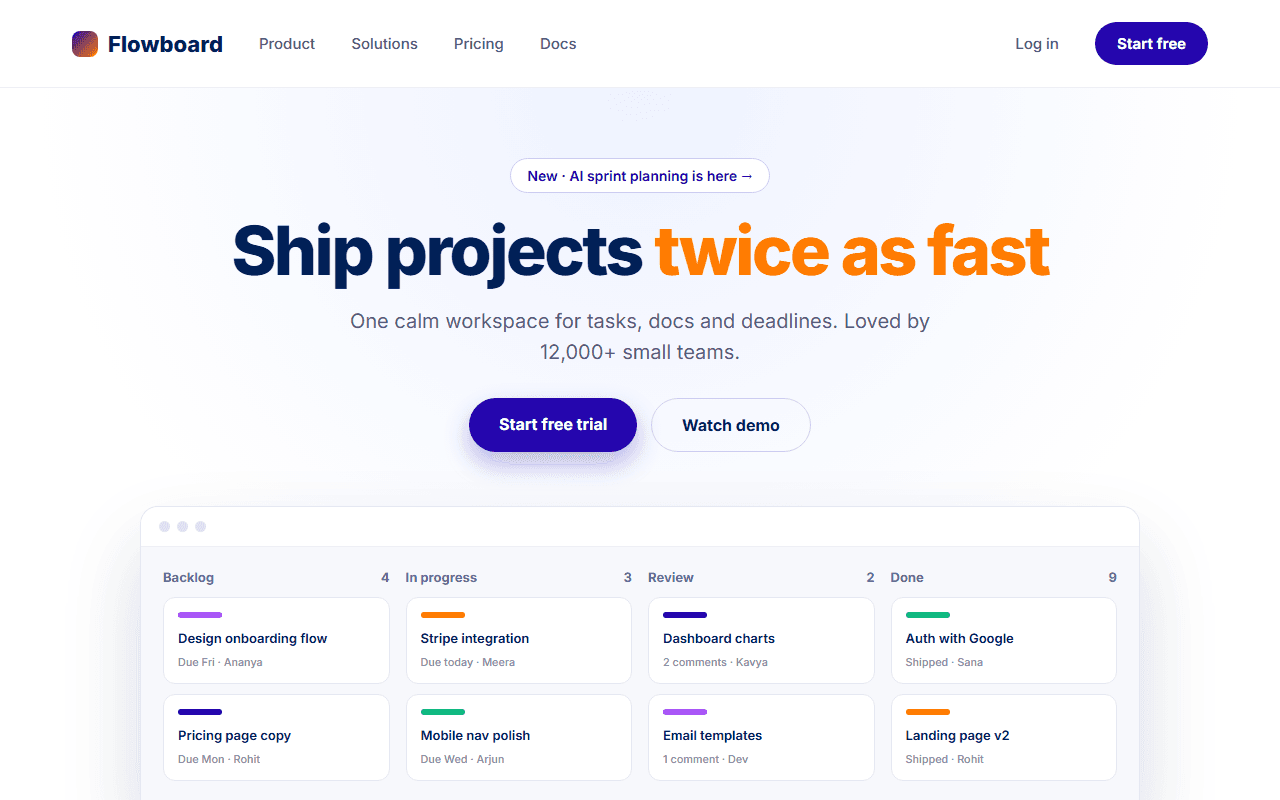
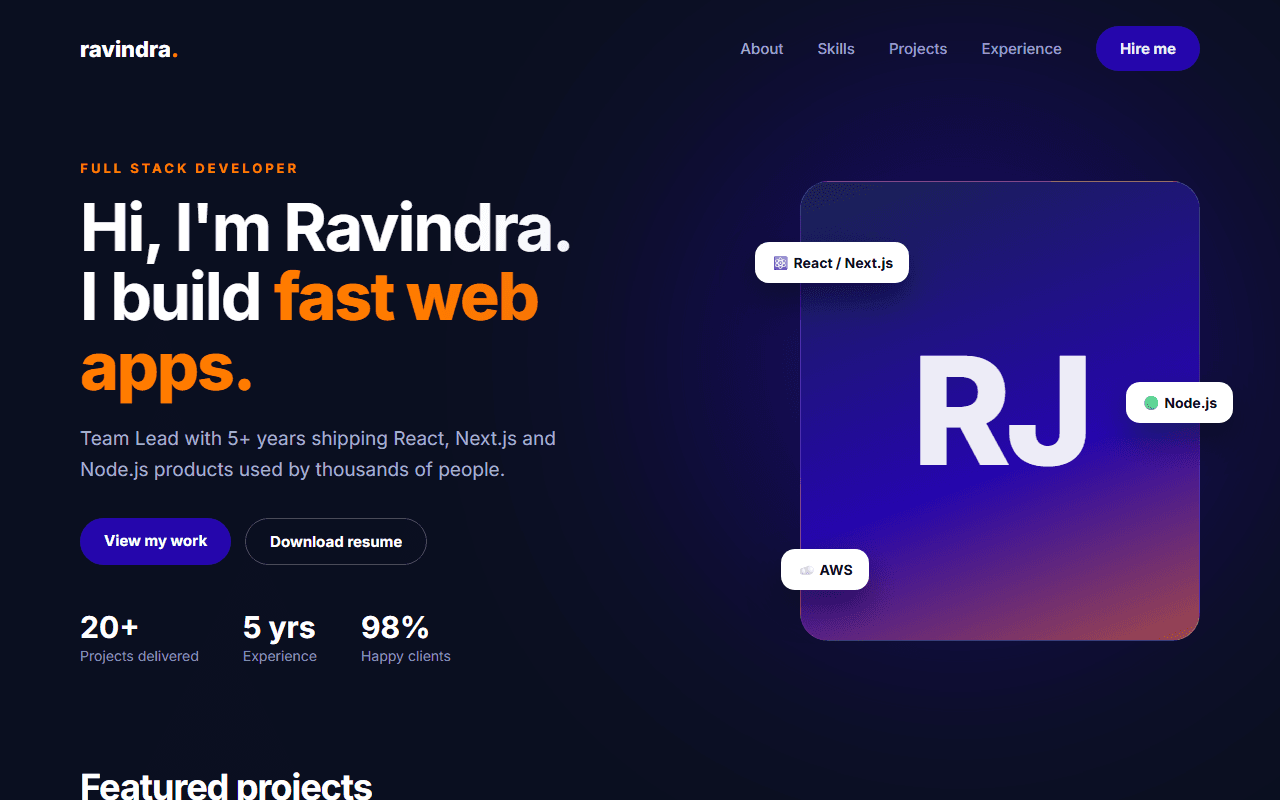
Boutique D2C Fashion Store
A refined luxury D2C fashion ecommerce store featuring lookbook collections, interactive color swatch previews, and editorial styling.
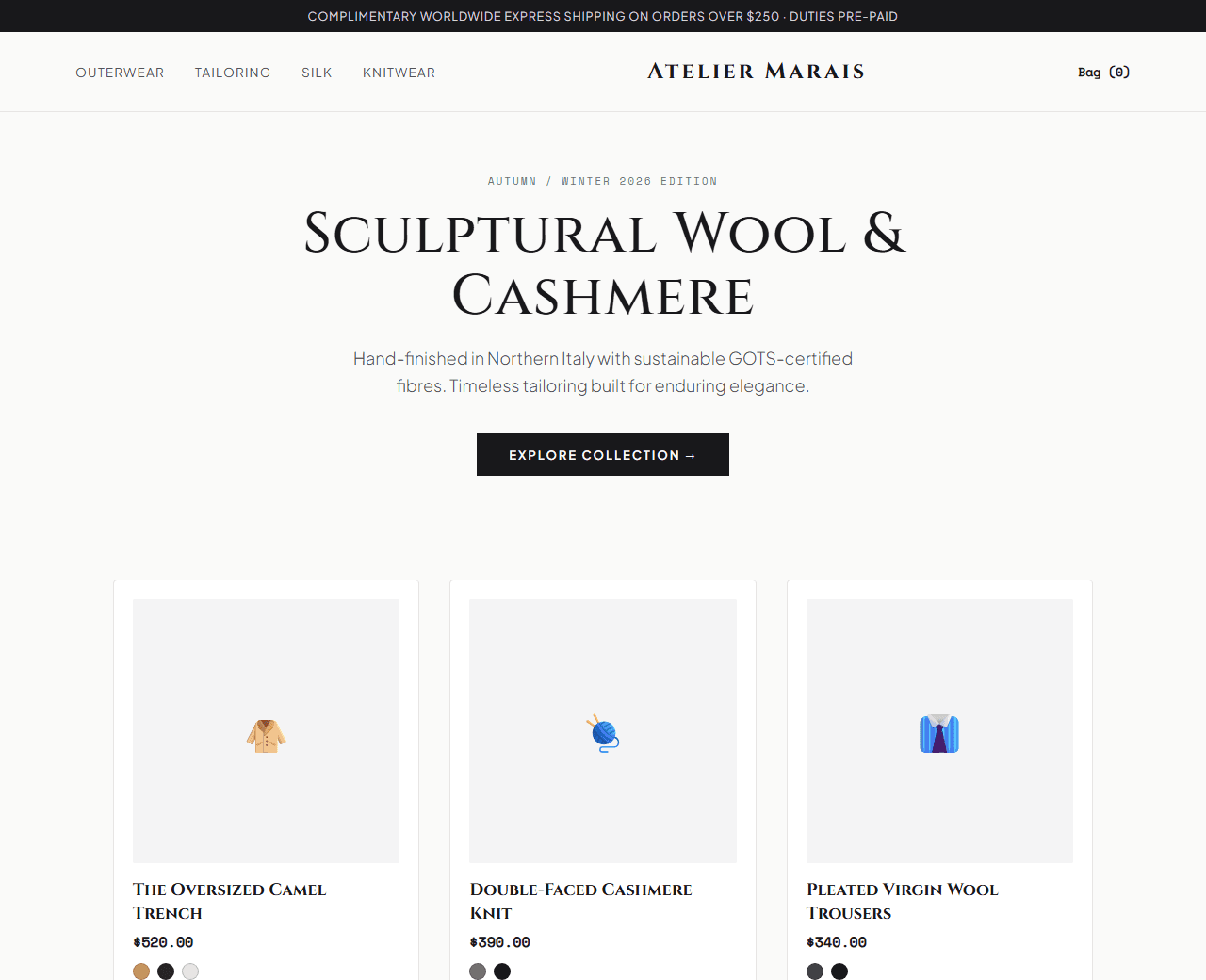
Example of the website this prompt builds. Your result will use your own name, text and images.
- Tech stack
- Next.js (App Router) + Tailwind CSS
- Colour palette
#fafaf9#18181b#71717a#b91c1c
- What it builds
- Free express shipping and complimentary returns banner
- Minimalist brand header with slide-out cart count and wishlist icon
- Full-height editorial seasonal lookbook hero with 'Explore Collection' CTA
- Category visual tiles (Tailored Outerwear, Silk Essentials, Italian Leather, Knitwear)
- Curated product catalog grid with interactive color swatch previews
- Product quick-view drawer with size selector and fabric composition
- Sustainable craftsmanship and ethical European mill sourcing story
- Customer styling lookbook grid (tagged #AtelierLiving)
- VIP Collector newsletter with 15% first order invitation
- Footer with garment care guides, size chart, and boutique locations
The prompt
Copy everything in the box. Text in quotes and the sample business details are meant to be replaced with your own.
Build a luxury, editorial D2C apparel and fashion boutique website called "Atelier Marais: Modern Wardrobe Essentials".

Tech stack: Next.js (App Router) with Tailwind CSS.

Visual style: Parisian luxury editorial. Warm alabaster background (#fafaf9), deep charcoal typography (#18181b), muted slate (#71717a) for descriptions, and crimson (#b91c1c) for sale tags and stock alerts. High-fashion photography framing, minimalist lines, and generous padding.

Sections, in order:
1. Top Strip: "Complimentary global shipping on all orders over $250. Duties & taxes included."
2. Header: clean centered serif wordmark logo, left links ("Collections", "New Arrivals", "Outerwear", "Tailoring"), right icons (Search, Wishlist, Bag with item counter).
3. Hero: full-height editorial campaign shot.
   - Headline: "Autumn/Winter 2026: Sculptural Wool & Cashmere".
   - Subtitle: "Hand-finished in Northern Italy with sustainable GOTS-certified fibres."
   - Dual CTAs: "Shop the Collection" and "View Autumn Lookbook".
4. Curated Collections Bento: 4 visual categories: 1) Double-Faced Cashmere Coats, 2) Tailored Pleated Trousers, 3) Raw Mulberry Silk Shirts, 4) Vegetable-Tanned Leather Goods.
5. Featured Product Grid: 4 product cards displaying: product photo, garment title (e.g., "The Oversized Camel Trench"), price ($480), interactive color swatch circles (Camel, Espresso, Obsidian) that swap preview images, size availability tags (XS to XL), and "Quick Add" hover button.
6. The Craftsmanship Ethos: 3 pillar statements explaining small-batch production runs, transparent factory wages, and lifetime garment repair warranty.
7. Customer Styling Community: 6 Instagram lookbook photo cards showing real customers wearing the collection with product tag tags.
8. VIP Access Newsletter: clean email capture card offering 15% off first order and private access to archive sample sales.
9. Footer: comprehensive navigation columns (Garment Care Guides, Traceability Map, Size & Fit Concierge, Press Inquiries) and payment method badges.

Quality bar:
- Fully responsive: design mobile-first, then tablet (768px) and desktop (1200px).
- Accessible: semantic HTML landmarks, one h1, alt text on images, visible keyboard focus, colour contrast of at least 4.5:1 for body text.
- Fast: no heavy libraries, lazy-load images below the fold, system or two web fonts at most.
- Use placeholder images from a neutral source and realistic sample copy (no lorem ipsum).
- Respect prefers-reduced-motion for every animation.
- Keep the code clean and commented so I can edit it by hand.
How to use this prompt
- 1
Open an AI coding tool. Use any capable assistant: Claude, ChatGPT, Cursor, v0, Bolt, Gemini. Tools that can create files (Cursor, Claude Code, v0, Bolt) are the most convenient because they write the project for you.
- 2
Replace the sample details. Copy the prompt and change the business name, location, colours and any section you do not need. The more specific your details, the better the result.
- 3
Paste the prompt and generate. Send the whole prompt in one message. If the reply is cut off, say “continue from where you stopped”, or ask for one section at a time.
- 4
Run it on your computer. Create a project with “npx create-next-app@latest”, add the generated files, then run “npm run dev” and open http://localhost:3000.
- 5
Review and refine. Check it on a phone-width screen, fix anything that looks off by describing it in plain words, then use the follow-up prompts below to add features one at a time.
- 6
Replace placeholders and publish. Swap in your real text and images, then deploy. Vercel and Netlify both host this kind of site for free.
Follow-up prompts
Send these one at a time after the first version is working. Small, specific requests give much better results than one giant prompt.
Add interactive slide-out side cart drawer with item counter and free shipping progress bar.
Add interactive color swatch click handlers that dynamically update the main product image.
Add interactive size chart modal with unit conversion (US / UK / EU).
Add Product and AggregateOffer JSON-LD structured data.
Tips for a better result
- Use high-fashion photography aspect ratios (3:4 or 4:5 portrait) for product tiles.
- Keep typography refined with tracking-wide and uppercase category labels.
- Want to hand-build a section instead? The Templates library has heroes, pricing tables, FAQs and more with full code.