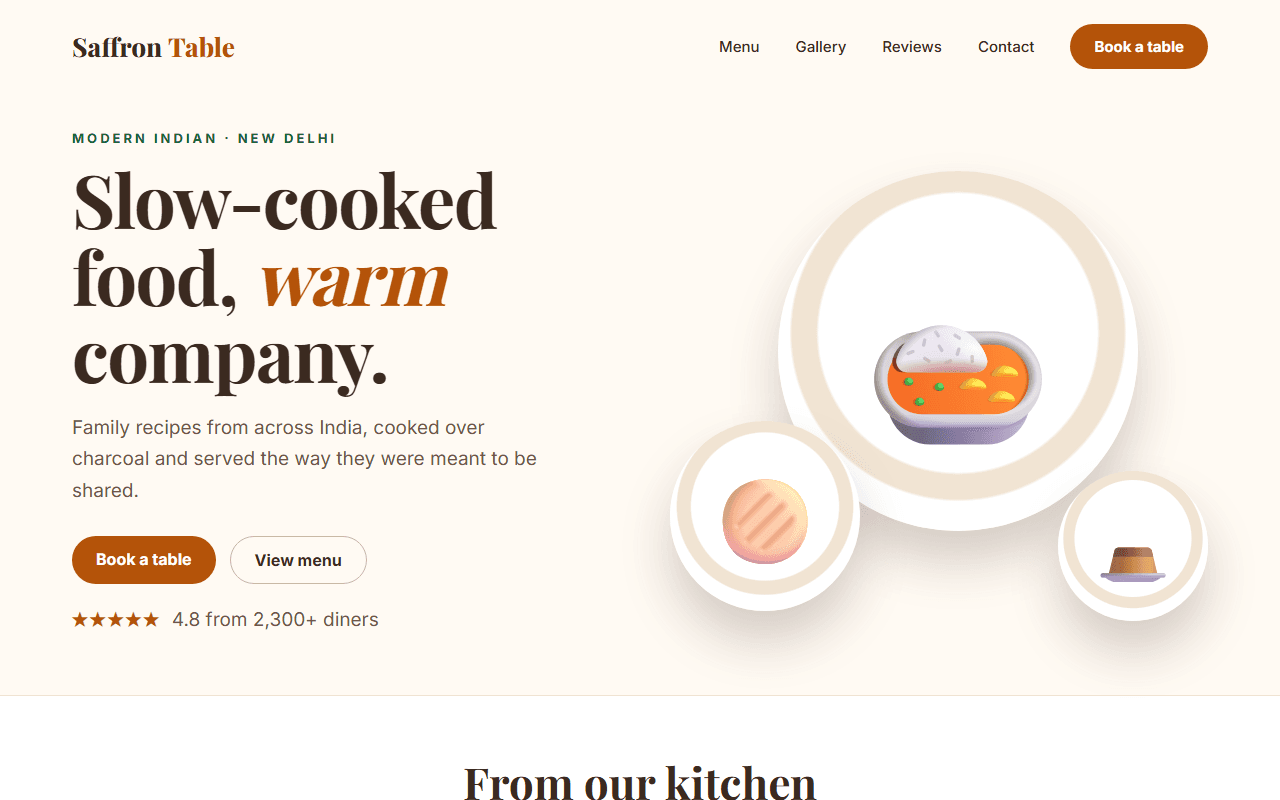
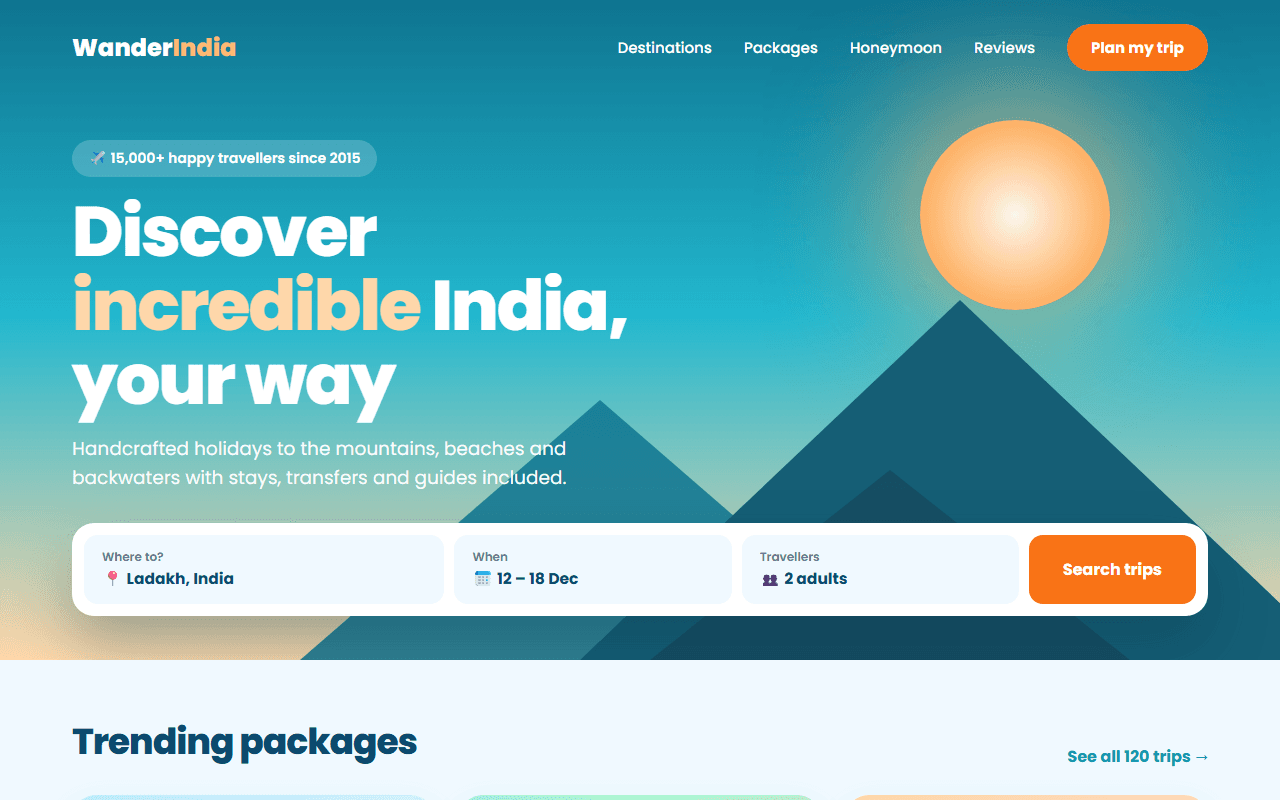
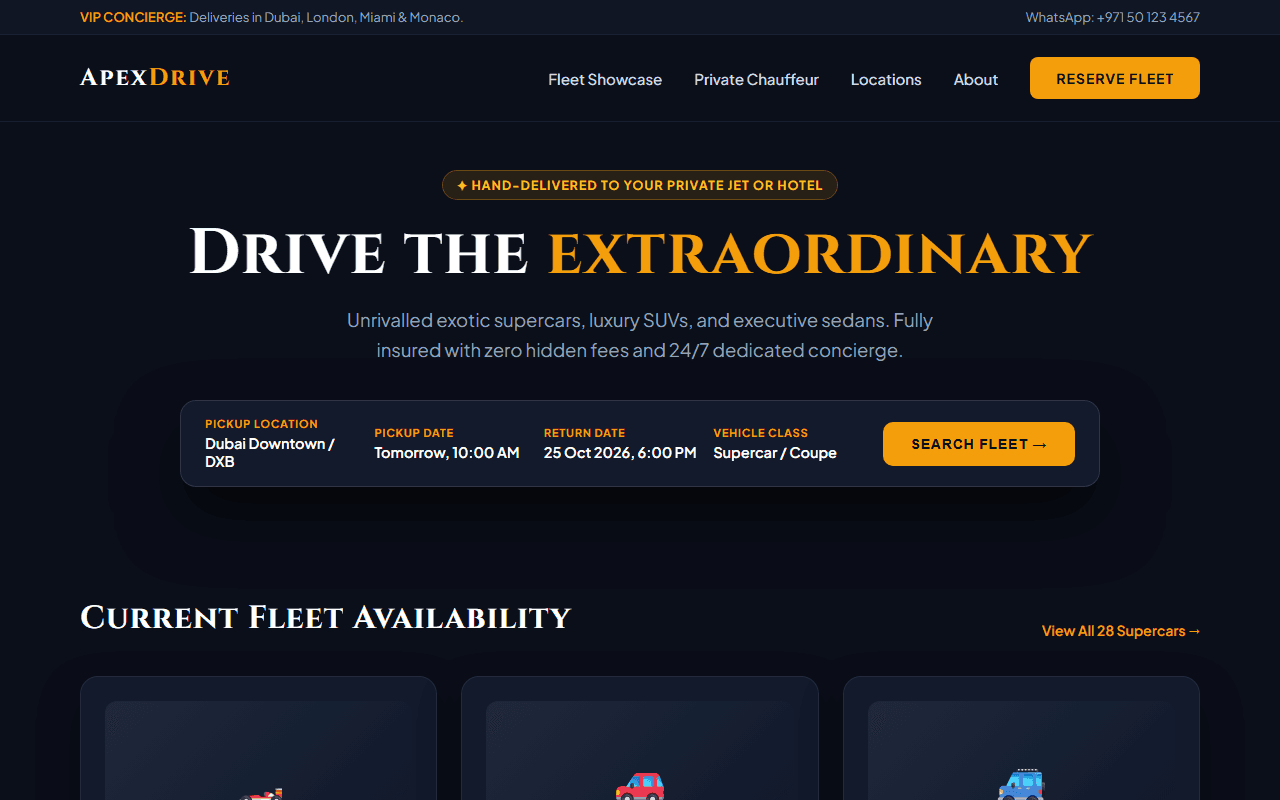
Specialty Coffee Roastery & Cafe
A warm, sensory specialty coffee roastery website with bean subscription plans, flavor profile tasting notes, and home brew guides.
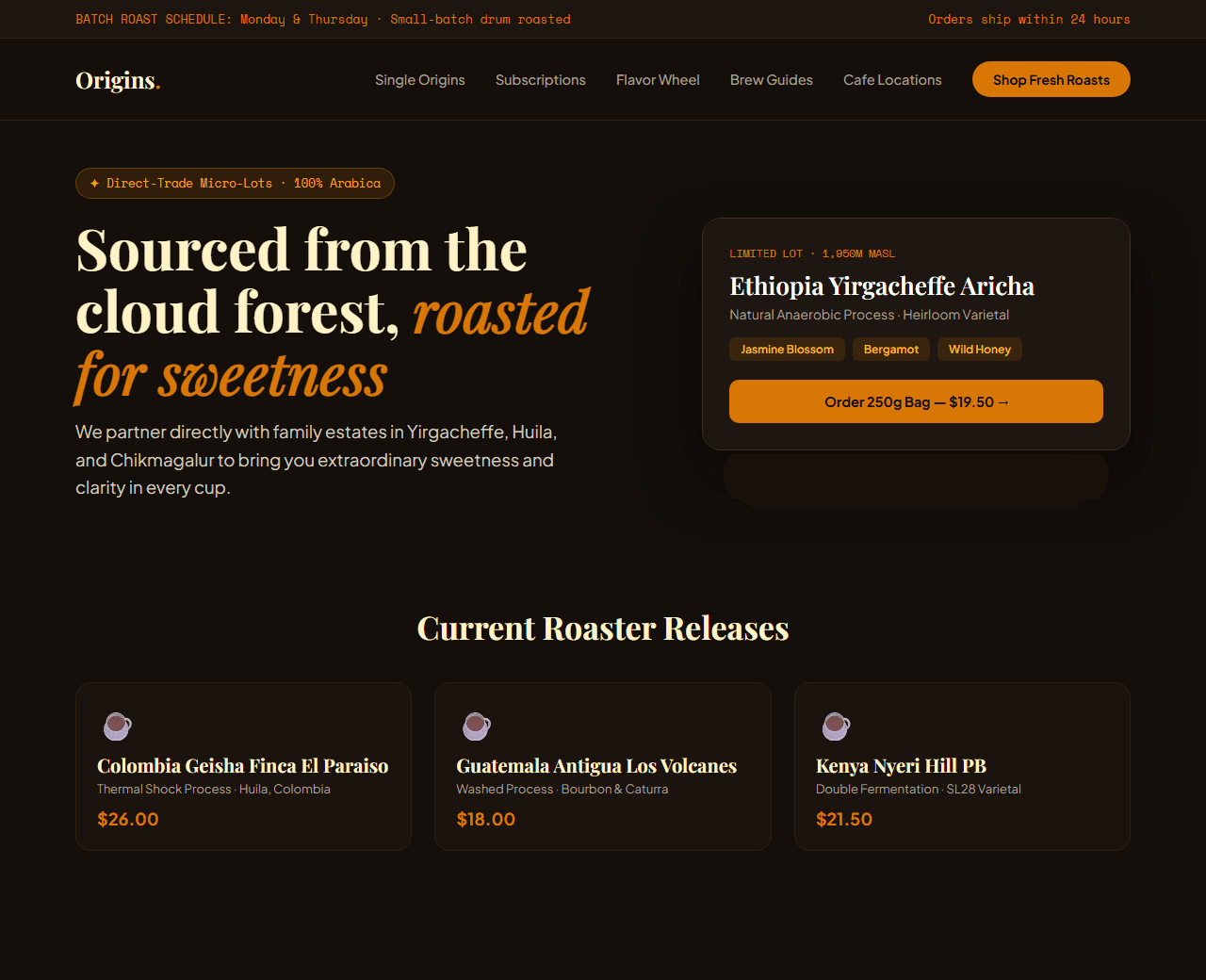
Example of the website this prompt builds. Your result will use your own name, text and images.
- Tech stack
- Next.js (App Router) + Tailwind CSS
- Colour palette
#140f0b#fef3c7#d97706#78350f
- What it builds
- Top bar with weekly roast schedule ('Next batch roasted on Tuesday')
- Navbar with Bean Shop, Subscription, Brew Guides & Cafe Hours
- Hero with single-origin coffee bean bag & elevation story
- Curated coffee beans e-commerce grid with roast level sliders
- Interactive flavor notes wheel (Jasmine, Bergamot, Dark Chocolate, Blackberry)
- Monthly coffee subscription box builder with grind selector
- Step-by-step home brew tutorials (V60 Pour-over, Aeropress, Espresso)
- Flagship cafe location with hours, address, and Google Maps link
- Customer reviews from specialty coffee enthusiasts
- Footer with direct trade sourcing certifications
The prompt
Copy everything in the box. Text in quotes and the sample business details are meant to be replaced with your own.
Build a warm, atmospheric specialty coffee roastery and cafe website called "Origins Roastery & Brew Lab".

Tech stack: Next.js (App Router) with Tailwind CSS.

Visual style: rich artisanal aesthetic. Deep espresso background (#140f0b), warm parchment text (#fef3c7), amber honey accents (#d97706), and roasted hazelnut borders (#78350f). Atmospheric coffee imagery, bold modern typography, and subtle craft illustrations.

Sections, in order:
1. Top Bar: "Freshly roasted in small batches every Monday & Thursday. Free shipping on orders over ₹999 / $35."
2. Navbar: logo with coffee leaf branch icon, links ("Shop Beans", "Subscription", "Flavor Guide", "Brew Lab", "Cafe Locations"), and "Cart (0)" button.
3. Hero: split layout.
   - Left side: badge "✦ Direct Trade Specialty Coffee", headline "Sourced from high-altitude farms. Roasted for extraordinary sweetness.", paragraph detailing ethical partnerships with smallholder farmers in Ethiopia, Colombia, and Chikmagalur.
   - Right side: artisanal coffee bag photo with origin label, elevation specs (1,950m MASL), variety (Geisha), and process (Natural Anaerobic).
4. Fresh Roasts Collection: 4 coffee bag cards with roast degree badge (Light, Medium-Light, Medium), tasting notes (e.g., Jasmine, Blueberry, Wild Honey), origin country flag, price, and "Add to Bag" button.
5. Interactive Tasting Notes Explorer: interactive flavor picker where clicking a flavor profile (Fruity & Floral vs Rich & Chocolatey vs Bright Citrus) highlights recommended beans.
6. Monthly Subscription Club: 3 simple steps: 1) Choose your brew method (Espresso, Pour-over, French Press, Whole Bean), 2) Pick frequency (Weekly, Bi-weekly, Monthly), 3) Receive freshly roasted bags with 20% discount.
7. Home Brew Guides: 3 quick visual guides with water ratios and grind sizes for V60 Pour-Over, AeroPress, and Cold Brew.
8. Flagship Cafe & Tasting Room: opening hours, address, parking instructions, and menu highlights (Oat flat white, Single-origin espresso flights).
9. Community Love: quotes from coffee competition judges and cafe regulars.
10. Footer: direct trade sourcing ethics, sustainable packaging pledge, and wholesale bean inquiries link.

Quality bar:
- Fully responsive: design mobile-first, then tablet (768px) and desktop (1200px).
- Accessible: semantic HTML landmarks, one h1, alt text on images, visible keyboard focus, colour contrast of at least 4.5:1 for body text.
- Fast: no heavy libraries, lazy-load images below the fold, system or two web fonts at most.
- Use placeholder images from a neutral source and realistic sample copy (no lorem ipsum).
- Respect prefers-reduced-motion for every animation.
- Keep the code clean and commented so I can edit it by hand.
How to use this prompt
- 1
Open an AI coding tool. Use any capable assistant: Claude, ChatGPT, Cursor, v0, Bolt, Gemini. Tools that can create files (Cursor, Claude Code, v0, Bolt) are the most convenient because they write the project for you.
- 2
Replace the sample details. Copy the prompt and change the business name, location, colours and any section you do not need. The more specific your details, the better the result.
- 3
Paste the prompt and generate. Send the whole prompt in one message. If the reply is cut off, say “continue from where you stopped”, or ask for one section at a time.
- 4
Run it on your computer. Create a project with “npx create-next-app@latest”, add the generated files, then run “npm run dev” and open http://localhost:3000.
- 5
Review and refine. Check it on a phone-width screen, fix anything that looks off by describing it in plain words, then use the follow-up prompts below to add features one at a time.
- 6
Replace placeholders and publish. Swap in your real text and images, then deploy. Vercel and Netlify both host this kind of site for free.
Follow-up prompts
Send these one at a time after the first version is working. Small, specific requests give much better results than one giant prompt.
Add interactive grind size and bag quantity selector on product cards.
Add coffee brewing timer tool with audio chimes for pour intervals.
Add newsletter subscription form with a free 20-page Home Brewing Guide PDF download.
Integrate local currency switcher (INR / USD / EUR).
Tips for a better result
- Include key coffee metrics that matter to enthusiasts: altitude (MASL), processing method, and roast date.
- Use rich warm tones rather than sterile clinical greys to evoke sensory taste and aroma.
- Want to hand-build a section instead? The Templates library has heroes, pricing tables, FAQs and more with full code.