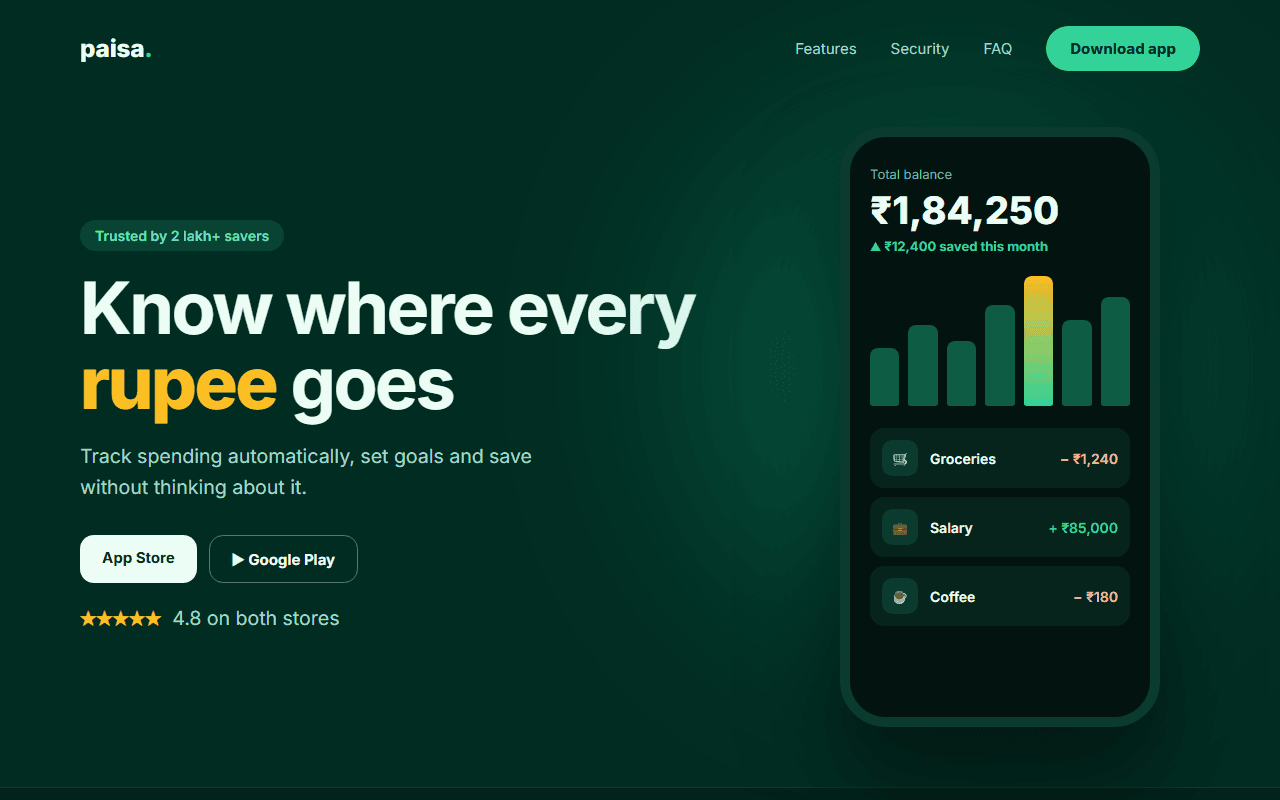
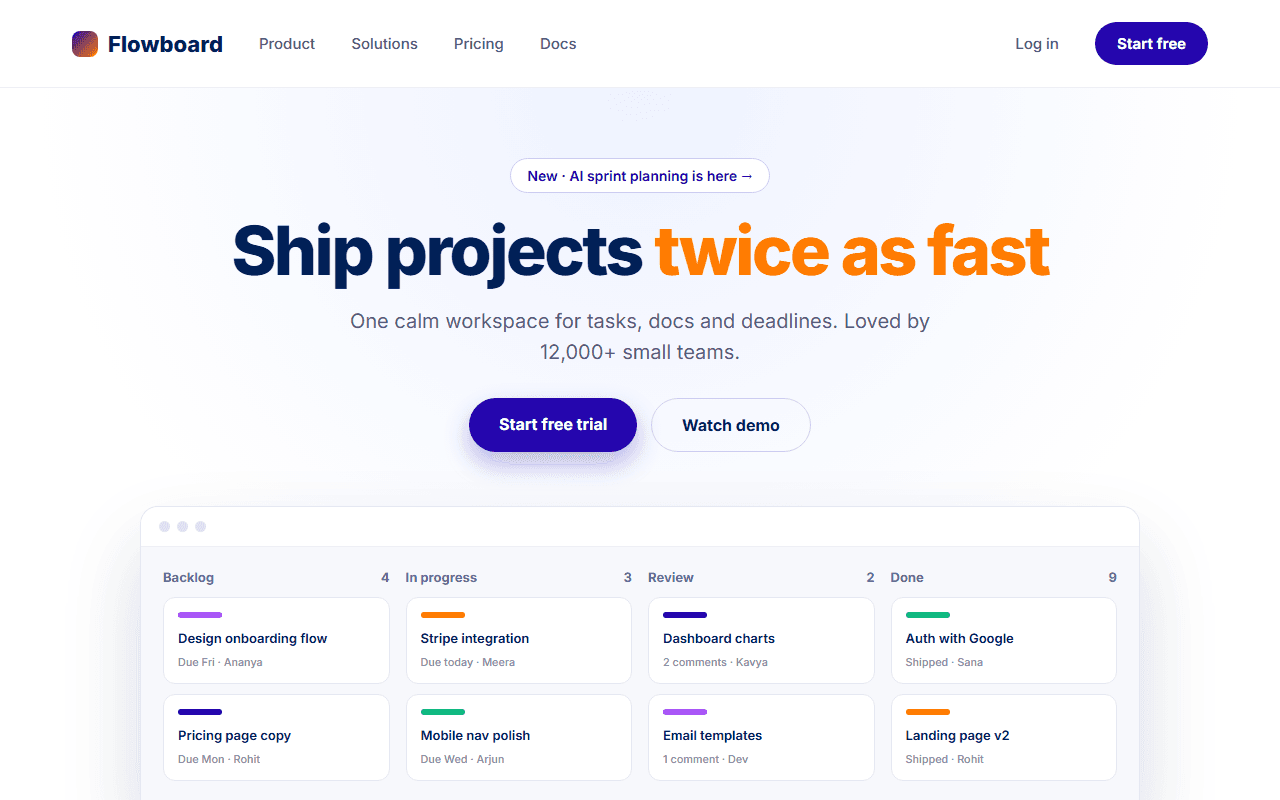
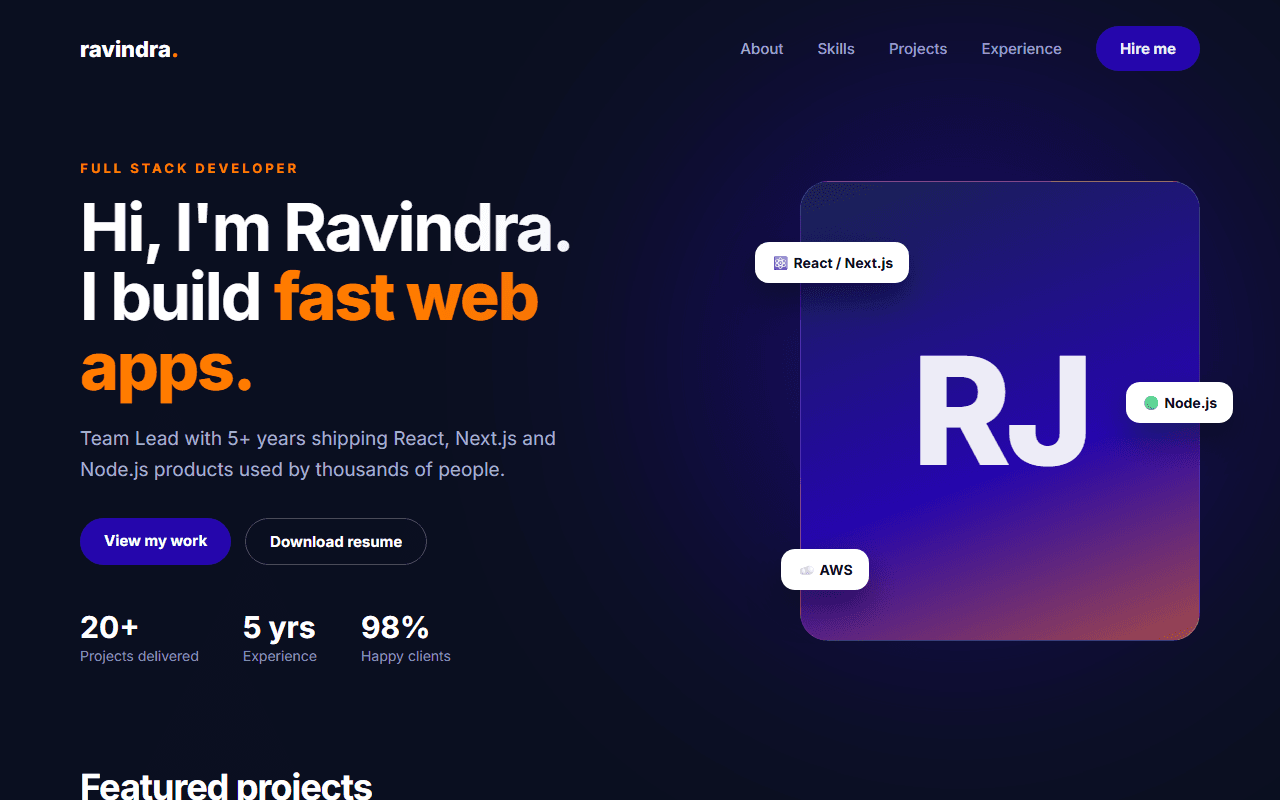
Web3 DeFi Protocol & Token Swap
A modern decentralized finance landing page featuring an interactive token swap simulator, liquidity yield pool tables, and audit badges.
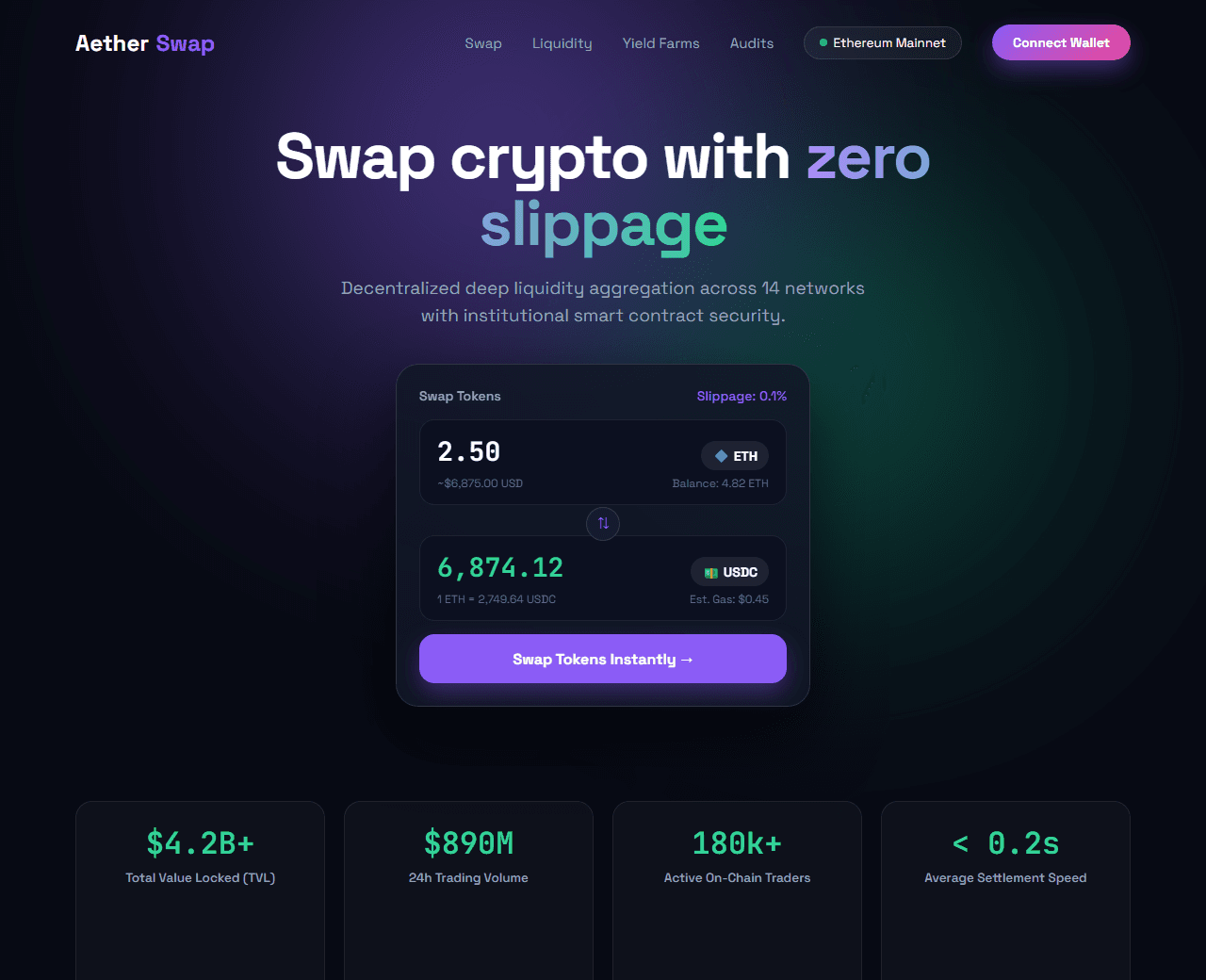
Example of the website this prompt builds. Your result will use your own name, text and images.
- Tech stack
- Next.js (App Router) + Tailwind CSS
- Colour palette
#080a14#ffffff#8b5cf6#10b981
- What it builds
- Web3 navigation bar with Connect Wallet modal trigger
- Hero with live interactive token swap card simulator
- Live TVL, 24h trading volume, and protocol stats bar
- Top liquidity yield pools table with APY sorting
- Institutional security & audit badges (CertiK, OpenZeppelin)
- Cross-chain bridge support grid (Ethereum, Solana, Arbitrum)
- DAO Governance proposals vote ticker
- FAQ section covering slippage and gas optimization
- Footer with social channels (Discord, X, Telegram)
The prompt
Copy everything in the box. Text in quotes and the sample business details are meant to be replaced with your own.
Build a futuristic, high-performance decentralized finance (DeFi) web application landing page called "AetherSwap DEX".

Tech stack: Next.js (App Router) with Tailwind CSS. Component-based architecture.

Visual style: ultra-dark Web3 aesthetic (#080a14 background). Neon violet (#8b5cf6) and emerald (#10b981) highlights. Dark glassmorphic panels with subtle glowing borders (box-shadow: 0 0 40px rgba(139, 92, 246, 0.15)). Monospace fonts for numbers and wallet addresses.

Sections, in order:
1. Navbar: logo with glowing prism icon, links ("Swap", "Liquidity", "Farms", "Analytics", "Governance"), network selector pill (Ethereum, Arbitrum, Base), and "Connect Wallet" button with gradient border.
2. Hero: centered layout. Headline "Swap tokens at lightning speed with zero slippage", subtitle explaining decentralized liquidity aggregation across 14 networks.
3. Interactive Swap Card: featured directly in the hero. Top row: 'You Pay' with numerical input, currency dropdown (ETH), and wallet balance. Middle: animated circular swap direction button. Bottom row: 'You Receive' with calculated output (USDC). Slippage tolerance settings button (0.1%, 0.5%, 1.0%), estimated gas fee ($0.42), and large "Swap Now" CTA button.
4. Protocol Live Metrics: 4 stats cards: "$4.2B+ Total Value Locked (TVL)", "$890M 24h Volume", "180k+ Active Traders", "$0.001 Avg Gas Cost".
5. Yield Farming Pools Table: top 5 liquidity pools with token pair icons (ETH/USDC, SOL/USDC, WBTC/ETH), total pool liquidity, 24h volume, and dynamic APY badge (e.g. 18.4% APY in green).
6. Security & Audit Proofs: logos and audit scores from CertiK, OpenZeppelin, and Halborn, plus 100% open-source smart contract link.
7. Cross-Chain Compatibility: logos of supported L1 and L2 blockchains with sub-second finality highlights.
8. Community Governance: active DAO voting cards showing recent proposals with 'For / Against' percentage bars.
9. Footer: disclaimer about cryptographic asset risk, smart contract documentation links, and social links.

Quality bar:
- Fully responsive: design mobile-first, then tablet (768px) and desktop (1200px).
- Accessible: semantic HTML landmarks, one h1, alt text on images, visible keyboard focus, colour contrast of at least 4.5:1 for body text.
- Fast: no heavy libraries, lazy-load images below the fold, system or two web fonts at most.
- Use placeholder images from a neutral source and realistic sample copy (no lorem ipsum).
- Respect prefers-reduced-motion for every animation.
- Keep the code clean and commented so I can edit it by hand.
How to use this prompt
- 1
Open an AI coding tool. Use any capable assistant: Claude, ChatGPT, Cursor, v0, Bolt, Gemini. Tools that can create files (Cursor, Claude Code, v0, Bolt) are the most convenient because they write the project for you.
- 2
Replace the sample details. Copy the prompt and change the business name, location, colours and any section you do not need. The more specific your details, the better the result.
- 3
Paste the prompt and generate. Send the whole prompt in one message. If the reply is cut off, say “continue from where you stopped”, or ask for one section at a time.
- 4
Run it on your computer. Create a project with “npx create-next-app@latest”, add the generated files, then run “npm run dev” and open http://localhost:3000.
- 5
Review and refine. Check it on a phone-width screen, fix anything that looks off by describing it in plain words, then use the follow-up prompts below to add features one at a time.
- 6
Replace placeholders and publish. Swap in your real text and images, then deploy. Vercel and Netlify both host this kind of site for free.
Follow-up prompts
Send these one at a time after the first version is working. Small, specific requests give much better results than one giant prompt.
Add interactive slippage tolerance configuration modal.
Add simulated token price charts using a mini SVG candlestick or line graph.
Integrate simulated wallet connect states (MetaMask, Phantom, WalletConnect).
Add sound effects on token swap button click using Web Audio API.
Tips for a better result
- Use font-variant-numeric: tabular-nums for financial values to eliminate layout shifts.
- Ensure color contrast remains readable even over dark glowing cards.
- Want to hand-build a section instead? The Templates library has heroes, pricing tables, FAQs and more with full code.