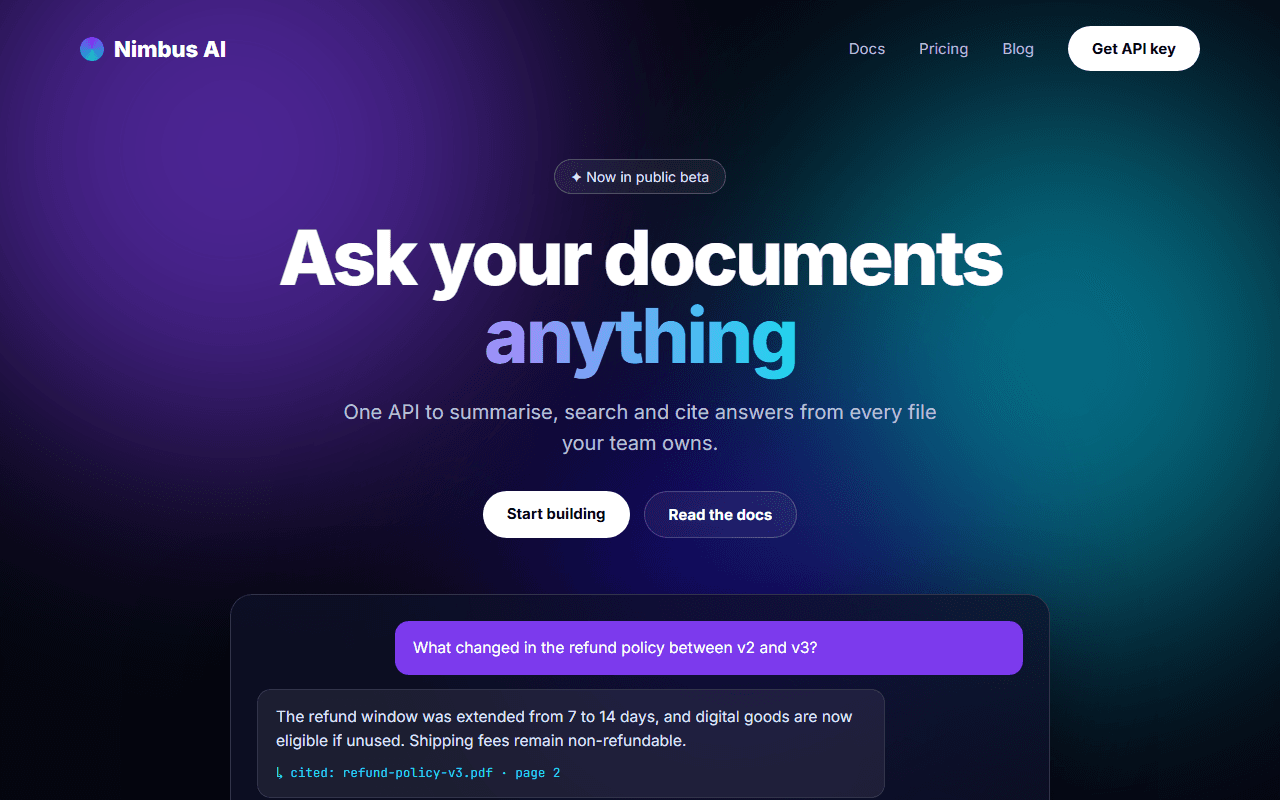
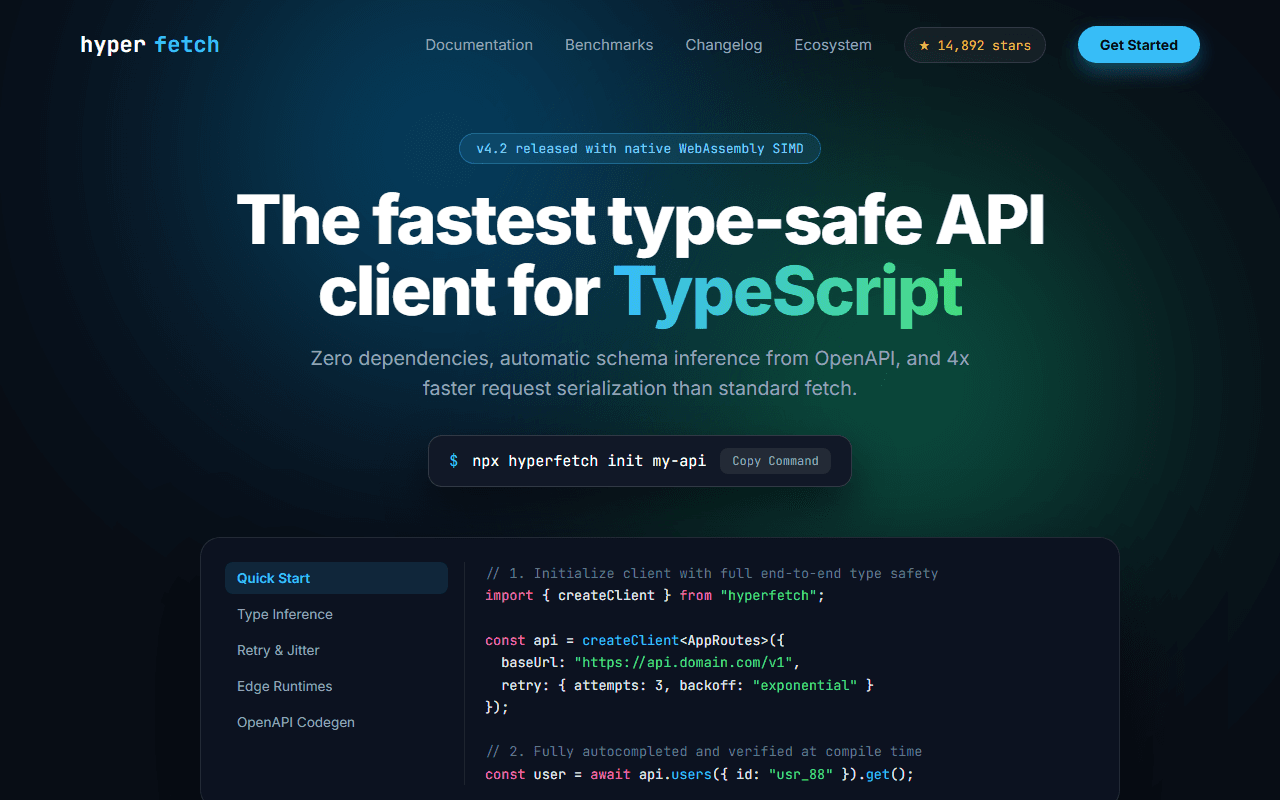
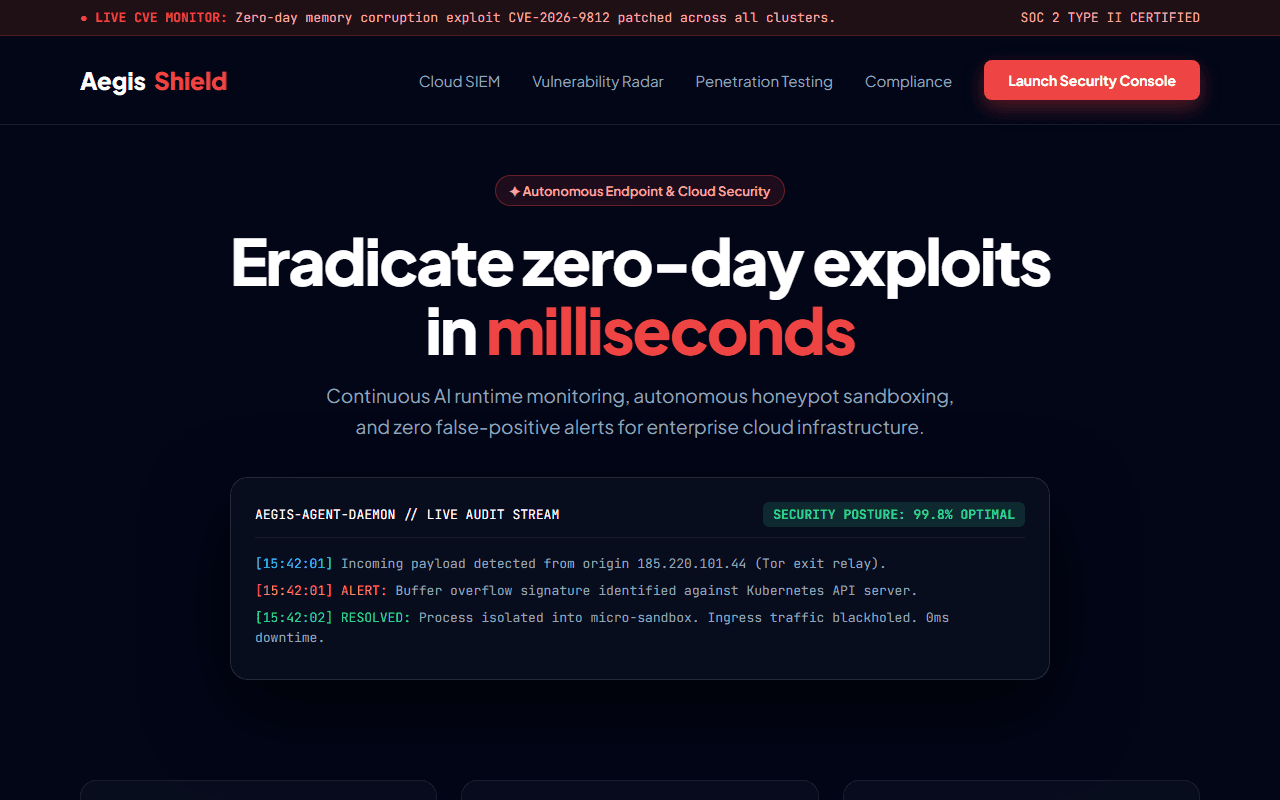
AI Agent & Workflow Platform
A high-converting landing page for an autonomous AI agent builder and workflow automation platform with live node simulations.
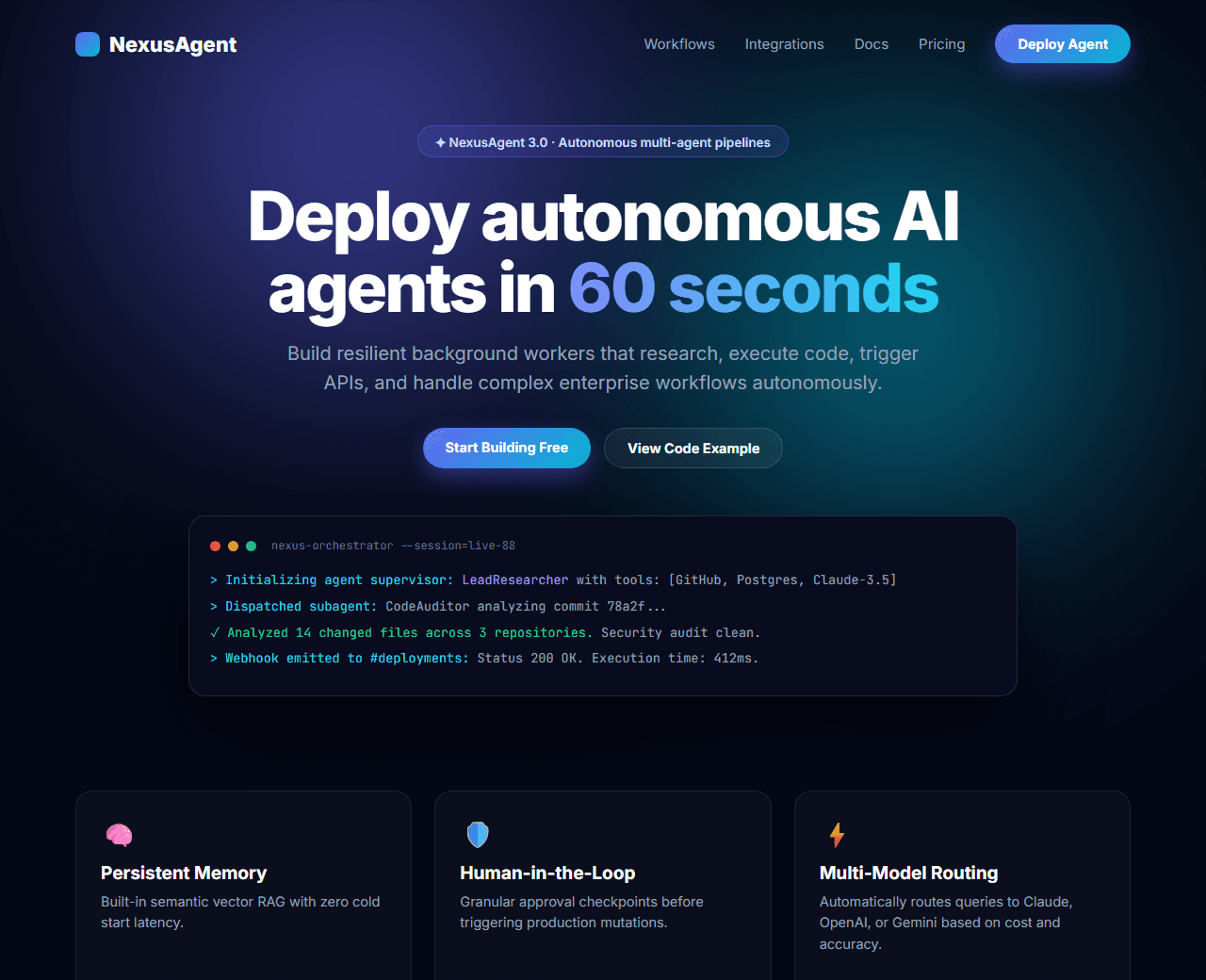
Example of the website this prompt builds. Your result will use your own name, text and images.
- Tech stack
- Next.js (App Router) + Tailwind CSS
- Colour palette
#050816#ffffff#6366f1#06b6d4
- What it builds
- Sticky navbar with Docs & Launch Console button
- Hero with interactive agent execution visualizer
- Live integration logo cloud (OpenAI, Anthropic, Gemini, Groq)
- Bento feature matrix of agent triggers and actions
- Workflow canvas diagram breakdown
- Pay-per-execution token pricing tiers
- Code snippet tab (Python & TypeScript SDK)
- Customer case study metrics
- Enterprise security compliance badges
- Footer with status page link
The prompt
Copy everything in the box. Text in quotes and the sample business details are meant to be replaced with your own.
Build a modern, developer-centric landing page for an AI agent platform called "NexusAgent", an automation tool that lets engineers deploy autonomous multi-model agents.

Tech stack: Next.js (App Router) with Tailwind CSS. Single-page layout with modular components. Use Lucide React icons.

Visual style: deep dark theme (#050816 background). Glowing indigo (#6366f1) and cyan (#06b6d4) accent gradients. Translucent dark cards with 1px border (border-white/10) and subtle backdrop blur. Typography in Inter or JetBrains Mono for code blocks.

Sections, in order:
1. Sticky Navbar: logo with glowing agent chip, links ("Features", "Workflows", "Integrations", "Pricing", "Docs"), "Log In" link, and primary "Deploy Agent" gradient pill button.
2. Hero: badge "✦ NexusAgent 3.0 is live with multi-agent orchestration", headline "Deploy autonomous AI agents in 60 seconds", supporting text describing background workers that research, write code, and trigger webhooks. Dual CTAs ("Start Building Free", "Explore Templates"). Below CTAs, an interactive simulated terminal window showing an agent performing tasks (querying DB, calling Claude 3.5, posting results).
3. Integration Cloud: "Connects natively to your AI stack" with logos for OpenAI, Anthropic, Gemini, Groq, Pinecone, LangChain, and Slack.
4. Bento Features Grid: 5 cards including "Autonomous Tool Calling", "Persistent Memory & RAG", "Human-in-the-loop Guardrails", "Multi-model Routing", and "Telemetry & Traceability".
5. Workflow Canvas Breakdown: visual diagram showing how a user prompt triggers a supervisor agent that delegates to sub-agents (Research, Code, QA).
6. Developer SDK Code Block: tabbed code viewer (TypeScript vs Python SDK) demonstrating a 5-line agent definition with custom tools.
7. Pricing: 3 tiers (Hobbyist free, Developer $29/mo with 500k workflow runs, Enterprise custom with dedicated VPC).
8. Social Proof: 3 quotes from tech leads praising speed and reliability.
9. Final CTA: full-width dark banner with glowing border and email invite input.
10. Footer: 4 columns of navigation links and real-time API uptime status indicator (99.98% Operational).

Quality bar:
- Fully responsive: design mobile-first, then tablet (768px) and desktop (1200px).
- Accessible: semantic HTML landmarks, one h1, alt text on images, visible keyboard focus, colour contrast of at least 4.5:1 for body text.
- Fast: no heavy libraries, lazy-load images below the fold, system or two web fonts at most.
- Use placeholder images from a neutral source and realistic sample copy (no lorem ipsum).
- Respect prefers-reduced-motion for every animation.
- Keep the code clean and commented so I can edit it by hand.
How to use this prompt
- 1
Open an AI coding tool. Use any capable assistant: Claude, ChatGPT, Cursor, v0, Bolt, Gemini. Tools that can create files (Cursor, Claude Code, v0, Bolt) are the most convenient because they write the project for you.
- 2
Replace the sample details. Copy the prompt and change the business name, location, colours and any section you do not need. The more specific your details, the better the result.
- 3
Paste the prompt and generate. Send the whole prompt in one message. If the reply is cut off, say “continue from where you stopped”, or ask for one section at a time.
- 4
Run it on your computer. Create a project with “npx create-next-app@latest”, add the generated files, then run “npm run dev” and open http://localhost:3000.
- 5
Review and refine. Check it on a phone-width screen, fix anything that looks off by describing it in plain words, then use the follow-up prompts below to add features one at a time.
- 6
Replace placeholders and publish. Swap in your real text and images, then deploy. Vercel and Netlify both host this kind of site for free.
Follow-up prompts
Send these one at a time after the first version is working. Small, specific requests give much better results than one giant prompt.
Add an interactive pricing slider based on monthly agent execution hours.
Add a live interactive node-graph builder simulator where users can drag connect wires between agents.
Integrate an email capture form connected to a Next.js Server Action.
Implement Dark/Light mode switcher with Tailwind dark classes.
Tips for a better result
- Make sure code blocks use pre and code tags with syntax coloring spans for clarity.
- Highlight the 'Human-in-the-loop' safety card to appeal to enterprise buyers.
- Want to hand-build a section instead? The Templates library has heroes, pricing tables, FAQs and more with full code.