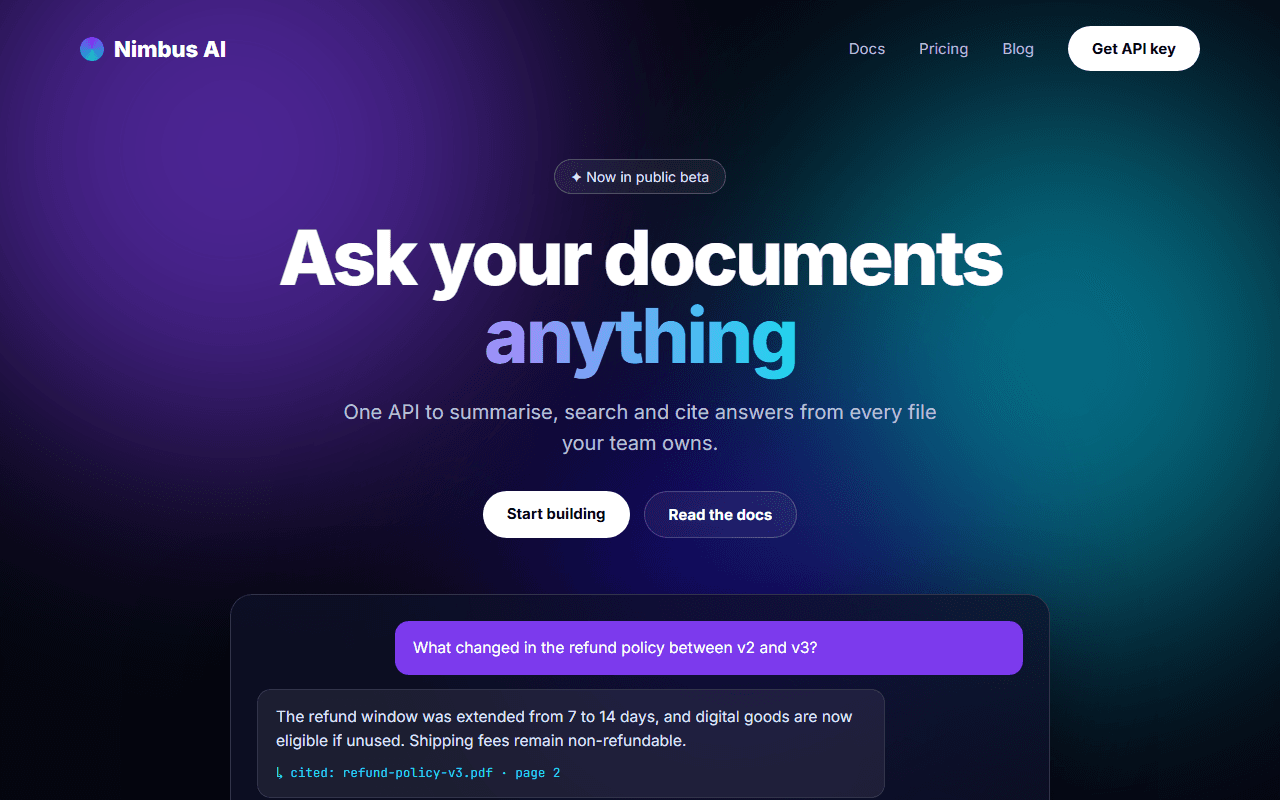
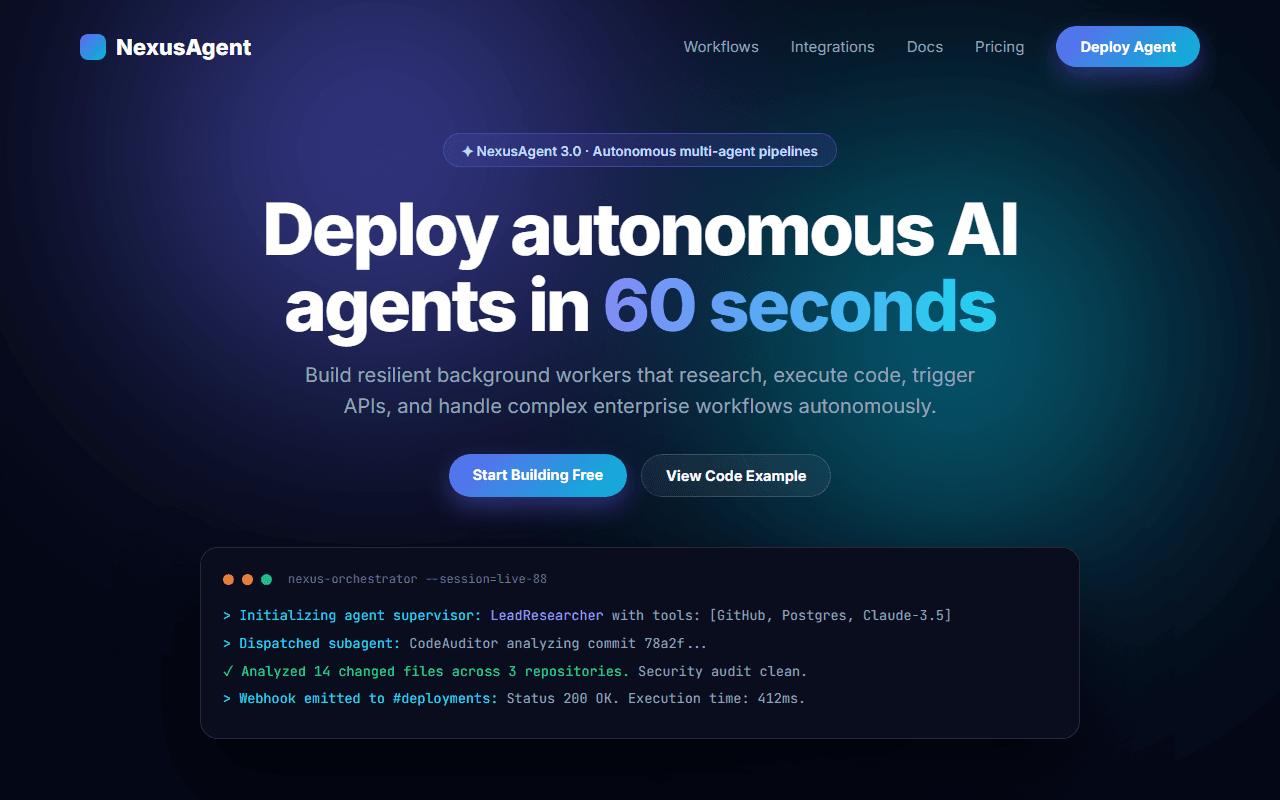
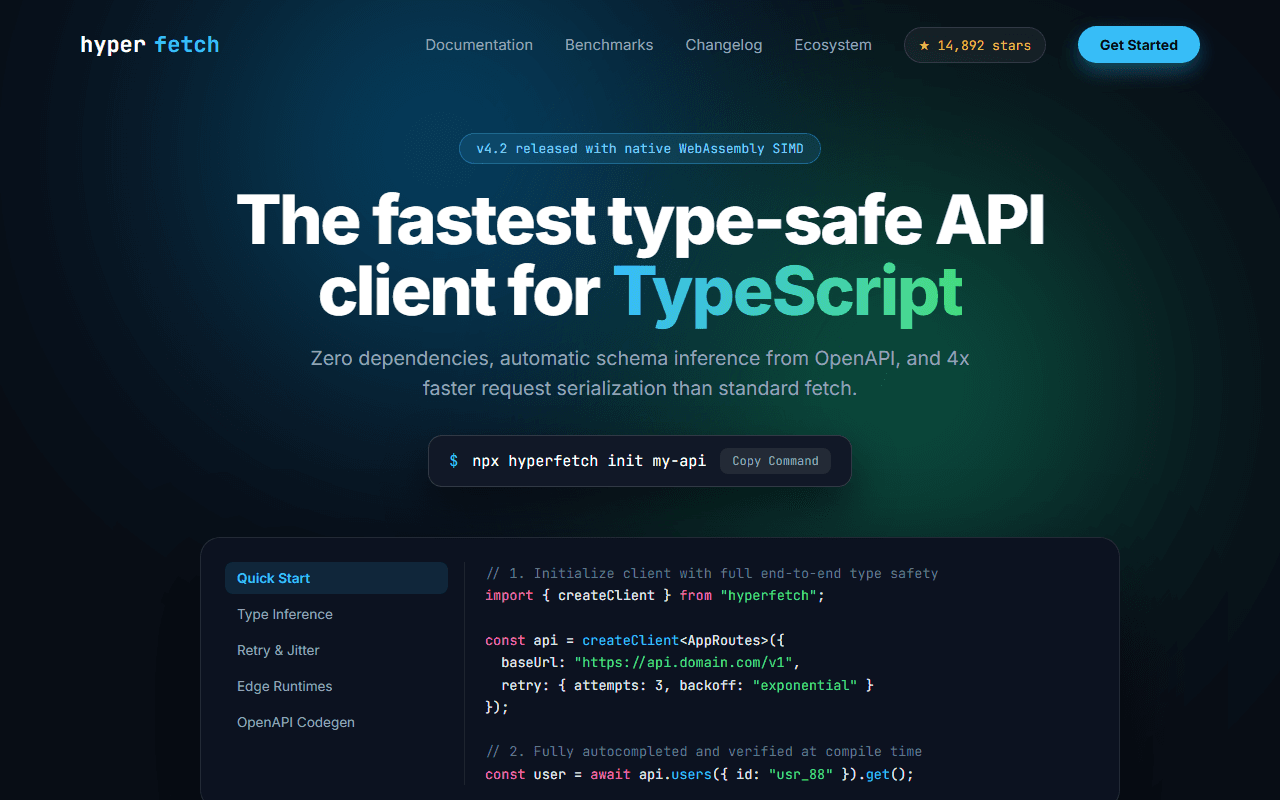
Cybersecurity & Threat Detection
A mission-critical enterprise cybersecurity platform landing page featuring live threat telemetry, vulnerability scanner, and compliance seals.
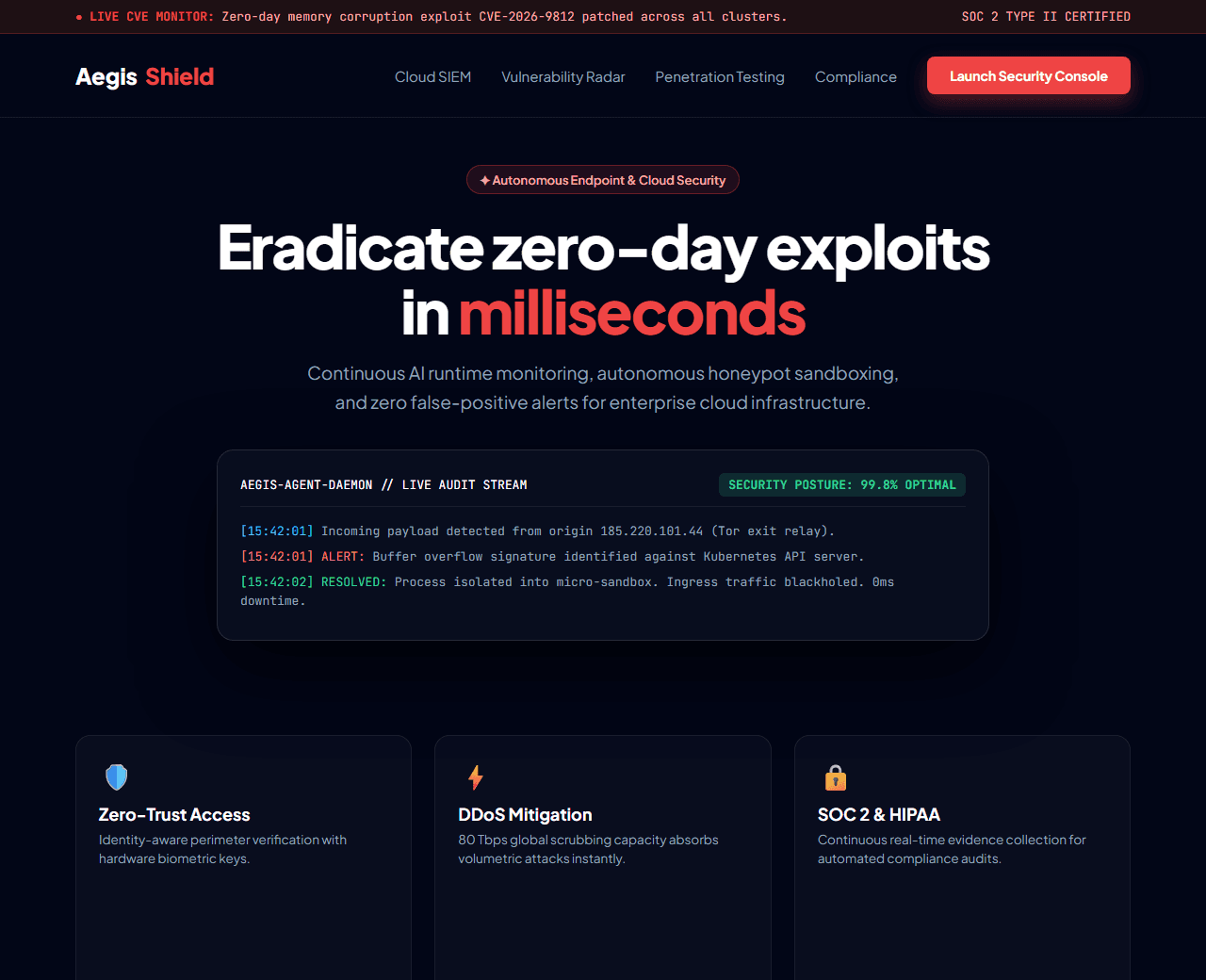
Example of the website this prompt builds. Your result will use your own name, text and images.
- Tech stack
- Next.js (App Router) + Tailwind CSS
- Colour palette
#020617#ffffff#ef4444#38bdf8
- What it builds
- Live zero-day CVE threat intelligence ticker
- Navbar with Breach Vulnerability scanner trigger
- Hero with live cyber threat telemetry visualizer
- Real-time global attack vector radar simulation
- Core defensive capabilities (Cloud EDR, Zero Trust Network, SIEM)
- Compliance audit certifications (SOC 2 Type II, ISO 27001, HIPAA)
- Interactive enterprise penetration testing cost calculator
- Chief Information Security Officer (CISO) case reviews
- 24/7 Incident Response emergency hotline card
- Footer with responsible disclosure policy
The prompt
Copy everything in the box. Text in quotes and the sample business details are meant to be replaced with your own.
Build a commanding, high-stakes enterprise cybersecurity landing page called "AegisShield Cyber Intelligence".

Tech stack: Next.js (App Router) with Tailwind CSS.

Visual style: SOC control room dark mode (#020617). Alert crimson (#ef4444) for threats, terminal cyan (#38bdf8) for telemetry, and emerald (#10b981) for neutralized status. Dark glass panels, grid line accents, and monospace CVE identifiers.

Sections, in order:
1. Threat Alert Ribbon: "LIVE TELEMETRY: 42,910 attack payloads neutralized in the last 60 minutes. Zero client breaches recorded."
2. Navbar: shield wordmark, links ("Solutions", "Threat Radar", "Compliance", "Pricing", "Emergency IR"), and "Launch Console" button.
3. Hero: split layout.
   - Left side: badge "✦ Autonomous Threat Neutralization", headline "Detect, isolate, and eradicate zero-day exploits in milliseconds", paragraph explaining AI agentic honeypots and continuous runtime memory defense.
   - Right side: an interactive simulated terminal window displaying live log parsing, blocked IP origins, quarantined payloads, and security posture score (99.8/100).
4. Attack Vectors Radar: 4 capability blocks: 1) AI-Driven Ransomware Quarantine, 2) Cloud Infrastructure Entitlement Management, 3) Supply Chain Dependency Auditing, 4) DDoS Mitigation with 80 Tbps scrubbing capacity.
5. Compliance & Trust Bar: badges for SOC 2 Type II Certified, FedRAMP High In-Process, ISO/IEC 27001, and HIPAA Enterprise.
6. Penetration Testing Rate Calculator: interactive slider for enterprise employee count (50 to 5,000) that computes vulnerability assessment scope and audit timeline.
7. Enterprise Case Studies: quotes from Fortune 500 CISOs praising automated incident triage and zero false-positive alerts.
8. 24/7 Emergency Incident Response: emergency consultation card with dedicated phone dispatch for active breaches.
9. Footer: security disclosure guidelines, bug bounty program link, and SOC status page.

Quality bar:
- Fully responsive: design mobile-first, then tablet (768px) and desktop (1200px).
- Accessible: semantic HTML landmarks, one h1, alt text on images, visible keyboard focus, colour contrast of at least 4.5:1 for body text.
- Fast: no heavy libraries, lazy-load images below the fold, system or two web fonts at most.
- Use placeholder images from a neutral source and realistic sample copy (no lorem ipsum).
- Respect prefers-reduced-motion for every animation.
- Keep the code clean and commented so I can edit it by hand.
How to use this prompt
- 1
Open an AI coding tool. Use any capable assistant: Claude, ChatGPT, Cursor, v0, Bolt, Gemini. Tools that can create files (Cursor, Claude Code, v0, Bolt) are the most convenient because they write the project for you.
- 2
Replace the sample details. Copy the prompt and change the business name, location, colours and any section you do not need. The more specific your details, the better the result.
- 3
Paste the prompt and generate. Send the whole prompt in one message. If the reply is cut off, say “continue from where you stopped”, or ask for one section at a time.
- 4
Run it on your computer. Create a project with “npx create-next-app@latest”, add the generated files, then run “npm run dev” and open http://localhost:3000.
- 5
Review and refine. Check it on a phone-width screen, fix anything that looks off by describing it in plain words, then use the follow-up prompts below to add features one at a time.
- 6
Replace placeholders and publish. Swap in your real text and images, then deploy. Vercel and Netlify both host this kind of site for free.
Follow-up prompts
Send these one at a time after the first version is working. Small, specific requests give much better results than one giant prompt.
Add interactive domain breach vulnerability scanner simulator.
Add live SVG world map showing simulated cyber threat origin vectors.
Add interactive compliance checklist download modal.
Add SecurityService Schema.org structured data.
Tips for a better result
- Use technical precision in security descriptions (CVE numbers, MITRE ATT&CK framework).
- Highlight speed of isolation (sub-second response) to prove technical superiority.
- Want to hand-build a section instead? The Templates library has heroes, pricing tables, FAQs and more with full code.