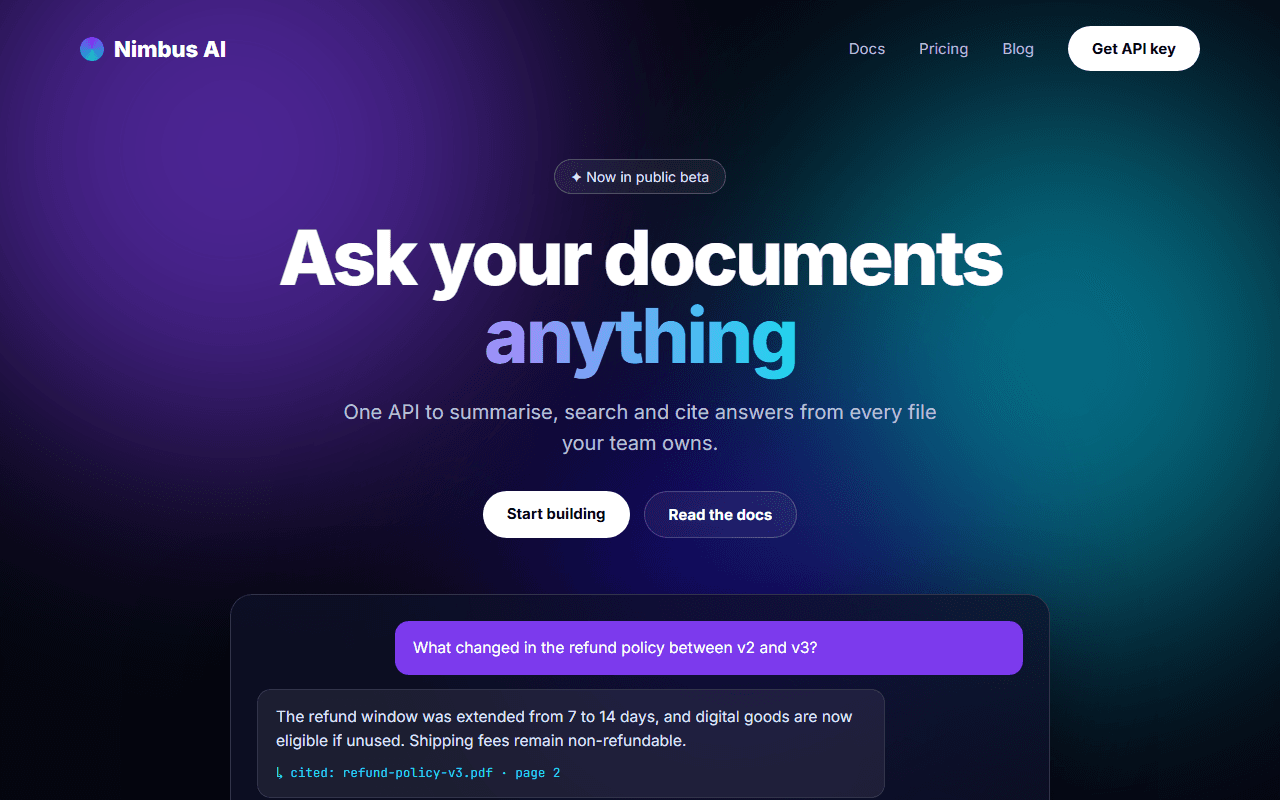
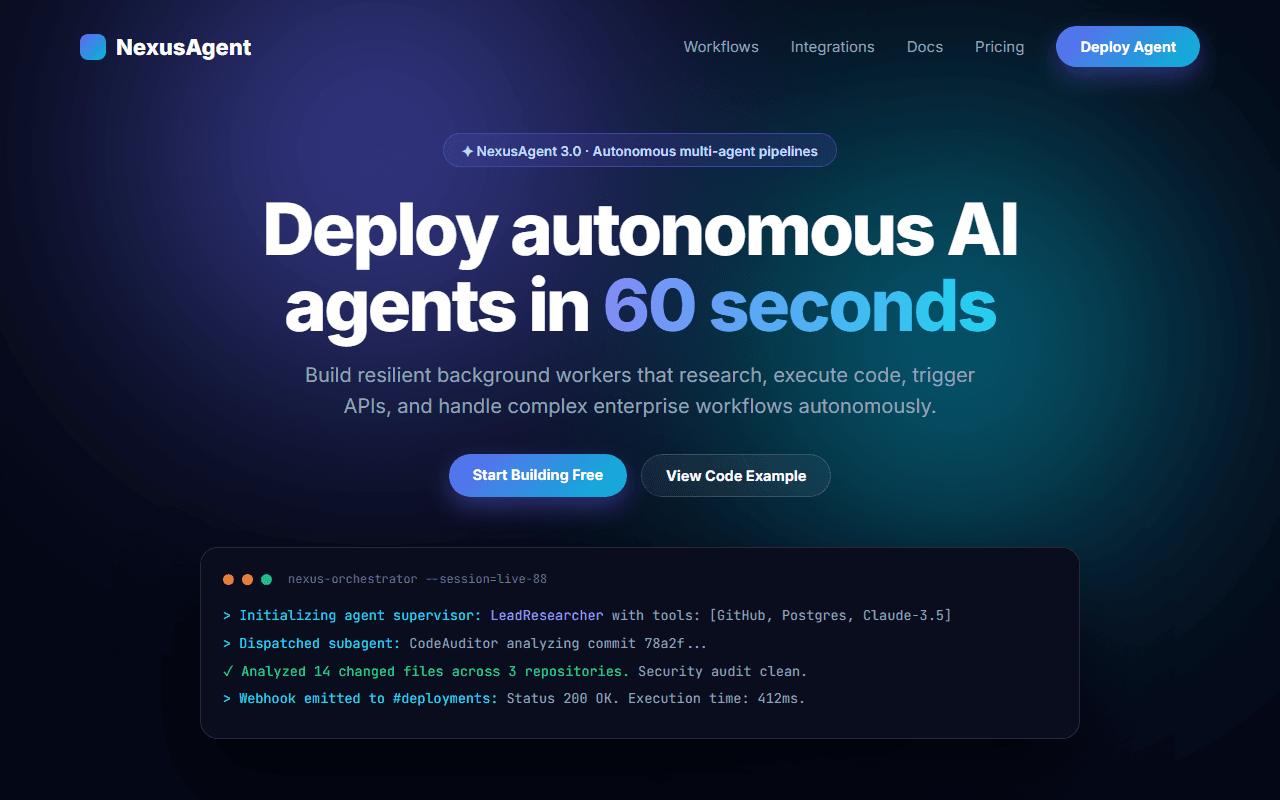
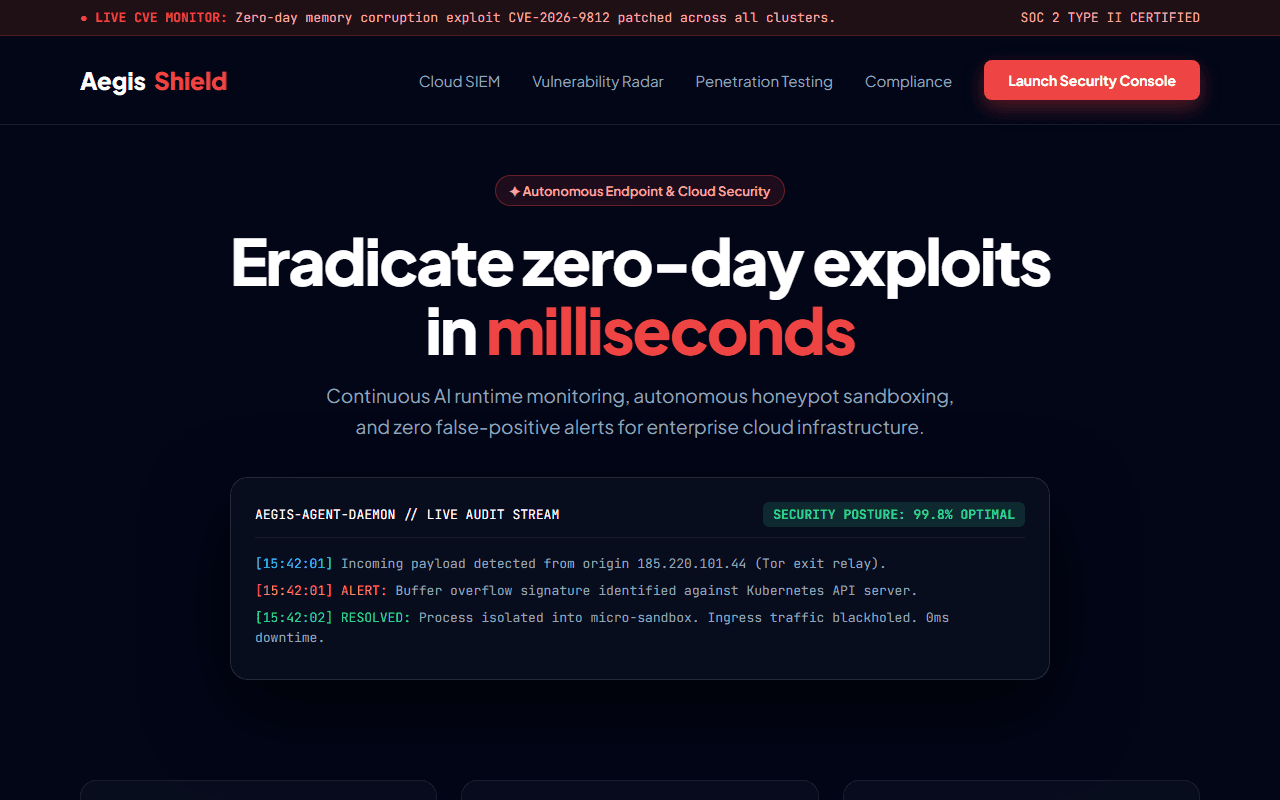
Developer Tool & Open-Source Docs
A high-conversion developer tool and CLI library landing page with copyable terminal install, benchmark charts, and split documentation preview.
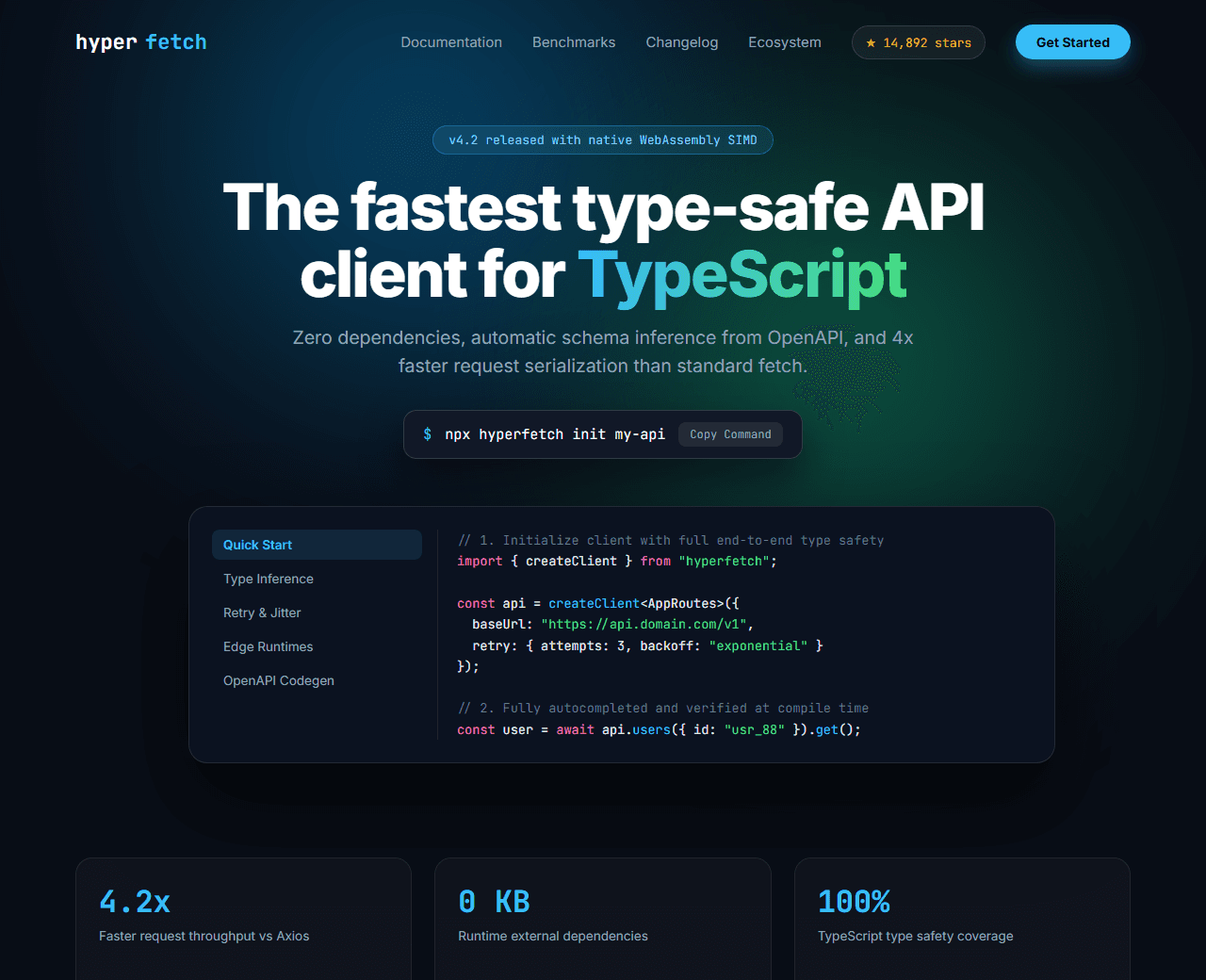
Example of the website this prompt builds. Your result will use your own name, text and images.
- Tech stack
- Next.js (App Router) + Tailwind CSS + Shiki
- Colour palette
#090d16#ffffff#38bdf8#4ade80
- What it builds
- Sticky navbar with GitHub stars & npm download count badges
- Hero with 1-click copyable terminal install command
- Benchmark performance chart comparison (ms vs memory)
- Bento feature matrix (Zero config, Type-safe, Sub-millisecond cold starts)
- Interactive dual-column documentation preview with tabbed code samples
- Ecosystem plugin and framework integration logos
- Sponsor tier cards and open-source contributor avatar wall
- Community Discord & GitHub Discussions CTA banner
- Footer with release changelog and license info
The prompt
Copy everything in the box. Text in quotes and the sample business details are meant to be replaced with your own.
Build a modern developer tool and open-source library landing page called "HyperFetch: Next-Gen Type-Safe API Client".

Tech stack: Next.js (App Router) with Tailwind CSS. Split modular component architecture. Syntax highlighted code blocks with Shiki styling.

Visual style: hacker-grade modern dark aesthetic (#090d16 background). Electric cyan (#38bdf8) and neon emerald (#4ade80) accents. Monospace typography for terminal lines and type definitions. Translucent borders with 1px border-white/10.

Sections, in order:
1. Navbar: logo with terminal prompt symbol, navigation ("Documentation", "Benchmarks", "Ecosystem", "Changelog"), real-time GitHub Star counter pill ("★ 14.8k"), and "Get Started" button.
2. Hero: centered layout.
   - Badge: "v4.2 released with native WebAssembly SIMD acceleration".
   - Headline: "The fastest type-safe API client for modern JavaScript".
   - Subtitle: "Zero dependencies, automatic schema inference from OpenAPI, and 4x faster request serialisation than standard fetch."
   - 1-Click Terminal Command Block: dark code snippet "npx hyperfetch init" with an instant copy button that toggles to "Copied!" with an animated green checkmark.
   - Dual CTAs: "Read Documentation →" and "Explore GitHub Repo".
3. Benchmark Performance Section: interactive bar chart comparing HyperFetch vs Axios vs Ky vs native Fetch across requests/sec and memory footprint.
4. Bento Capabilities: 4 cards highlighting: 1) End-to-end TypeScript autocomplete, 2) Automatic exponential retry with jitter, 3) Offline cache invalidation, 4) Edge runtime compatible (Cloudflare Workers, Vercel, Node).
5. Interactive Documentation Preview: split view with a sidebar navigation of guide topics on the left, and a tabbed code editor on the right (TypeScript, Next.js App Router, React Native) with copy button.
6. Community & Backers: logos of tech companies running HyperFetch in production, followed by an avatar grid of 150+ community contributors.
7. Final CTA: full-width dark banner inviting developers to join 8,000+ engineers in Discord.
8. Footer: Apache 2.0 license notice, security disclosure policy, and documentation version switcher.

Quality bar:
- Fully responsive: design mobile-first, then tablet (768px) and desktop (1200px).
- Accessible: semantic HTML landmarks, one h1, alt text on images, visible keyboard focus, colour contrast of at least 4.5:1 for body text.
- Fast: no heavy libraries, lazy-load images below the fold, system or two web fonts at most.
- Use placeholder images from a neutral source and realistic sample copy (no lorem ipsum).
- Respect prefers-reduced-motion for every animation.
- Keep the code clean and commented so I can edit it by hand.
How to use this prompt
- 1
Open an AI coding tool. Use any capable assistant: Claude, ChatGPT, Cursor, v0, Bolt, Gemini. Tools that can create files (Cursor, Claude Code, v0, Bolt) are the most convenient because they write the project for you.
- 2
Replace the sample details. Copy the prompt and change the business name, location, colours and any section you do not need. The more specific your details, the better the result.
- 3
Paste the prompt and generate. Send the whole prompt in one message. If the reply is cut off, say “continue from where you stopped”, or ask for one section at a time.
- 4
Run it on your computer. Create a project with “npx create-next-app@latest”, add the generated files, then run “npm run dev” and open http://localhost:3000.
- 5
Review and refine. Check it on a phone-width screen, fix anything that looks off by describing it in plain words, then use the follow-up prompts below to add features one at a time.
- 6
Replace placeholders and publish. Swap in your real text and images, then deploy. Vercel and Netlify both host this kind of site for free.
Follow-up prompts
Send these one at a time after the first version is working. Small, specific requests give much better results than one giant prompt.
Add an interactive sandbox where users can test an API request live in the browser.
Add dynamic GitHub stars count fetching using the GitHub REST API.
Add interactive benchmark slider comparing payload sizes (1KB vs 50KB vs 1MB).
Implement a search bar for documentation using Cmd+K shortcut.
Tips for a better result
- Include realistic TypeScript interfaces with generics in sample code blocks.
- Keep terminal commands copyable in 1 click without selecting the leading dollar sign.
- Want to hand-build a section instead? The Templates library has heroes, pricing tables, FAQs and more with full code.