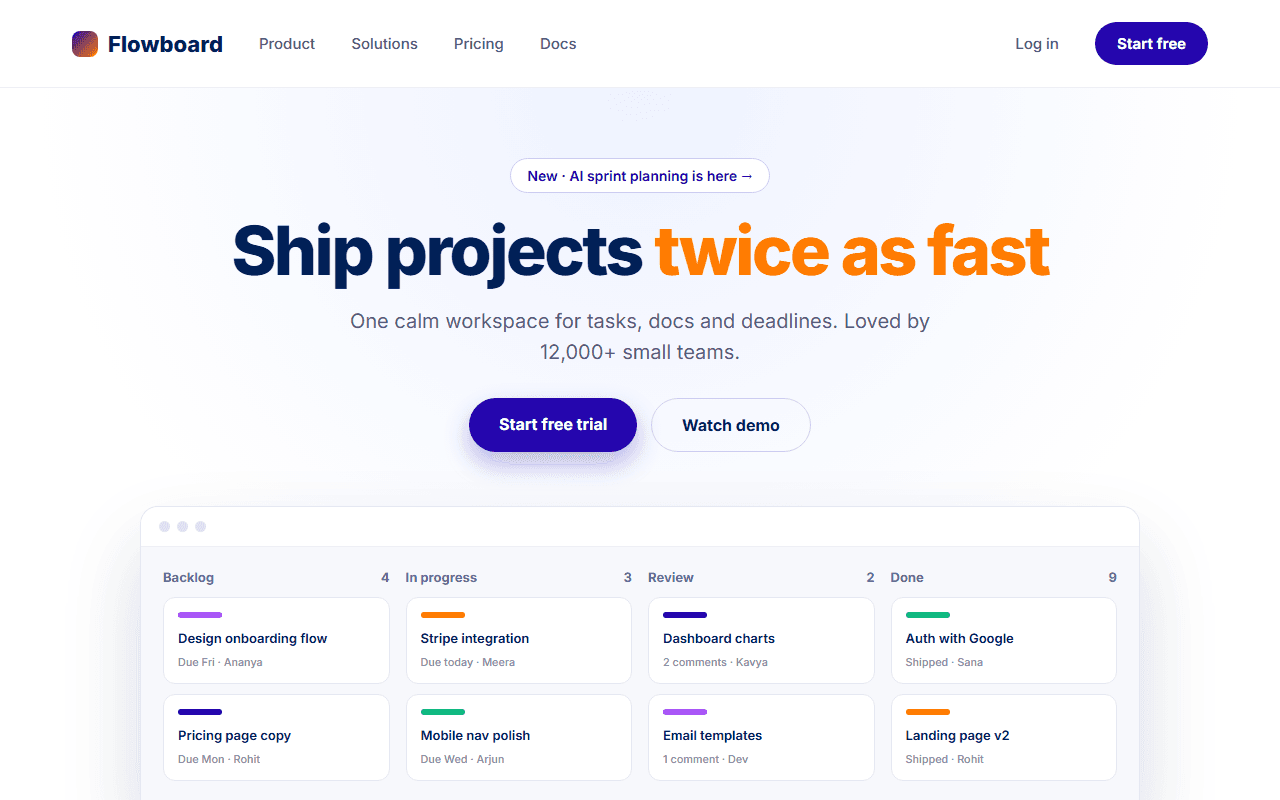
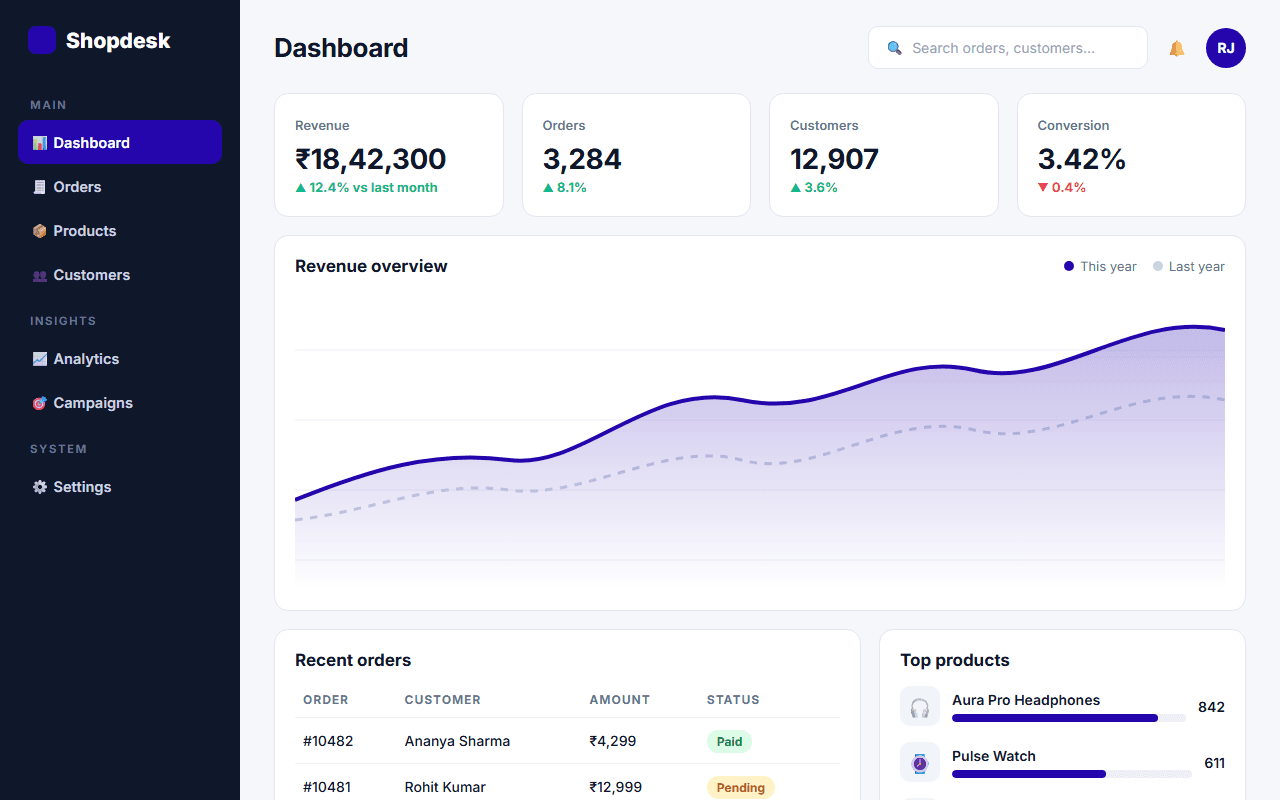
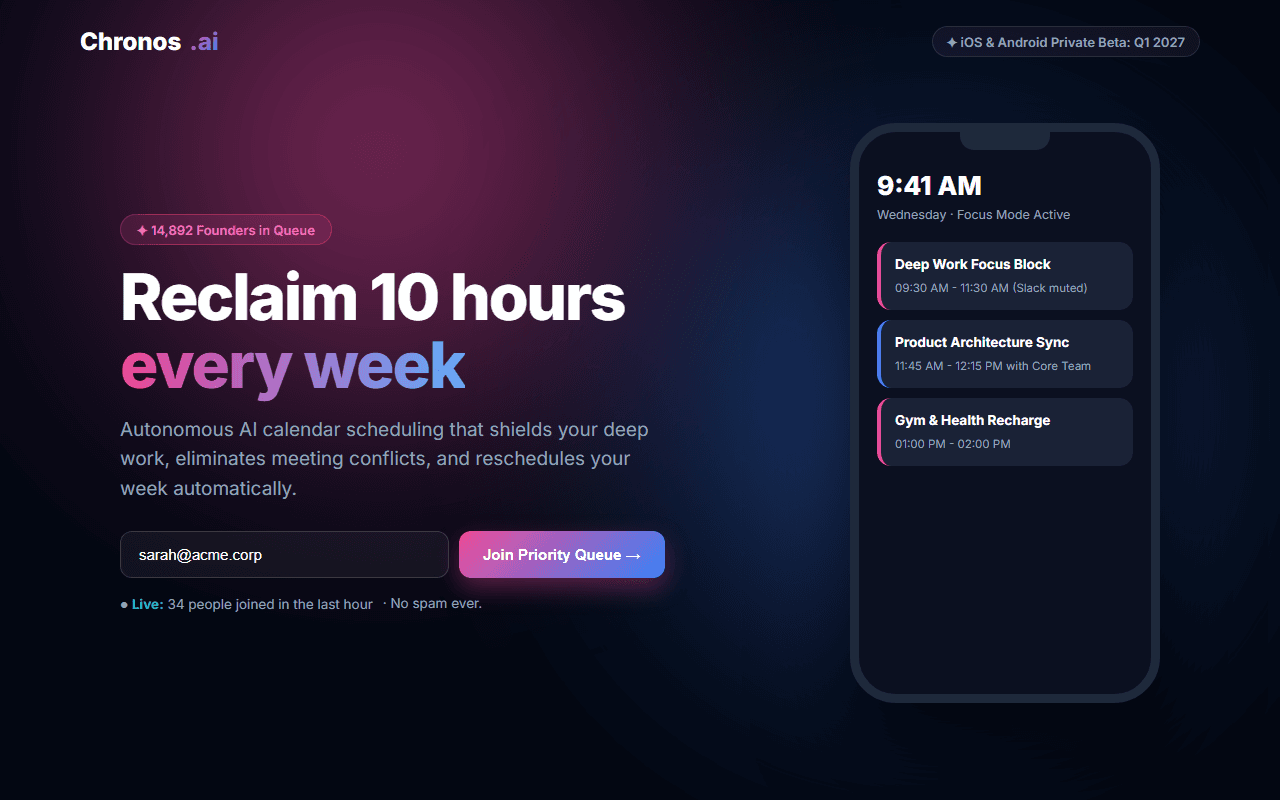
API Developer Documentation Hub
A developer-centric API documentation hub with interactive endpoint request testers, multi-language code snippets, and response status tabs.
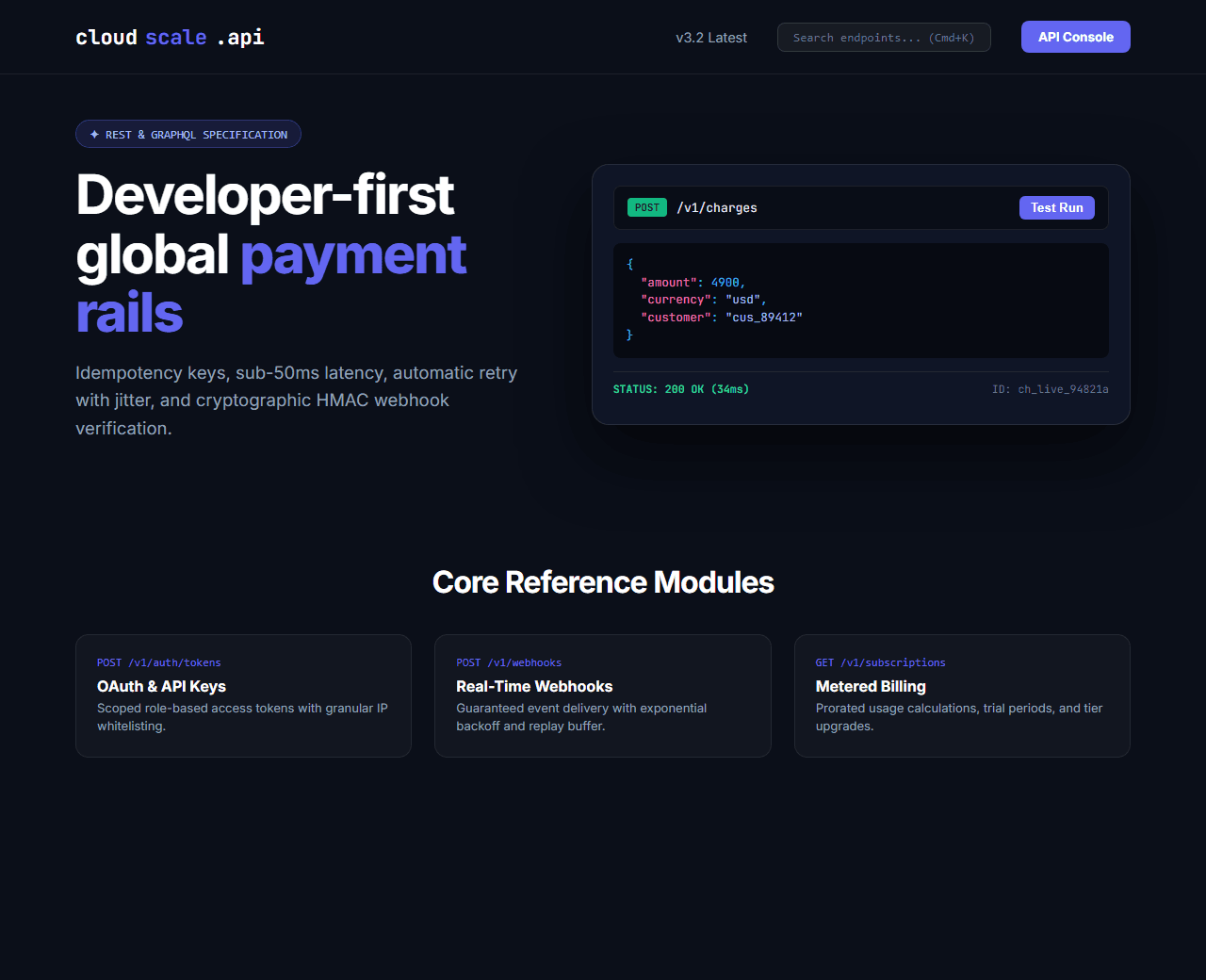
Example of the website this prompt builds. Your result will use your own name, text and images.
- Tech stack
- Next.js (App Router) + Tailwind CSS
- Colour palette
#0b0f19#ffffff#6366f1#10b981
- What it builds
- API version selector & global Cmd+K search bar
- Navbar with API Reference, SDKs, Console, and Status
- Hero with interactive REST endpoint tester playground
- Multi-language SDK code tabs (TypeScript, Python, Go, cURL)
- Comprehensive endpoint reference categories (Auth, Webhooks, Payments)
- Interactive response code switcher (200 OK, 400 Bad Request, 401 Unauthorized)
- Developer free sandbox sign-up CTA
- Rate limits, pagination guidelines, and webhook signature verification
- Footer with OpenAPI 3.1 JSON / YAML download link
The prompt
Copy everything in the box. Text in quotes and the sample business details are meant to be replaced with your own.
Build an interactive, modern API documentation hub and reference explorer called "CloudScale Payments API v3".

Tech stack: Next.js (App Router) with Tailwind CSS.

Visual style: Stripe/Stedi inspired developer dark mode (#0b0f19). Indigo (#6366f1) for active endpoints, emerald (#10b981) for 200 OK responses, and slate (#94a3b8) for parameters. Monospace code blocks with line numbering.

Sections, in order:
1. Navbar: logo with code brackets, version dropdown ("v3.2 Latest"), search bar ("Search endpoints... Cmd+K"), and "Developer Dashboard" button.
2. Hero: split layout.
   - Left side: badge "✦ REST & GraphQL API", headline "Unified global payment rails for developers", subtitle explaining 99.999% uptime, idempotency keys, and instant webhook delivery.
   - Right side: an interactive request/response explorer. Top: HTTP method badge (POST /v1/charges), URL, and Send Request button. Middle: JSON request payload editor. Bottom: JSON response preview with status 200 OK and response latency (38ms).
3. Multi-Language SDK Tabs: code block with tabs for cURL, Node.js (TypeScript), Python, and Go demonstrating how to create a charge in 5 lines of code with copy button.
4. Core API Endpoints: 4 category blocks: 1) Authentication & API Keys, 2) Charges & Payment Intents, 3) Webhooks & Event Streams, 4) Subscriptions & Metered Billing.
5. Interactive Response Status Codes: tabbed response viewer showing sample payloads for: 200 OK (Successful Transaction), 400 Bad Request (Invalid Currency), 401 Unauthorized (Expired Secret Key), and 429 Too Many Requests (Rate Limit Exceeded).
6. Webhook Security: visual guide on how to verify HMAC SHA-256 webhook signatures in backend code.
7. Developer Sandbox: card offering free test API keys with 10,000 simulated test transactions.
8. Footer: OpenAPI 3.1 specification download, Postman collection link, system status, and community forum.

Quality bar:
- Fully responsive: design mobile-first, then tablet (768px) and desktop (1200px).
- Accessible: semantic HTML landmarks, one h1, alt text on images, visible keyboard focus, colour contrast of at least 4.5:1 for body text.
- Fast: no heavy libraries, lazy-load images below the fold, system or two web fonts at most.
- Use placeholder images from a neutral source and realistic sample copy (no lorem ipsum).
- Respect prefers-reduced-motion for every animation.
- Keep the code clean and commented so I can edit it by hand.
How to use this prompt
- 1
Open an AI coding tool. Use any capable assistant: Claude, ChatGPT, Cursor, v0, Bolt, Gemini. Tools that can create files (Cursor, Claude Code, v0, Bolt) are the most convenient because they write the project for you.
- 2
Replace the sample details. Copy the prompt and change the business name, location, colours and any section you do not need. The more specific your details, the better the result.
- 3
Paste the prompt and generate. Send the whole prompt in one message. If the reply is cut off, say “continue from where you stopped”, or ask for one section at a time.
- 4
Run it on your computer. Create a project with “npx create-next-app@latest”, add the generated files, then run “npm run dev” and open http://localhost:3000.
- 5
Review and refine. Check it on a phone-width screen, fix anything that looks off by describing it in plain words, then use the follow-up prompts below to add features one at a time.
- 6
Replace placeholders and publish. Swap in your real text and images, then deploy. Vercel and Netlify both host this kind of site for free.
Follow-up prompts
Send these one at a time after the first version is working. Small, specific requests give much better results than one giant prompt.
Add interactive API console where users can simulate API calls with mock responses.
Add dynamic response tab switcher between 200, 400, and 401 codes.
Add automatic curl command generator based on form inputs.
Add TechArticle and APIReference Schema.org structured data.
Tips for a better result
- Include realistic JSON payloads with standard timestamps, UUIDs, and currency fields.
- Keep HTTP method badges color-coded: POST in green/blue, GET in blue, DELETE in red.
- Want to hand-build a section instead? The Templates library has heroes, pricing tables, FAQs and more with full code.